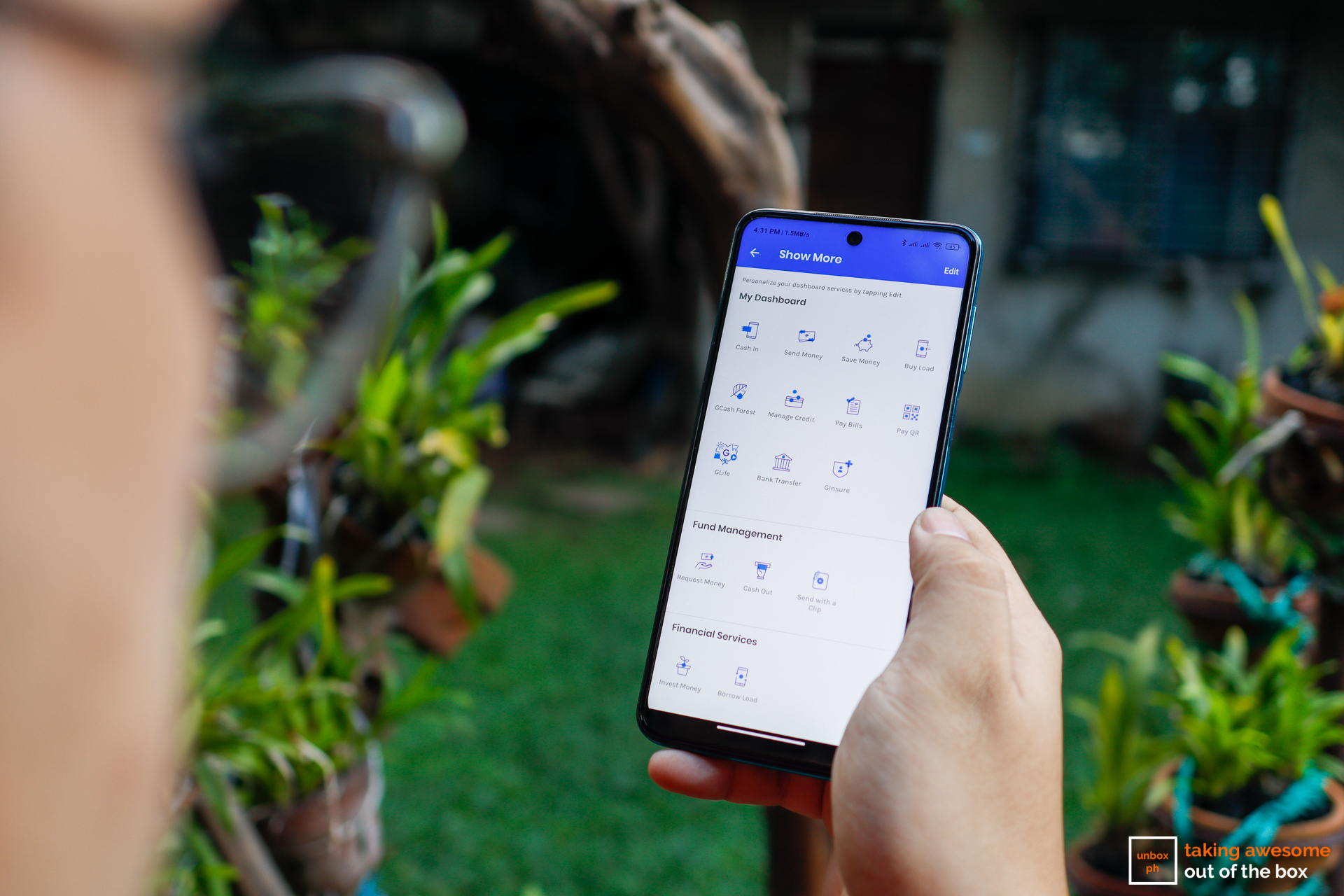
One of the latest features that GCash unveiled is Virtual US Account, which aims to help Filipino freelancers with gigs in the US get their income abroad with minimal fees and better convenience.
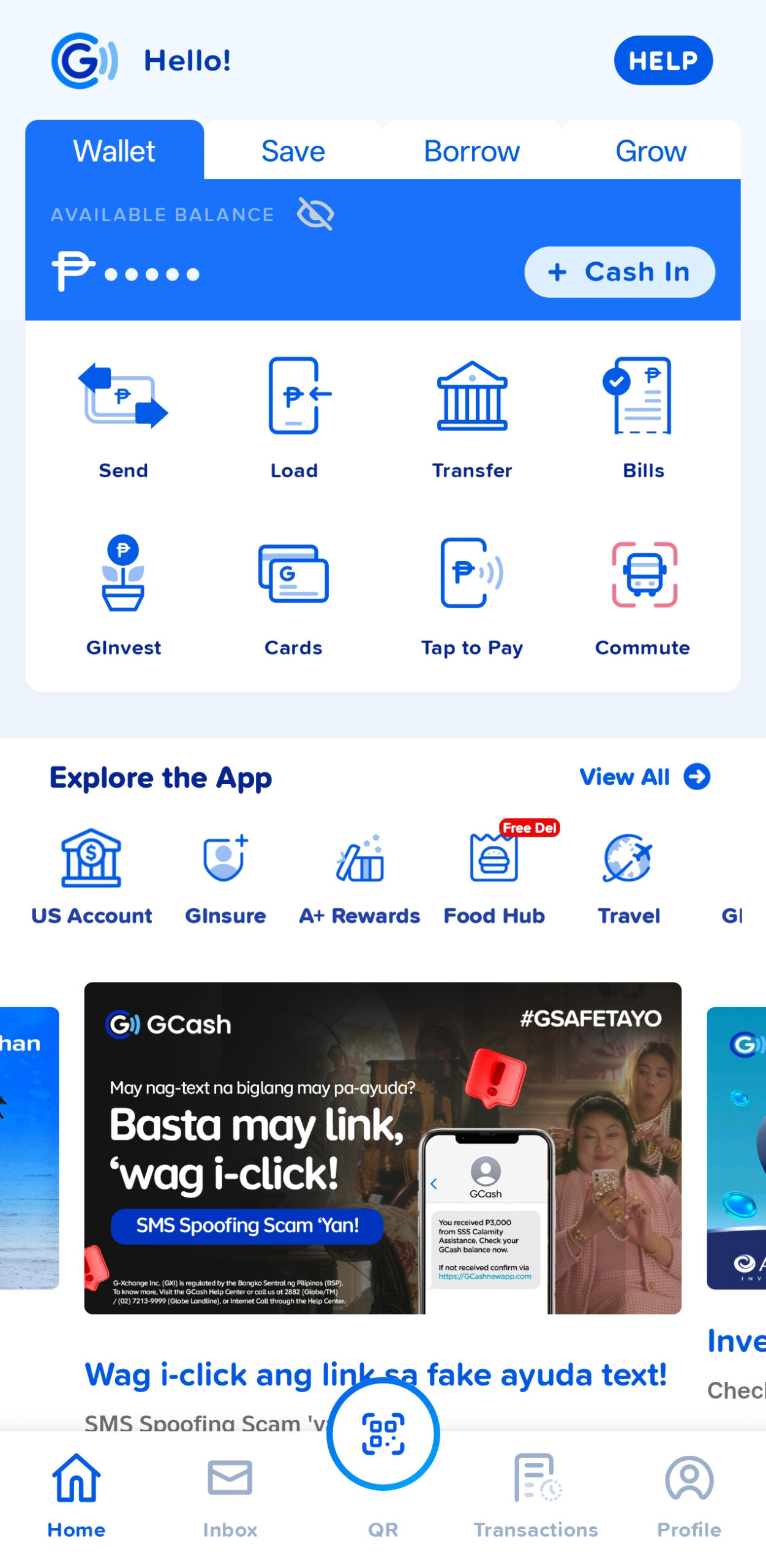
GCash claims that it’s easy to open a Virtual US Account, so we tried it ourselves to see how smooth the process is.
How to open a GCash Virtual US Account:
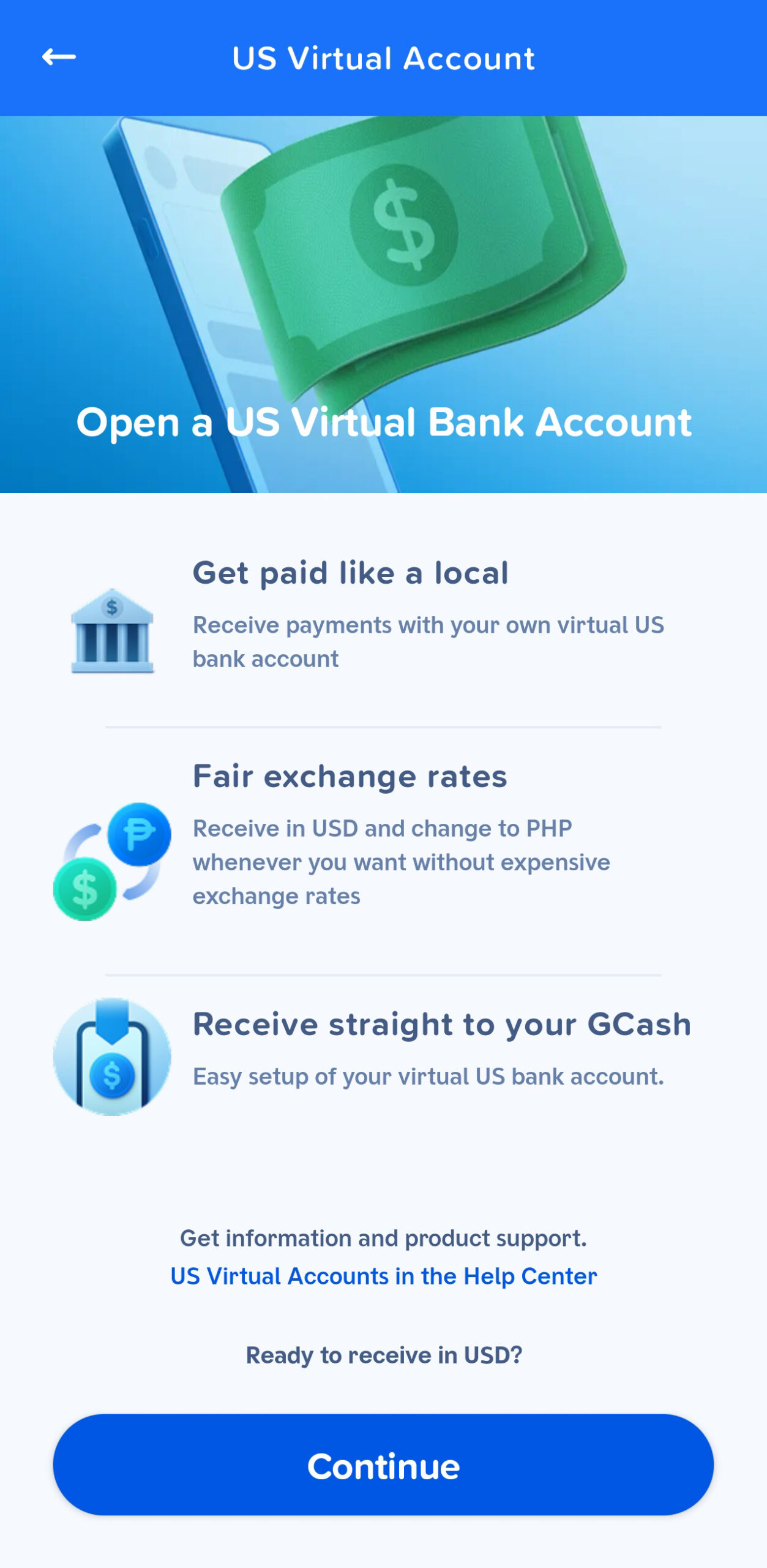
- Tap on the US Account screen on the home screen. This will bring you to a page where it details the benefits it offers.
- Accept permissions for Meridian to use your GCash information. Before you reach this step, you need your GCash account to be verified. Meridian will need your key information like your GCash number, birthday, submitted ID, and address.
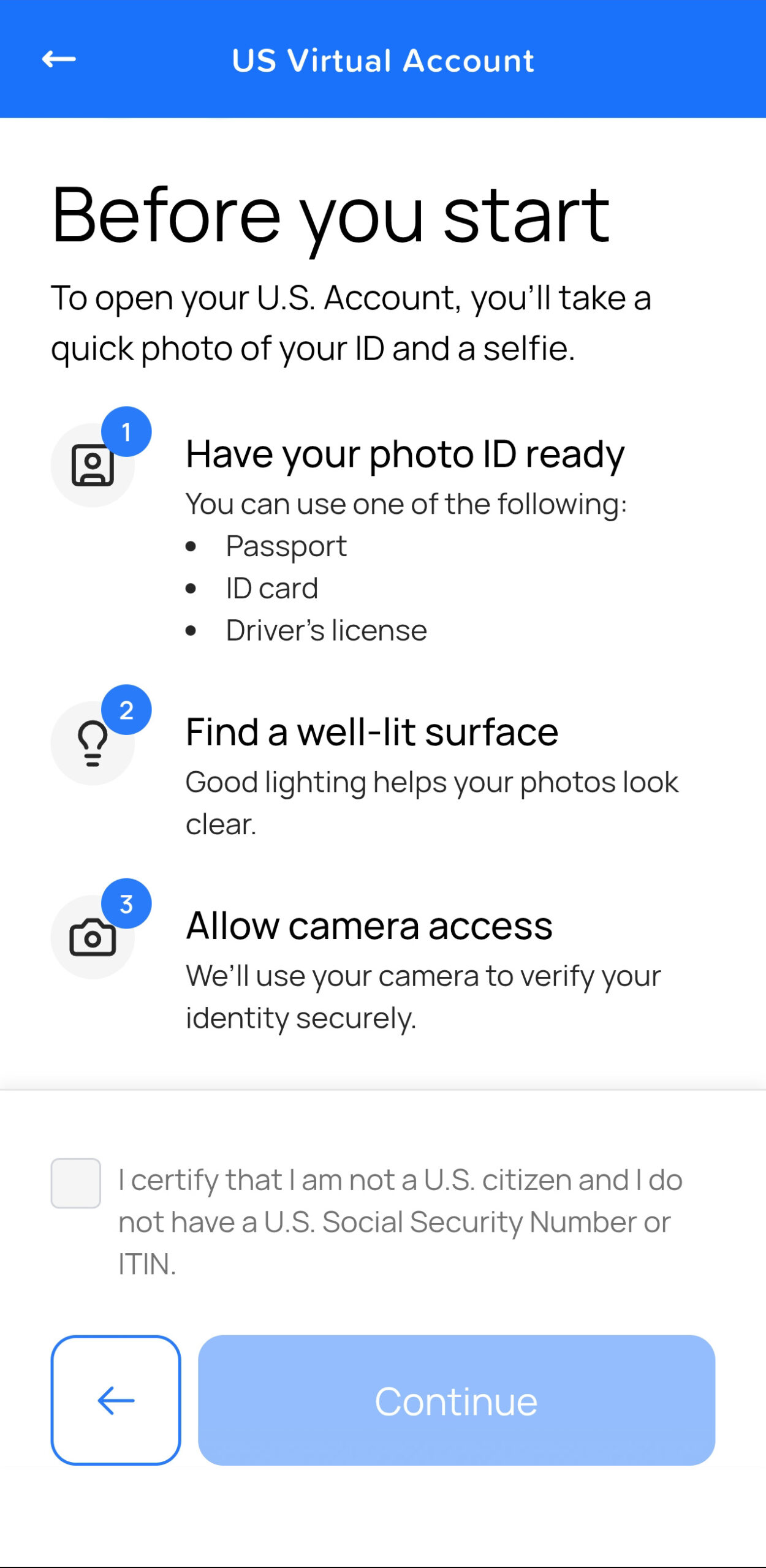
- Prepare for the KYC process. Meridian will verify your GCash info by submitting a valid ID (Passport, National ID, Driver’s License), along with a live selfie.
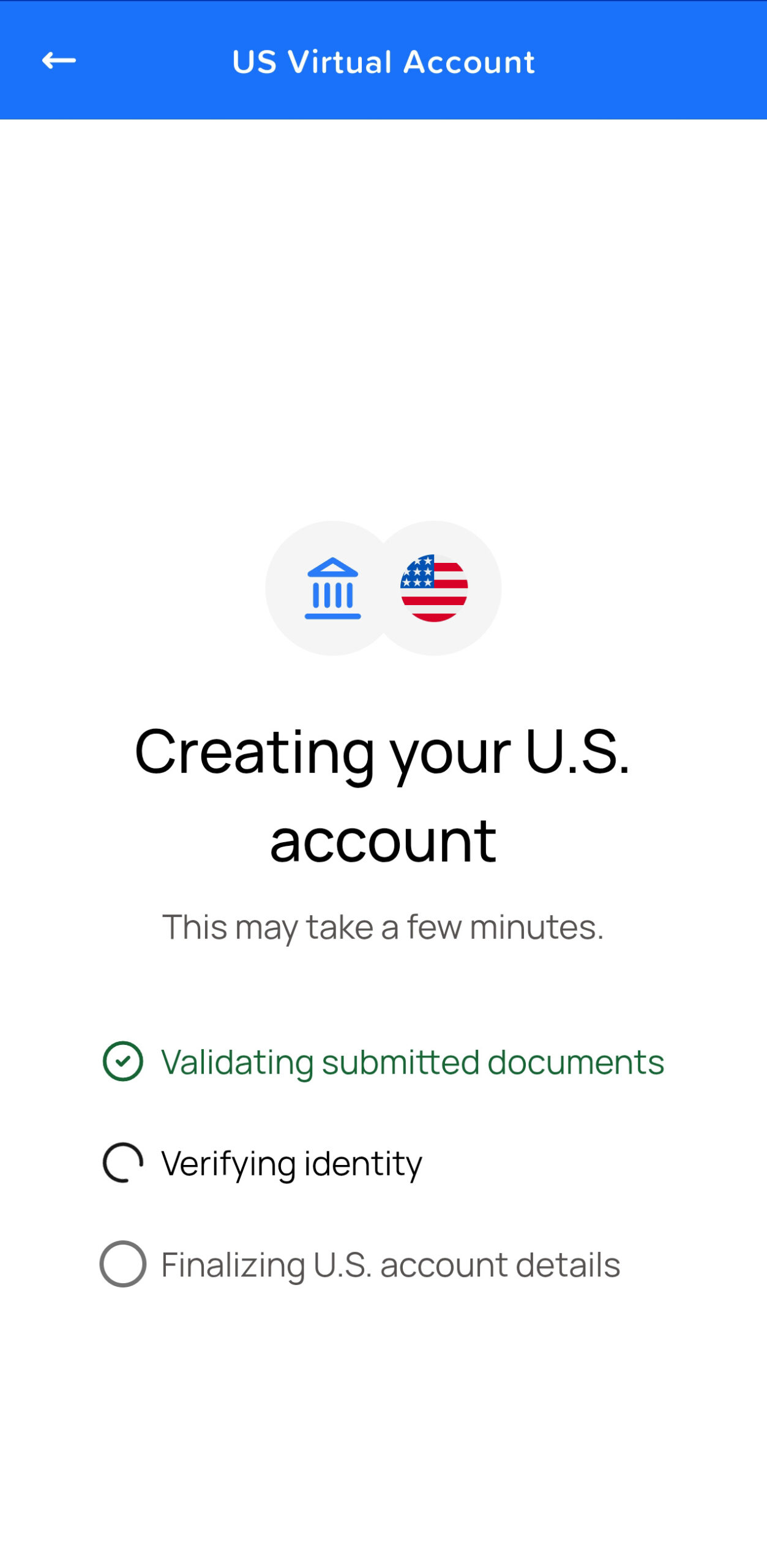
- Wait for the creation of your US account. Once Meridian completes the KYC process, it will take around 2 minutes for the creation of your US.
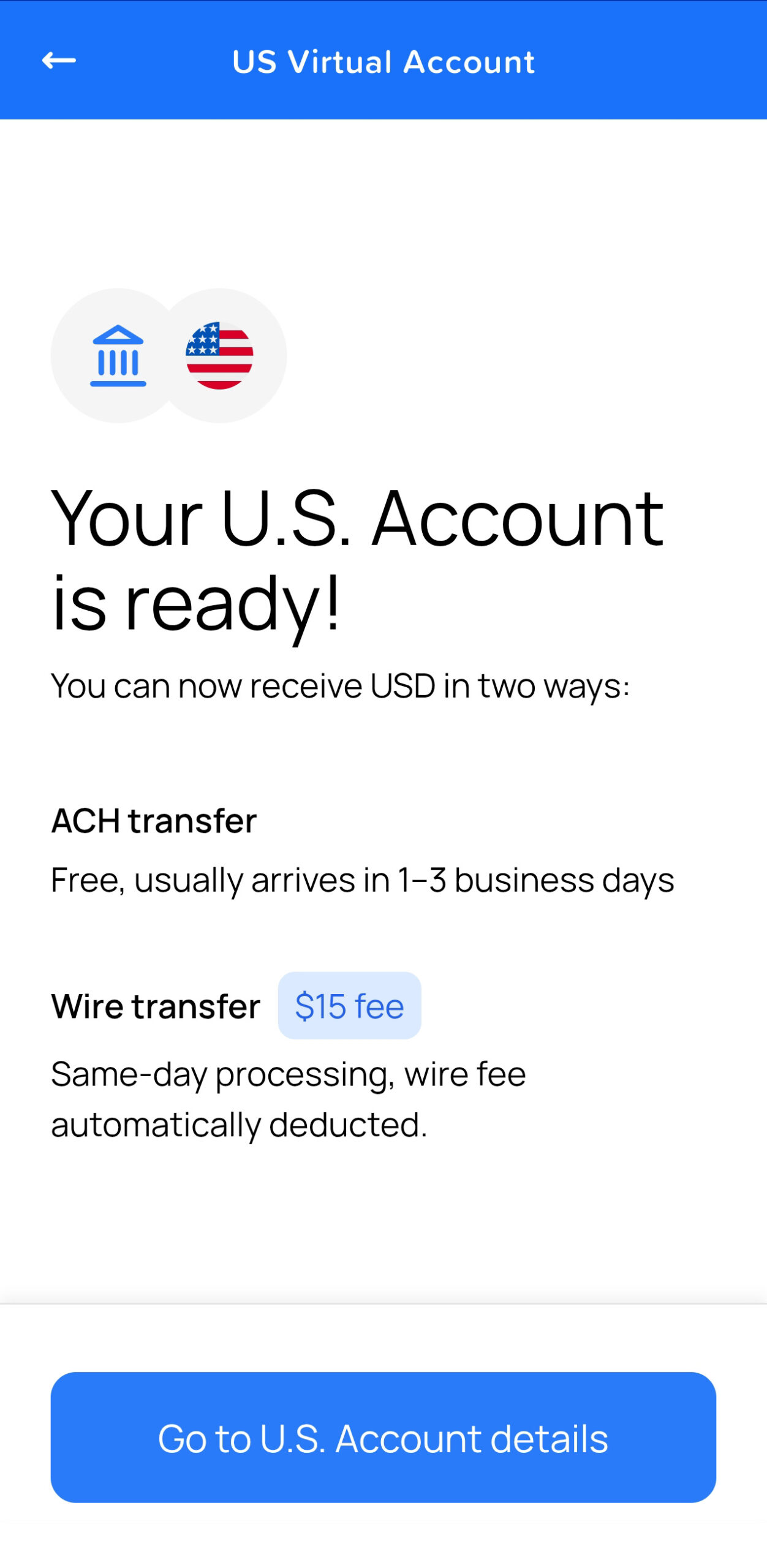
- Your US account is ready. You’ll receive a confirmation that your US account has been created, with two ways to receive money: ACH is free of charge and takes 1-3 business days to receive, while Wire Transfer does same-day processing—but you pay a fee of $15.
- Check your US account details. What Meridian does is it assigns you a US bank with a routing number and your own US account number, which you will give in order to receive money from the US.
That’s how simple it is to open a Virtual US Account with GCash. With our experience, it took us around 5 minutes, proving GCash’s claims that the set-up process is hassle free.