

The LTO recently announced that you can present an electronic copy of your driver’s license in case you get flagged for a traffic violation. This means that you can drive your vehicle even if you leave your driver’s license at home provided that you have created an account and can access the Land Transportation Management System (LTMS) portal or the eGovPH App. Both methods require you to have an account, but the latter is more convenient since the eGovPH app can store other digital IDs like your National ID, PhilHealth ID, and SSS ID, and more.
If you want to add your driver’s license (or renew it) to the eGovPH app, here’s how to do it:
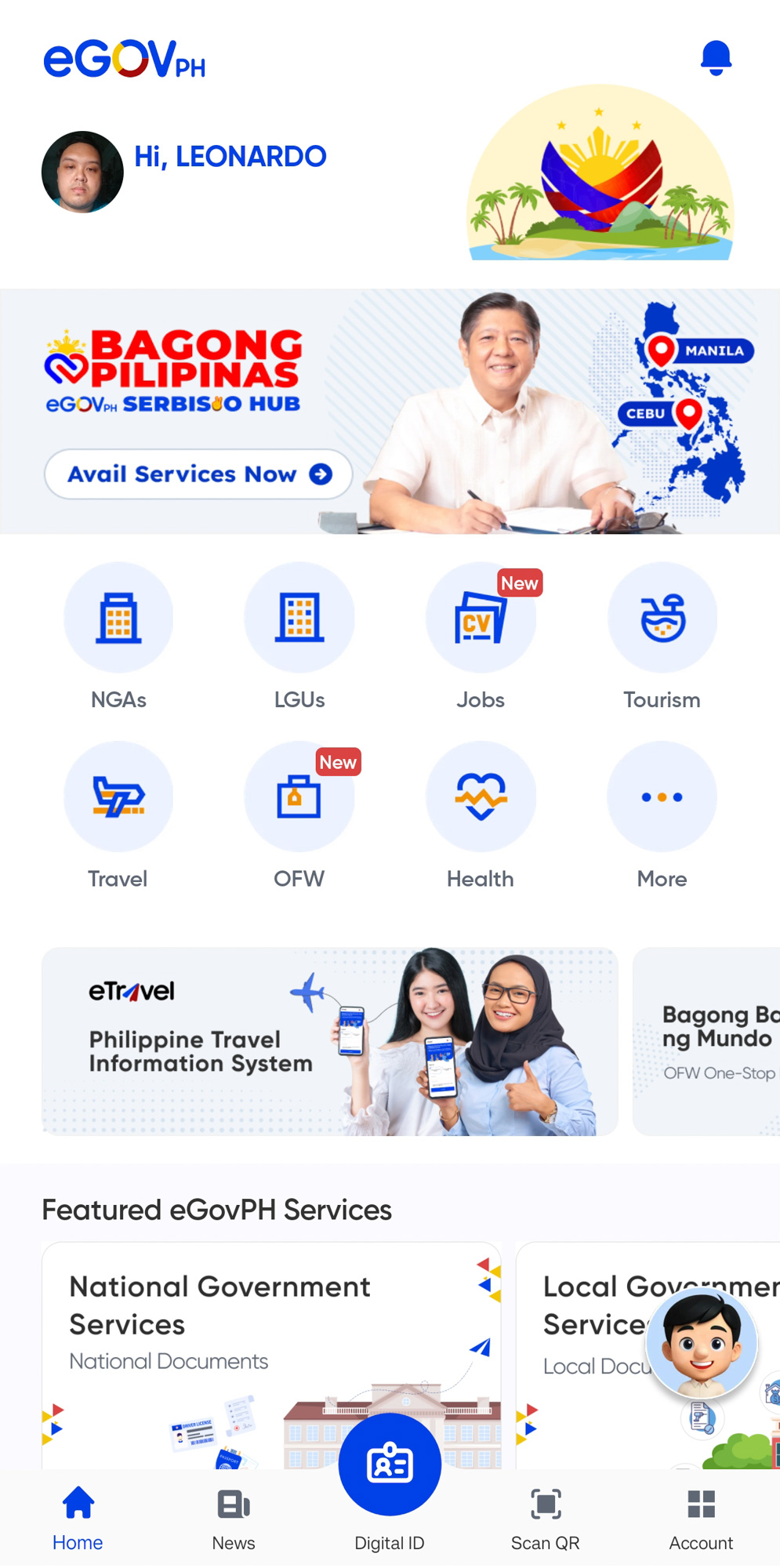
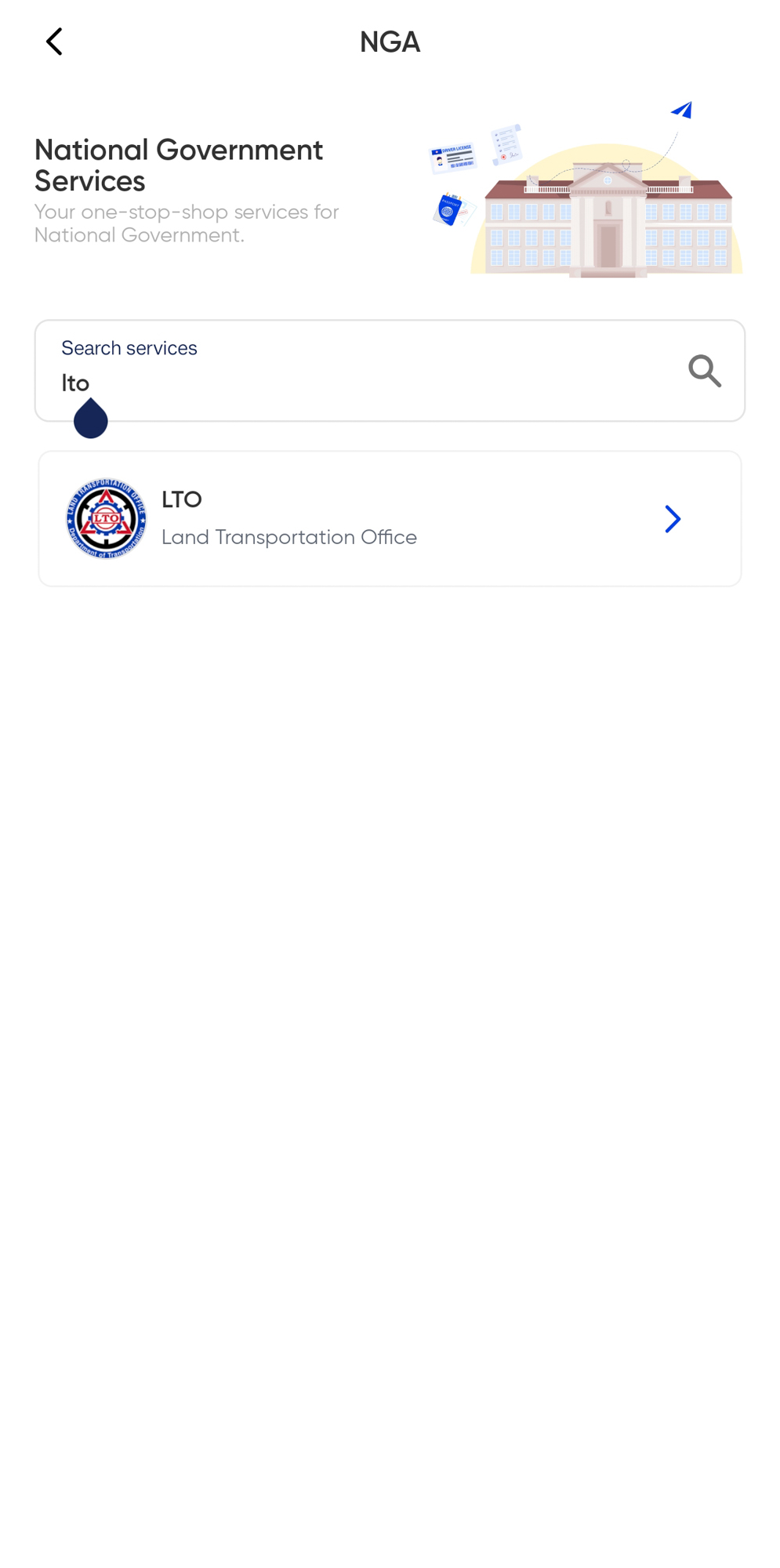
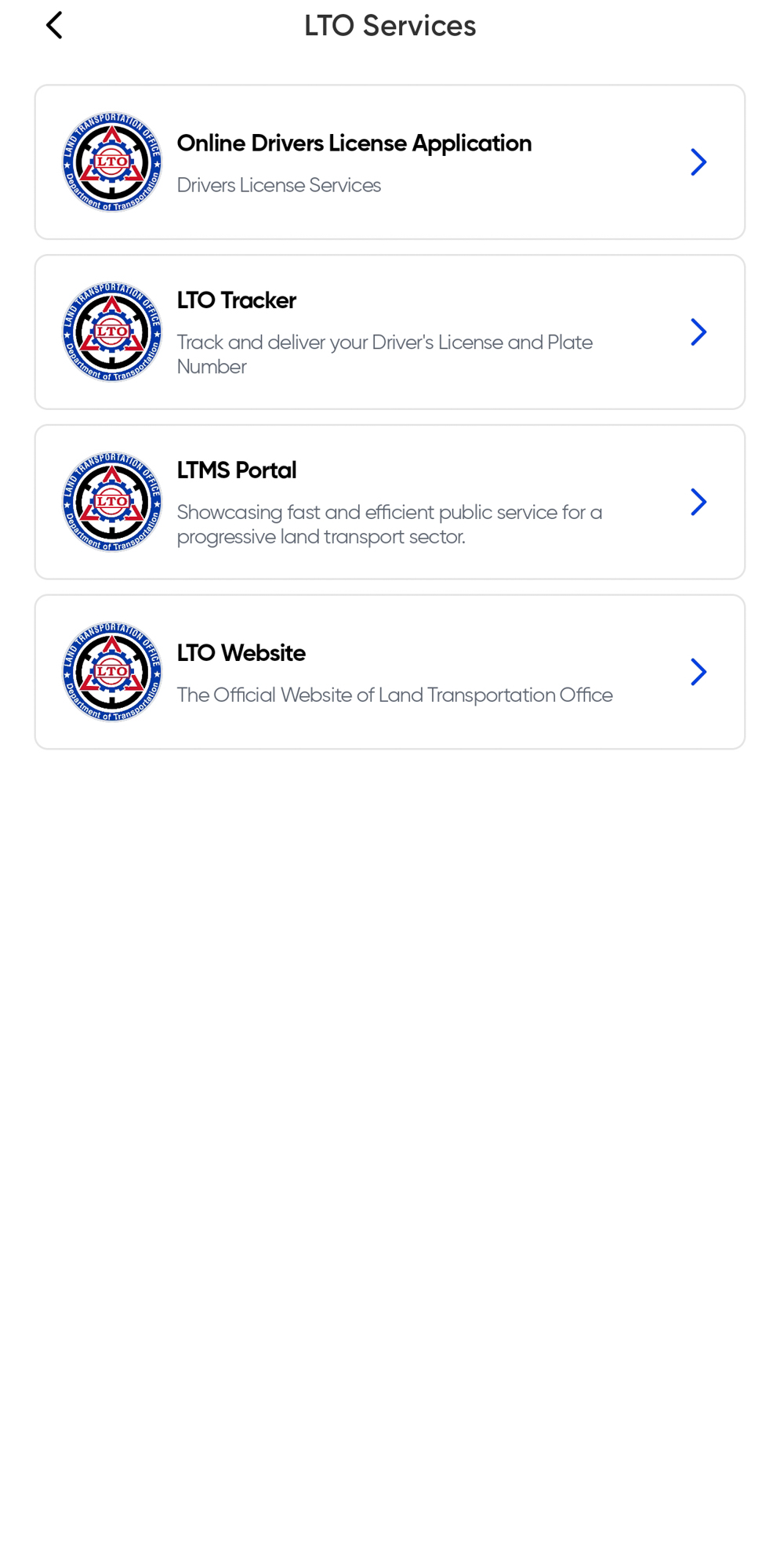
- Tap on NGAs, and search for LTO. You’ll have to search it through the NGAs section for LTO for now, though we hope the eGovPH app will add a dedicated shortcut on the homepage since we expect that most of its users will need this particular feature.
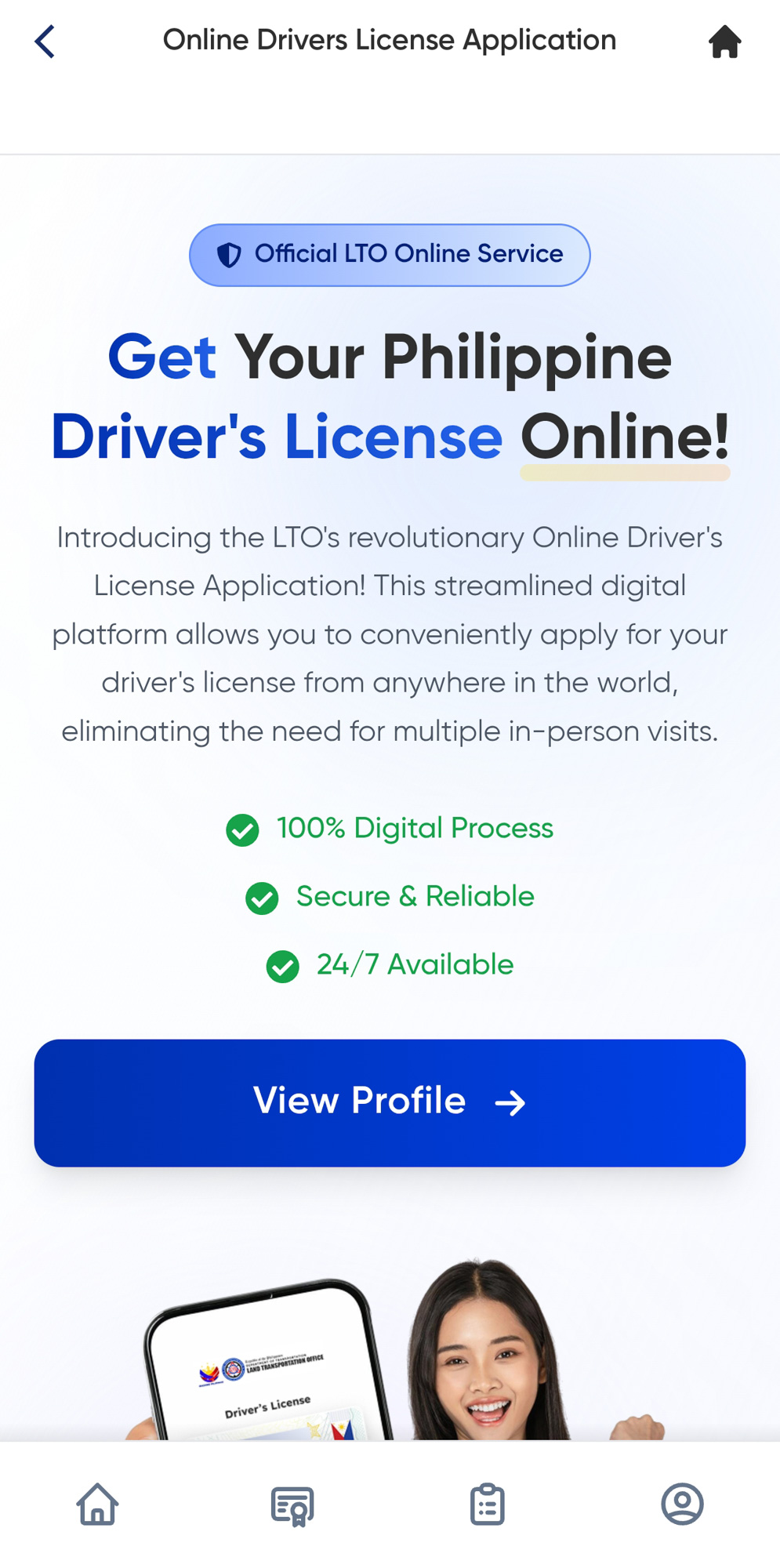
- Tap on Online driver’s license application. This button begins the process of either renewing your driver’s license or simply adding your current driver’s license to the eGovPH app.
- Tap on Renew Driver’s License and input your information. Aside from the information you have on your eGovPH app, you will need to submit a photo of the front and back of your driver’s license. Aside from that, you’ll need to submit an ID photo with a white background–it’s the same as the ID photo required for visa applications.
*The next few steps applies if you’re planning to renew your driver’s license:
- Complete requirements for renewal. You’ll need to complete the Online Driver’s Enhancement Program (DEP) within the LTO Portal and upload your Medical Certificate. The former takes around 5 hours to complete, while the latter requires you to visit an LTO-accredited clinic to get your Medical Certificate.
- Pay for the renewal. Once you’ve submitted the needed requirements, you can pay for the renewal of your driver’s license either via ewallet platforms like GCash and Maya or at your nearest LTO office. The renewal fee will cost you Php 585, and that gives you a driver’s license with a 10-year validity.
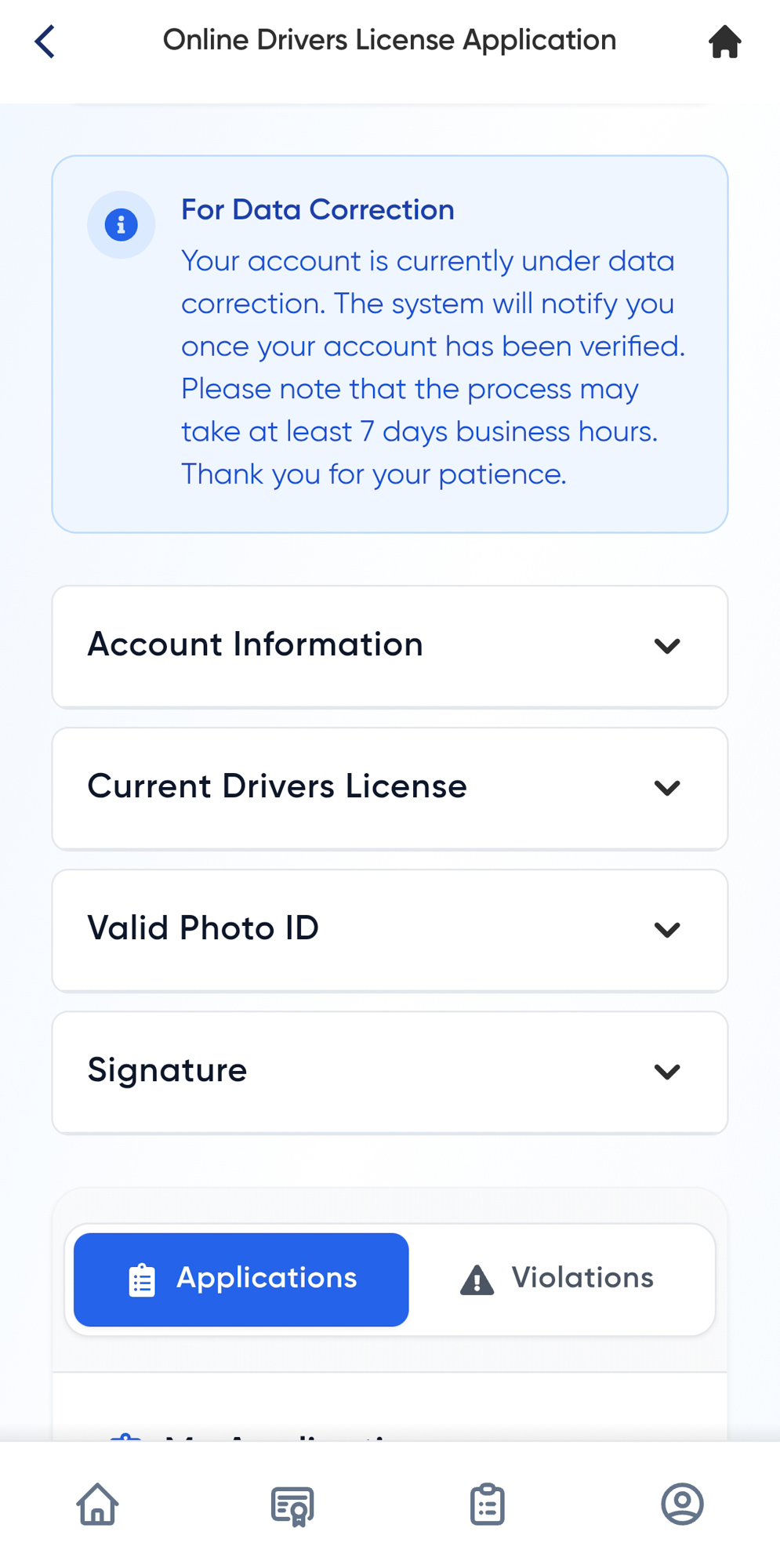
- Receive an acknowledgement, and wait for eGovPH to process your digital license. The eGovPH says that it takes around 7 business days to process the digital driver’s license to your account. The same applies if you’re renewing your driver’s license.
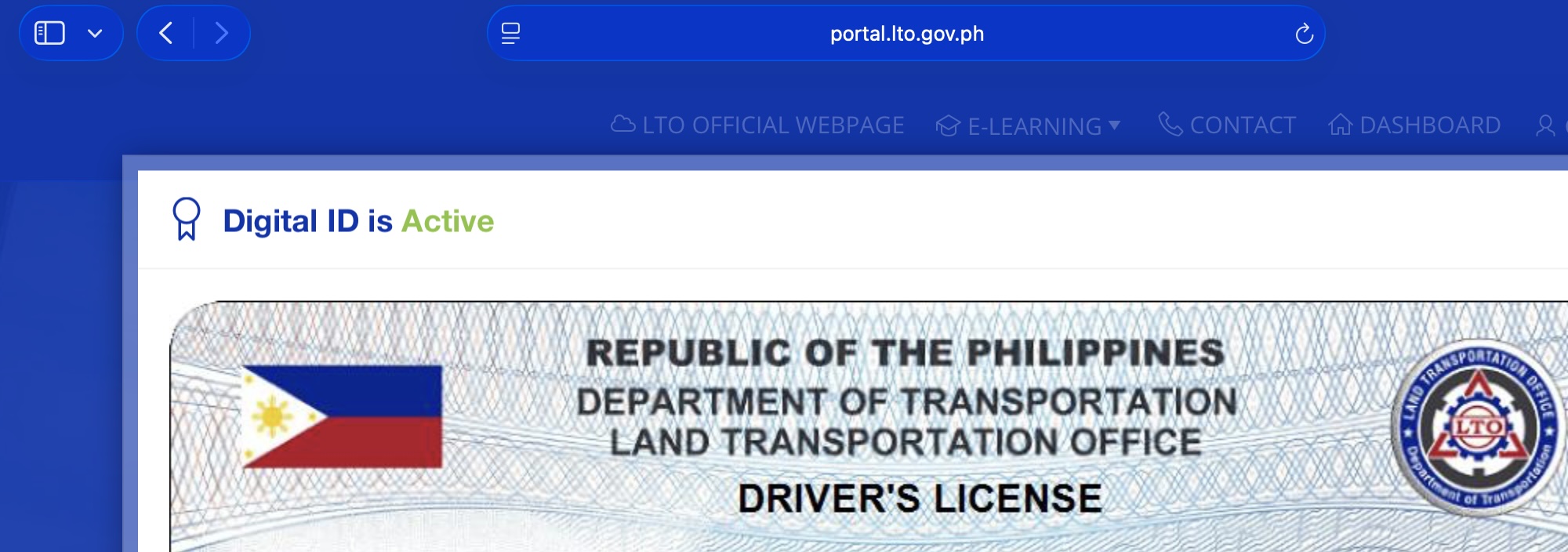
- Receive your digital driver’s license. Your eGovPH app should have your digital driver’s license under the Digital ID section together with your National ID and other registered IDs like your Philhealth ID. If it’s not there yet, you can access your digital driver’s license via the LTO LTMS Portal–do note that you need an active internet connection to access it.
That’s our guide on how you can renew (or add) your driver’s license through the eGovPH app. It’s not yet as smooth flowing as of writing, but we hope the government improves the whole process so that Filipinos can enjoy the convenience of having their driver’s license right at the comfort of their phones.











































1 Comment