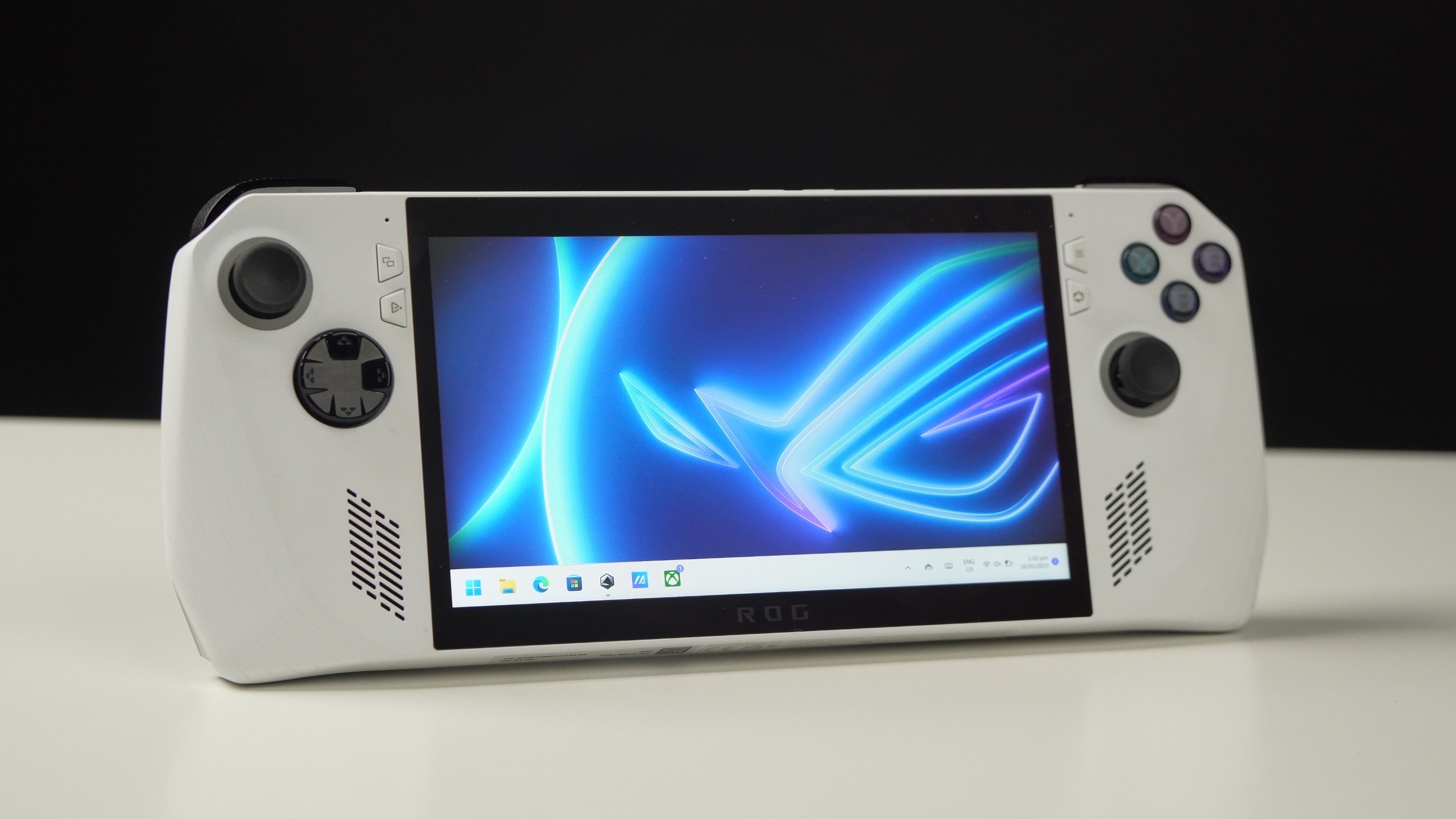
Gaming handhelds have surged in popularity in recent years. Aside from the typical design, where you have a video game console controller layout with a display, there are also those that cram a keyboard and D-pad instead. Acer had something else in mind: why not combine both a gaming handheld and a laptop into one device? That’s the idea behind Project DualPlay Mini.

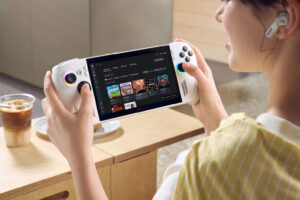
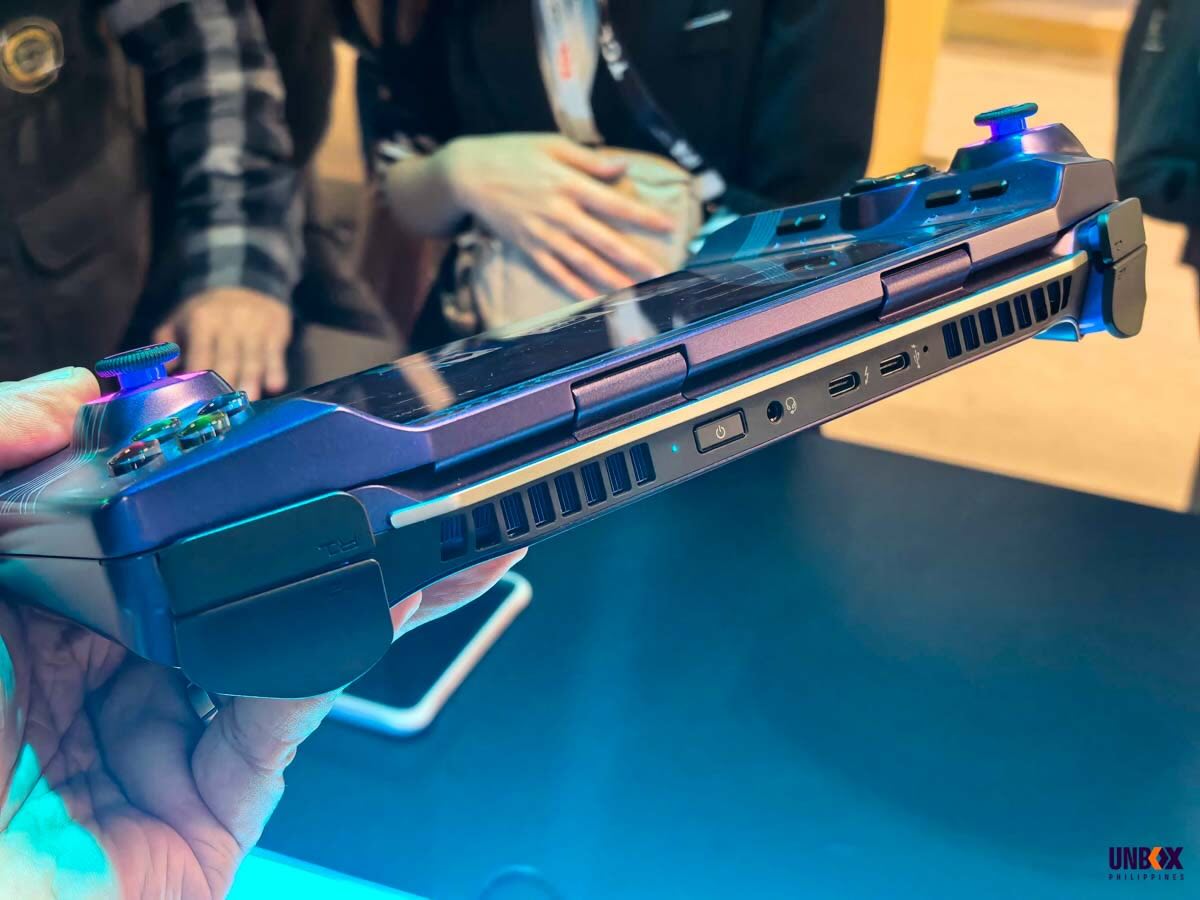
Upon initial look, the Project DualPlay Mini looks like your typical gaming handheld with an 8-inch display and an Xbox controller layout with TMR joysticks and Hall of Effect triggers. What makes it different is that it is thicker than your usual gaming handheld–and that there are visible hinges. That’s where the Project DualPlay Mini showcases its party trick.
You simply lift the lid, rotate the display inwards, and the Project DualPlay Mini shifts its UI from XBox Mode to Desktop Mode. Doing this also reveals the backlit keyboard, and this transformation makes the Project DualPlay Mini into a mini laptop with a full Windows 11 UI. Transforming it into a mini laptop also gives you front-facing speakers.
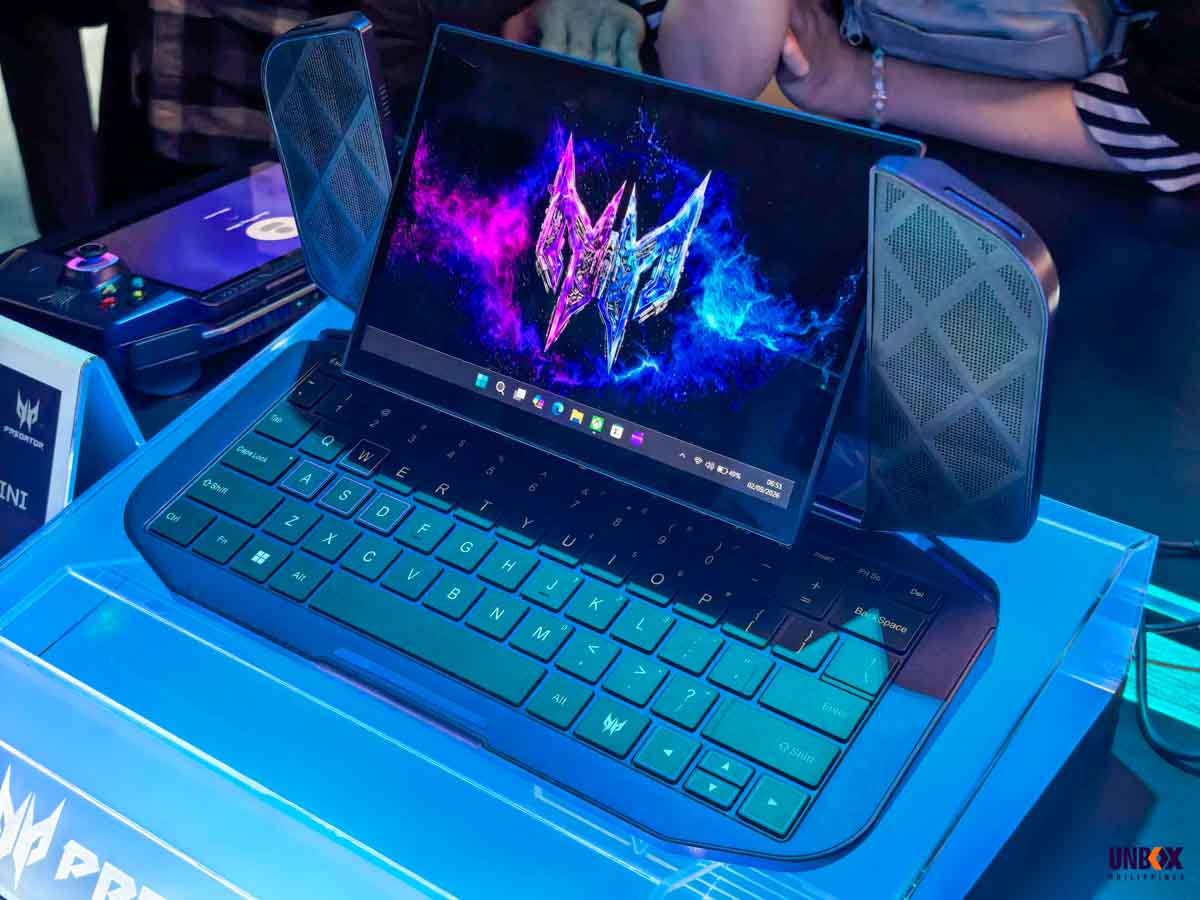
Unlike other gaming handhelds that tried to go for a similar approach, the keyboard on the Project DualPlay Mini is not as cramped with good keycap spacing. Acer’s execution is also better because you can tilt the display to an optimal angle with its two hinges.
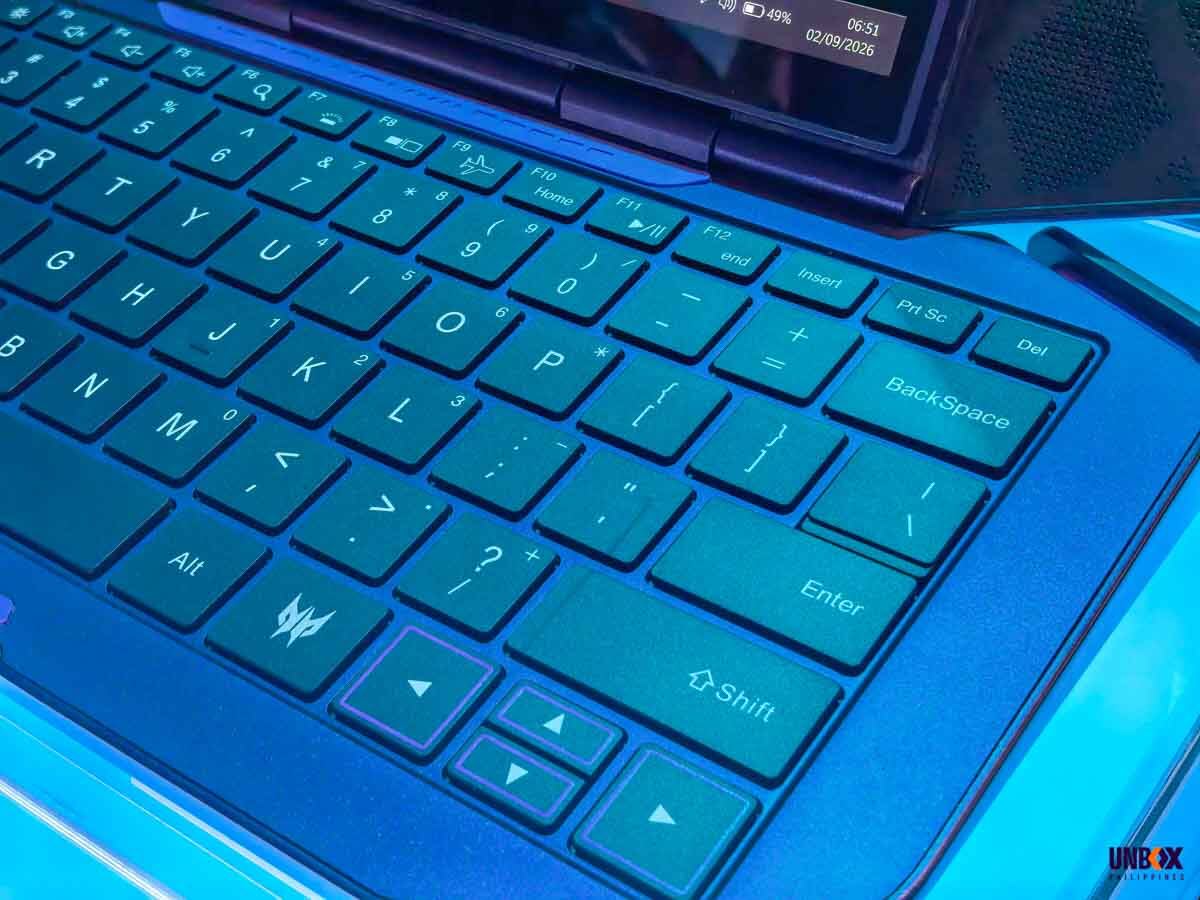
It’s an interesting concept, as some people would use their gaming handheld as a computer by connecting it to a monitor, keyboard, and mouse, and Acer’s approach takes it another step by giving you a fully adjustable display and an adequately-sized keyboard. Ideally, Project DualPlay Mini’s approach makes it a more usable productivity laptop if you’re on the go, saving you the need to bring separate devices for both work and play.

It’s also better in a sense because the size of the Project DualPlay Mini when it’s in laptop mode is roughly the same as netbooks from the 2000s. The only catch we see here so far is that while it’s a mini laptop with the keyboard, the Project DualPlay Mini needs an external mouse if you intend to play FPS or MoBA games in laptop mode and for general productivity. If the 8-inch screen is small, you can hook up the Project DualPlay Mini to a TV for a dual-screen setup.
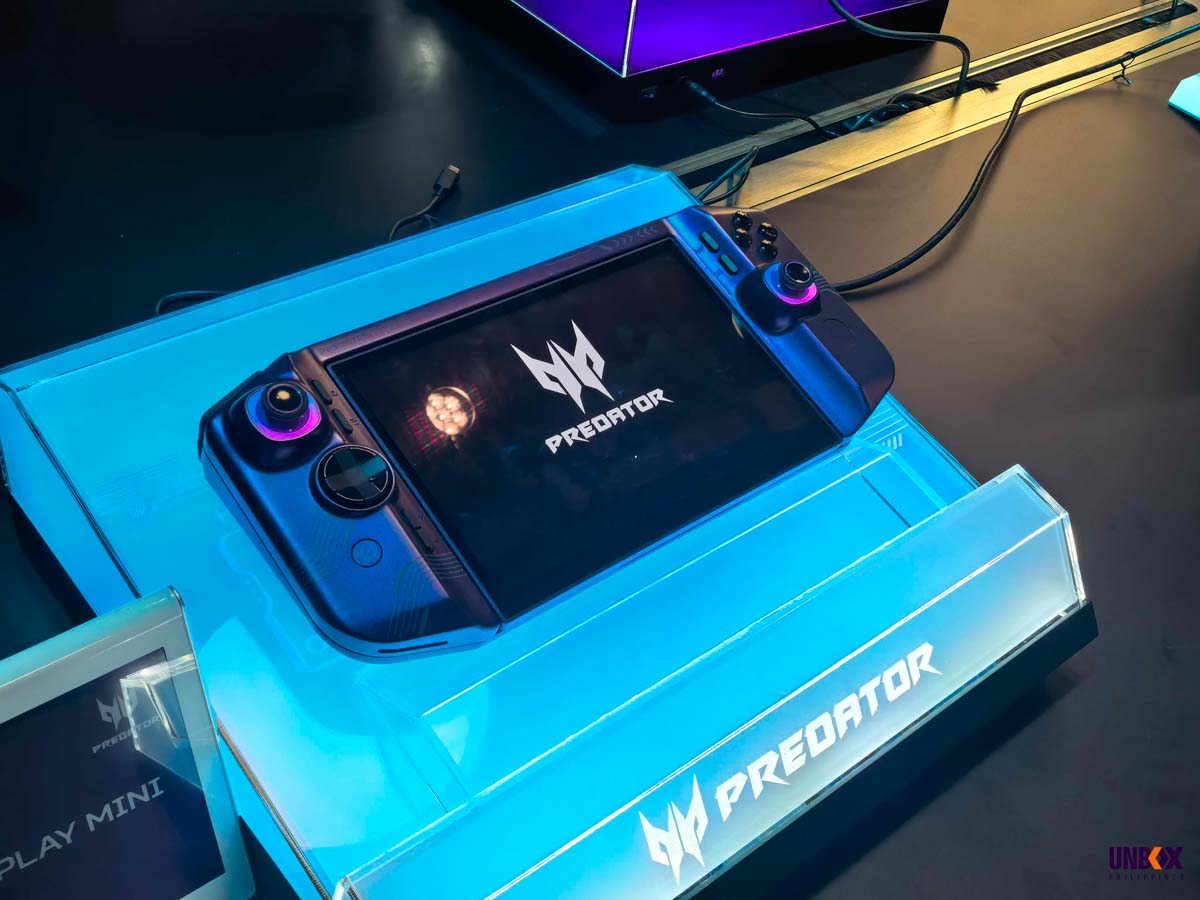
Acer did not reveal the specs of the Project DualPlay Mini. It only mentioned that it’s using an Intel CPU and has the same dual fan system found on the Predator Atlas 8. You get two USB-C ports–one supporting Thunderbolt 4–along with a headphone jack.
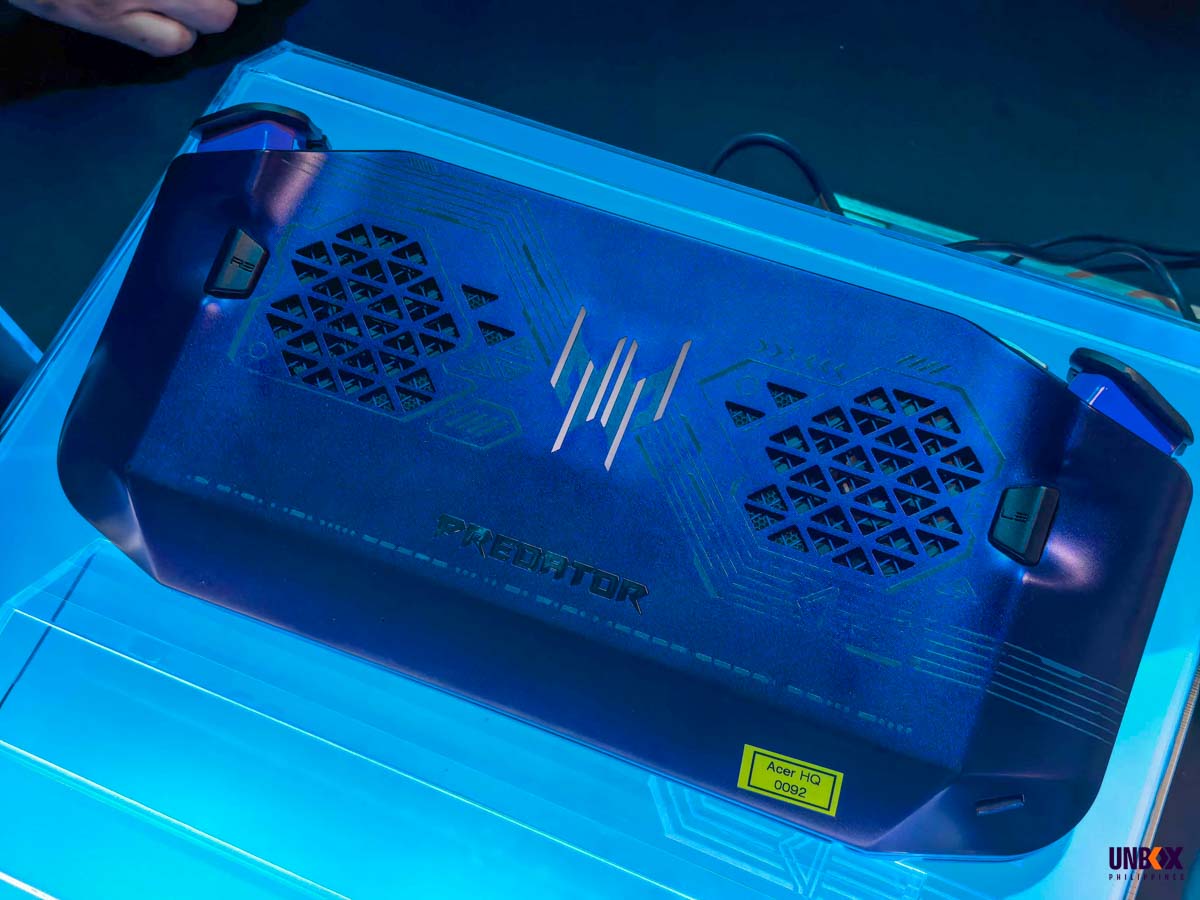
While the Project DualPlay Mini is a concept device for now, there’s a lot of potential for a gaming handheld with this kind of form factor–especially for those who want something that they can use for both work and play without being too heavy or bulky.
Outside of the Project DualPlay Mini, Acer has two gaming handhelds that are commercially available with the Predator Atlas 8 and the newly-launched Predator Atlas 7.