Review Verdict: ASUS has made one of the most ideal thin-and-light notebooks with the ExpertBook Ultra. It is very light, packs enough power for heavy work, and comes with a battery that last you days, not hours.
Pros
- Very light for a business laptop
- Incredible battery life
- One of the best displays in a laptop
Cons
- Average webcam and microphone
- Placement of power button on the keyboard
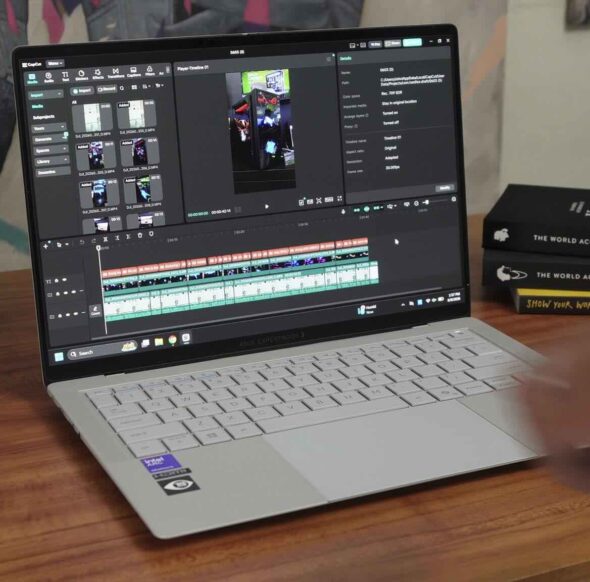
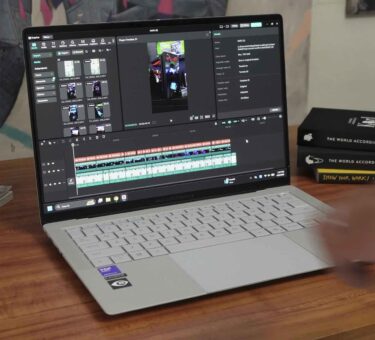
Usually, for a crazy event like COMPUTEX, I’m forced to lug around a heavy gaming laptop to handle all our video editing. But this year? I covered the entire four-day event using the ASUS ExpertBook Ultra. I didn’t even pack the charger while I was at the venue. There’s a reason why this is considered the flagship in the industry.

ASUS ExpertBook Ultra Review: Design
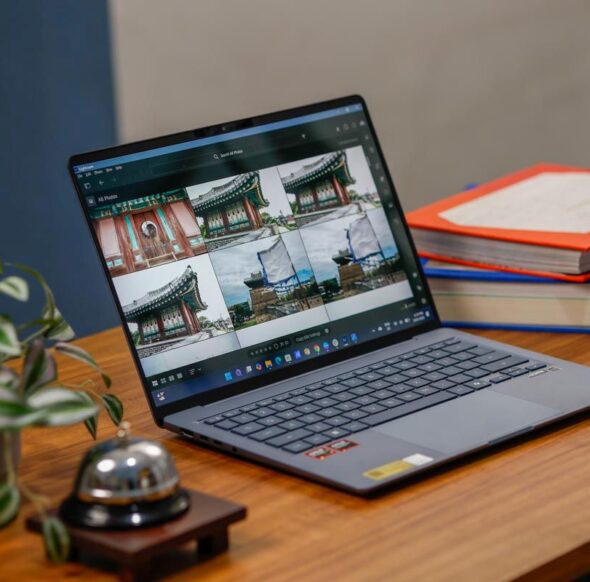
While this is a business-focused laptop, ASUS has really gone all-out to make it stand out from the pack. My review variant is the Morn Gray, and uses nano-ceramic technology to make the lid and chassis resist daily wear and tear.
What’s cool about the finish is that it feels a lot like soft-touch plastic and not metal, despite having the impact resistance of the latter and none of the fragility of the former. This is made possible with a 9H Ceramic coating that helps with its added durability–and to make it pass the MIL-STD-810H certification.
The ExpertBook Ultra is only 10.9mm thin and weighs less than 1 kilogram, making it full under the ultra-light laptop category.
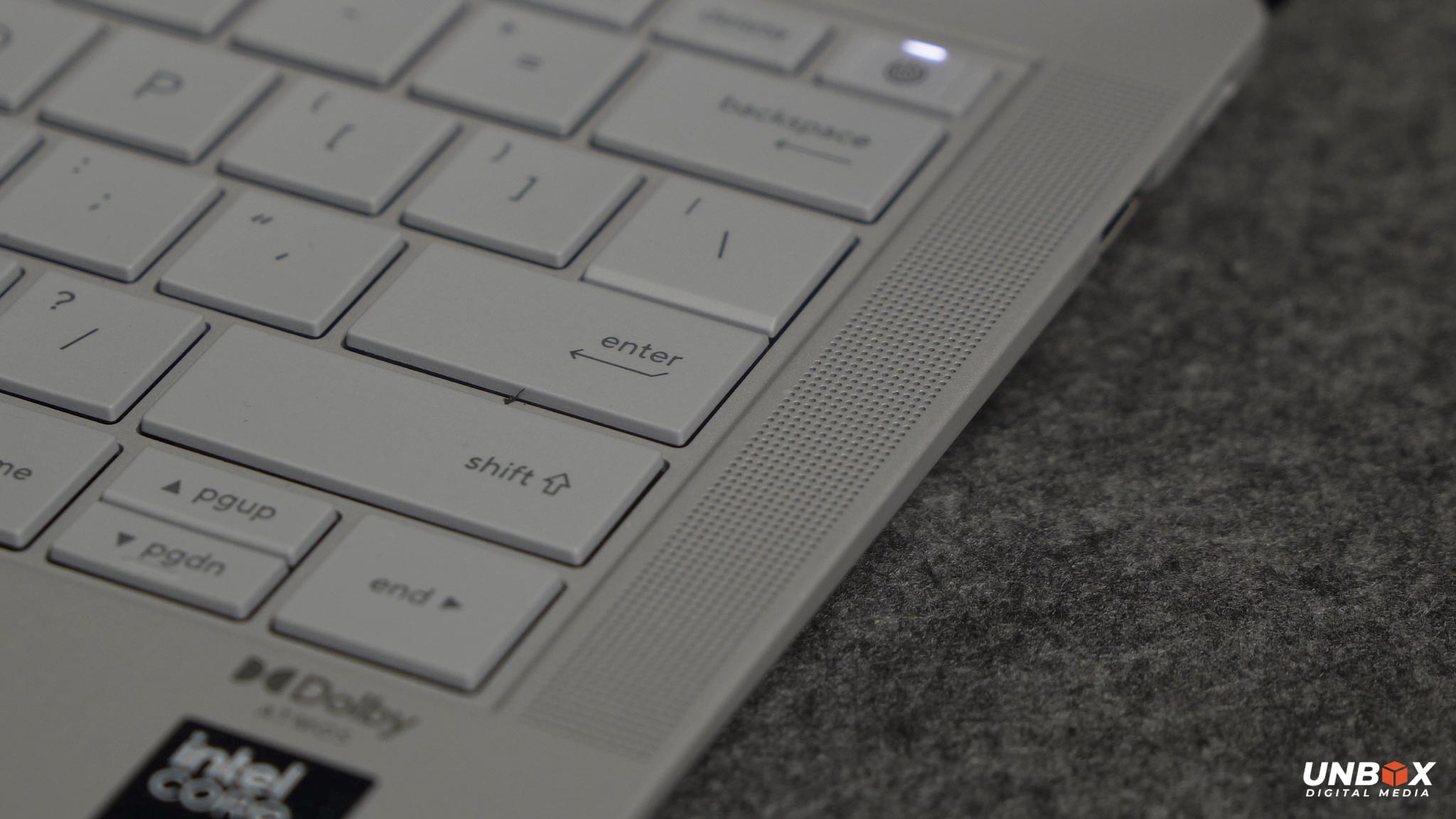
The laptop features six speakers and has Dolby Atmos on board. I usually don’t pay attention to built-in speakers on laptops, but these are probably the best-sounding ones we’ve ever used.
The only weakness here is the integrated webcam and microphone. They’re OK, but considering what you’re paying, I was expecting a bit more. Honestly, it’s not a dealbreaker, but it’s something you might want to be aware of.
ASUS ExpertBook Ultra Review: Keyboard and Trackpad
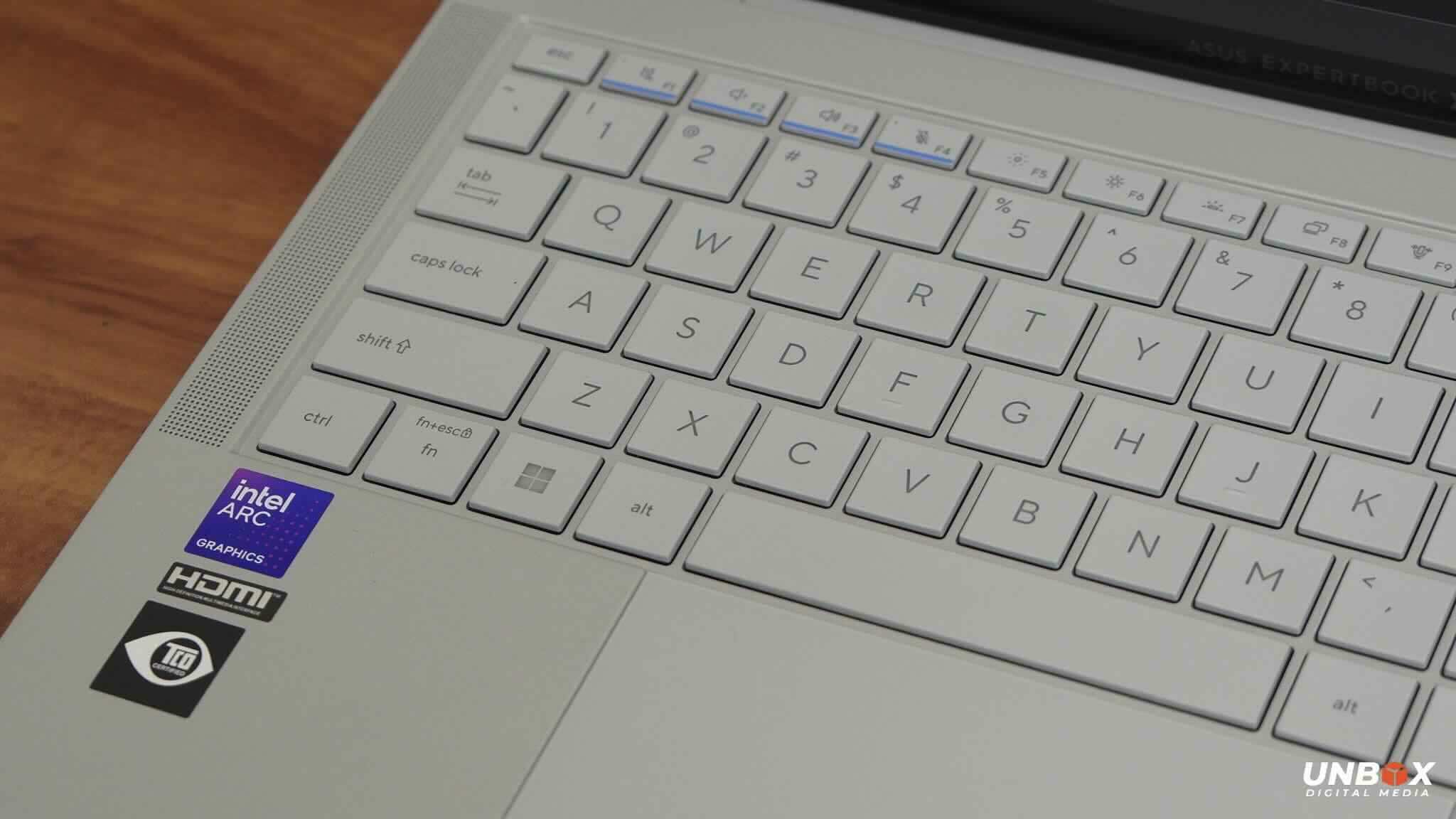
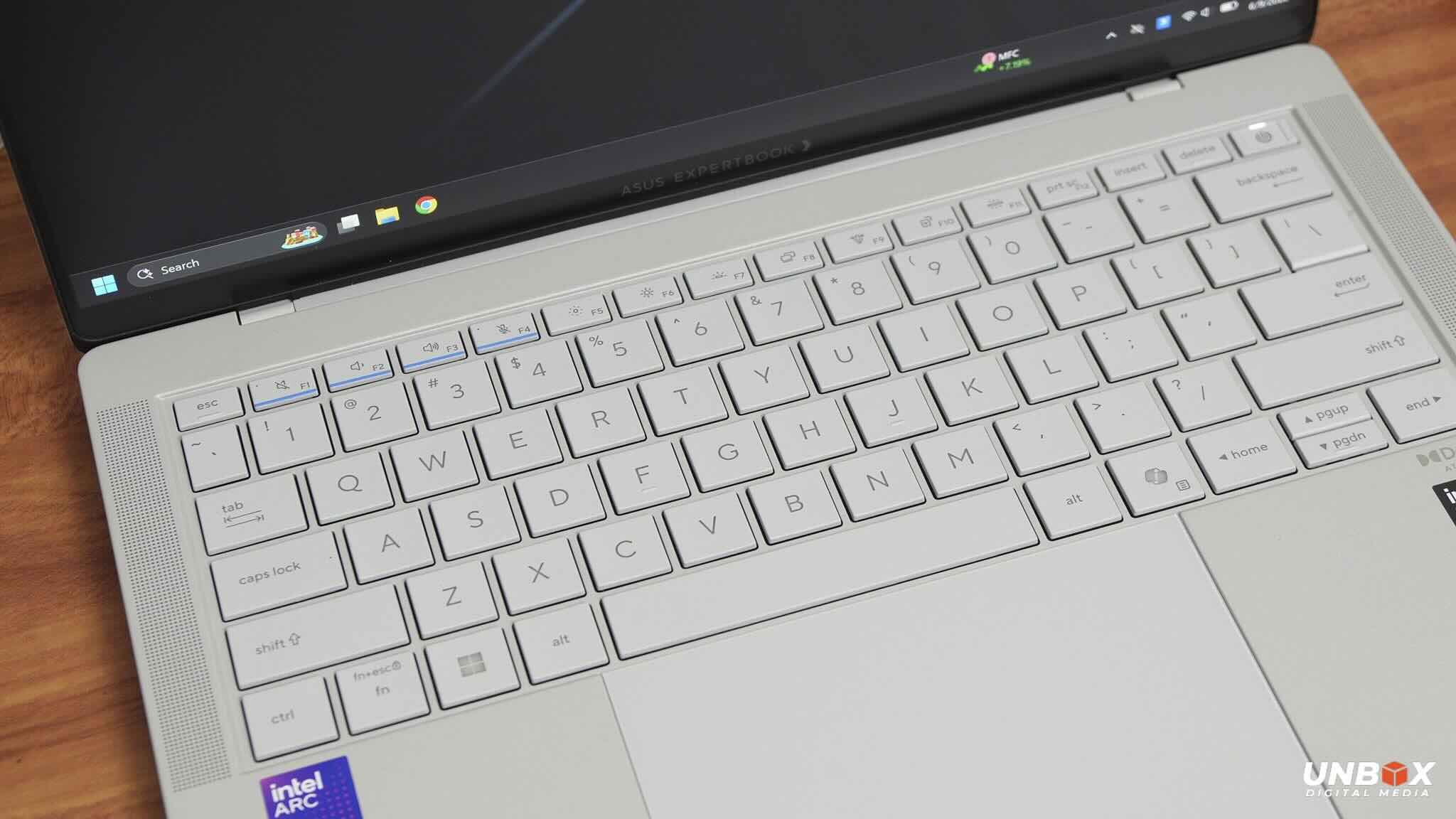
The ExpertBook Ultra’s silky smooth texture extends to the keyboard, which is probably the best-feeling keyboard I’ve used in a while. I usually have an adjustment period when it comes to typing on new laptops, but for the ExpertBook Ultra, that learning curve was incredibly shallow.
Key travel is around 1.5mm, the keys are all backlit, and they are quiet to type on. This is probably the nicest-feeling keyboard I’ve used in a laptop in recent memory. The only thing I don’t like is that the power button is right beside the delete button, so there is a chance you might hit it accidentally if you’re speed-typing.

ASUS ExpertBook Ultra Review: Display
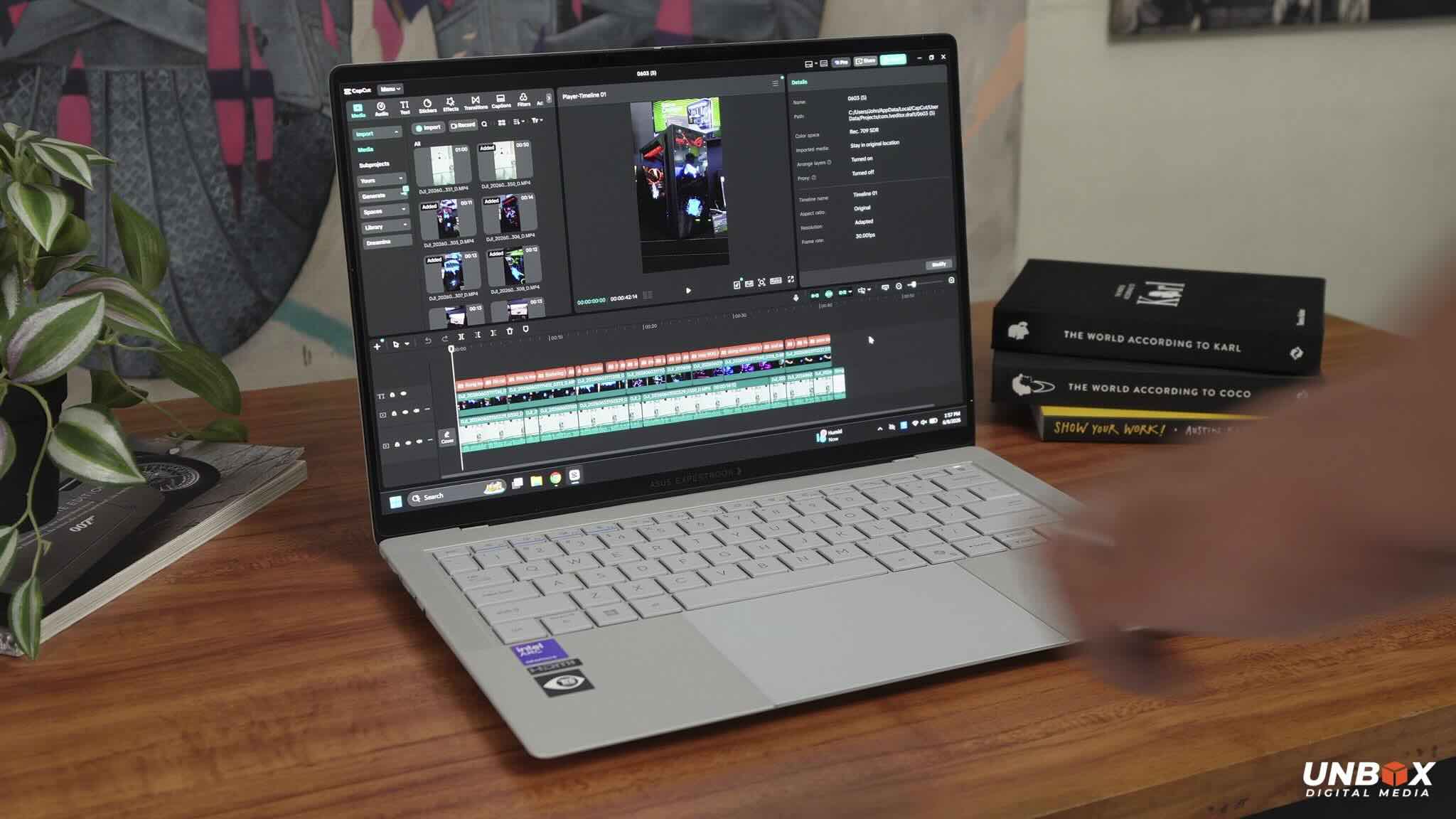
The best feature on this laptop (aside from its insane battery life, which we’ll talk more about later) is its display. It’s a cutting-edge 120hz Tandem OLED panel with a 2880 x 1800 resolution. You’re looking at 1400 nits of peak HDR brightness, which, when combined with its Corning Gorilla Glass Matte coating, makes it one of the nicest displays your eyes will ever see.

It’s been one of my favorite displays to film because it’s so anti-reflective, which means even if you take it to a place that has multiple light sources, you’ll never see glare on the screen. The display has touchscreen support and covers 100% DCI-P3 coverage, which means it’s suitable for professional design work, as well as photo and video editing.
ASUS ExpertBook Ultra Review: Internals and Battery
The main reason I trusted this laptop to render all of our videos during COMPUTEX is the processor. This uses Intel’s Core Ultra X7 358H that has an Arc B390 integrated GPU. Our review unit has 1TB SSD storage and 32GB LPDDR5X RAM. You can get the laptop in a higher configuration that comes with a Core Ultra X9 388H processor, up to 64GB DDR5 RAM, and up to 2TB of storage.
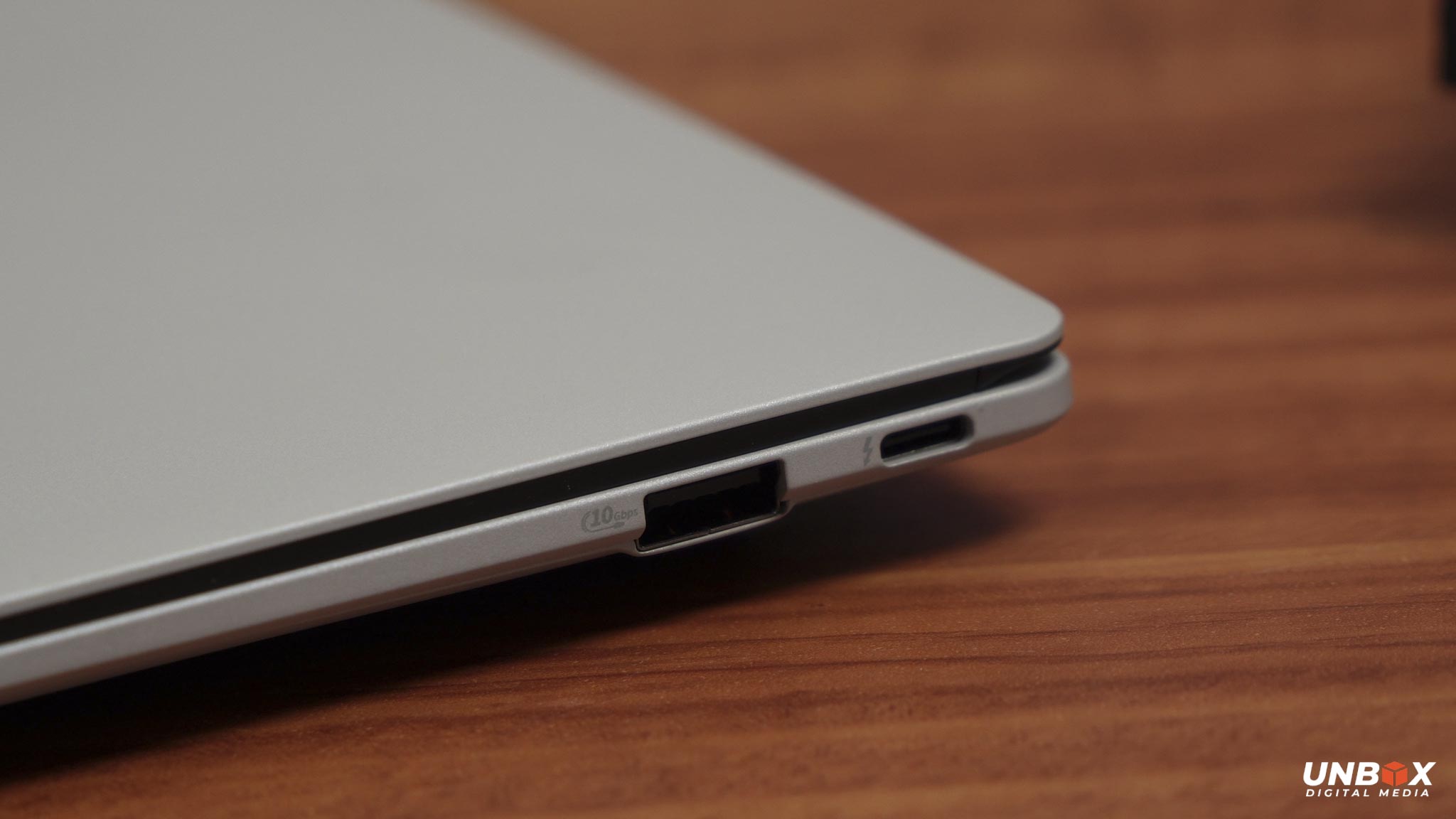
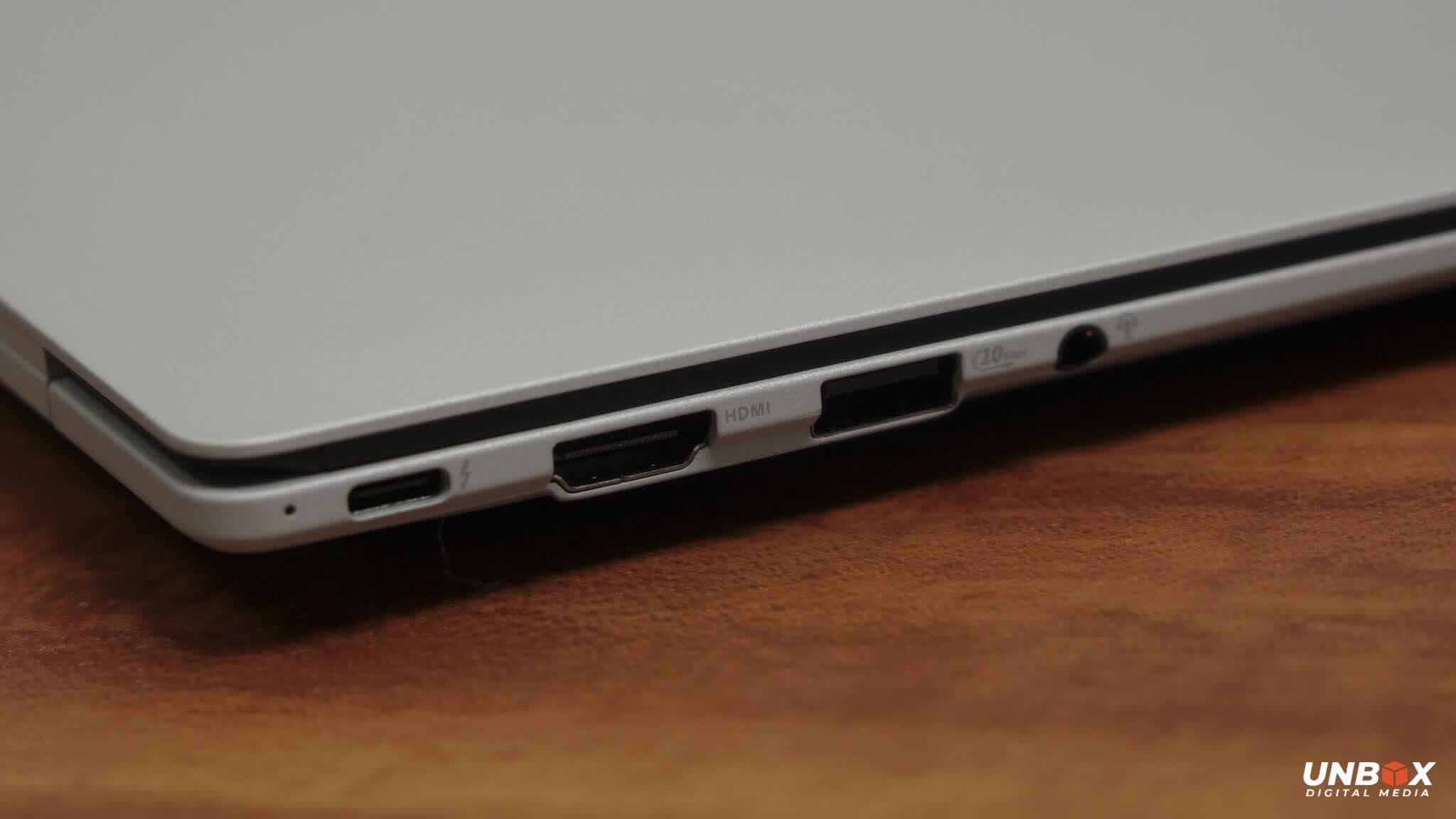
The ExpertBook Ultra has a comprehensive set of ports that include two USB-C Thunderbolt 4 ports, two USB-A 3.2 Gen 2 ports, headphone jack, and an HDMI 2.1 port, along with support for WiFi 7 and Bluetooth 6.0.
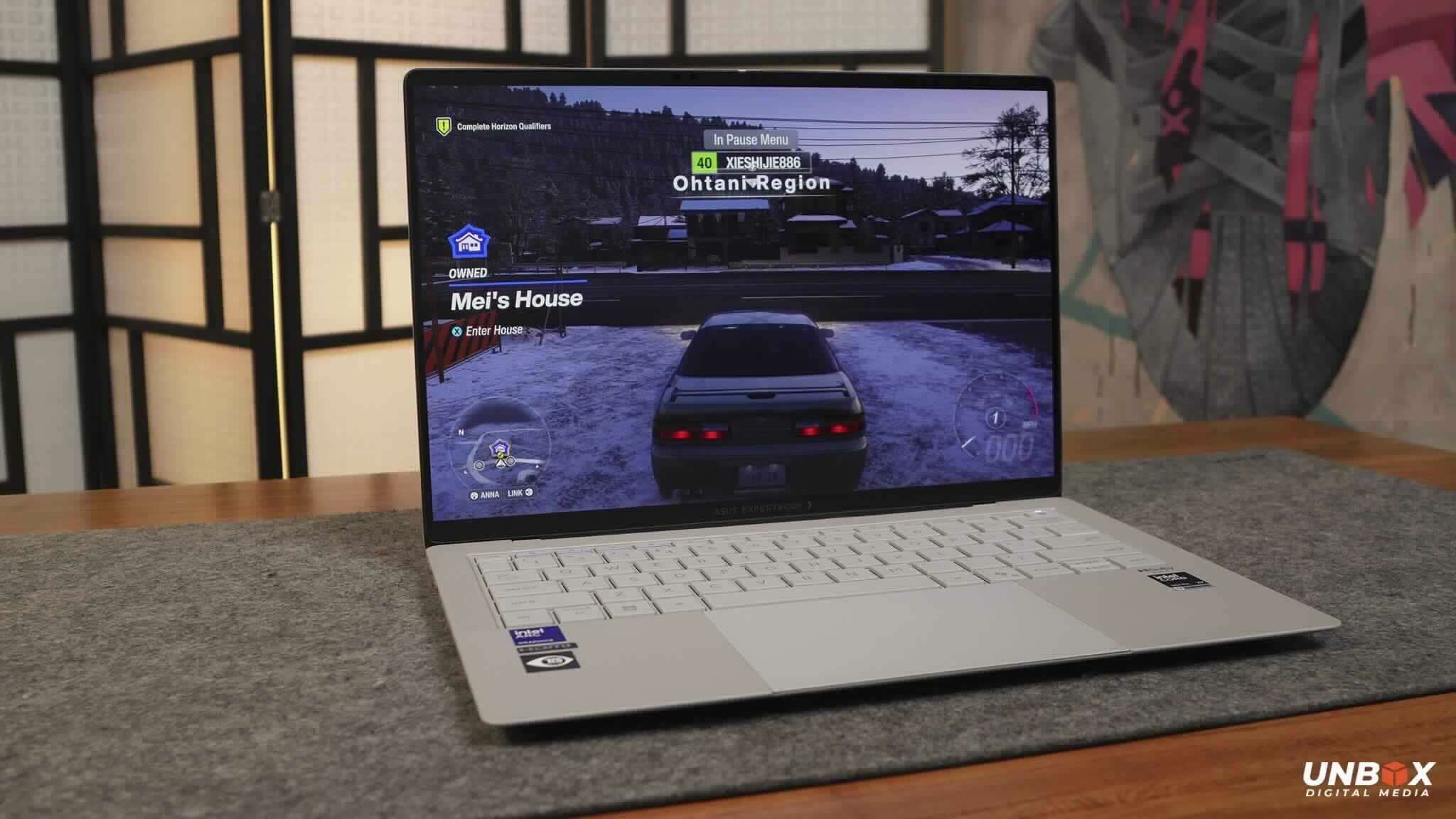
Intel has really turned things around with its new Panther Lake processors, and the Arc B390 integrated GPU is the most powerful I’ve seen from the company by far. It makes short work of videos shot in 4K, all without the laptop needing to be plugged in. If that wasn’t enough, the laptop can also run games like Cyberpunk 2077 and Forza Horizon 6 at Full HD on medium-low settings. That might not sound like a huge deal, but believe me, the fact that these games run—and run well—on something this thin and light is already a huge win.
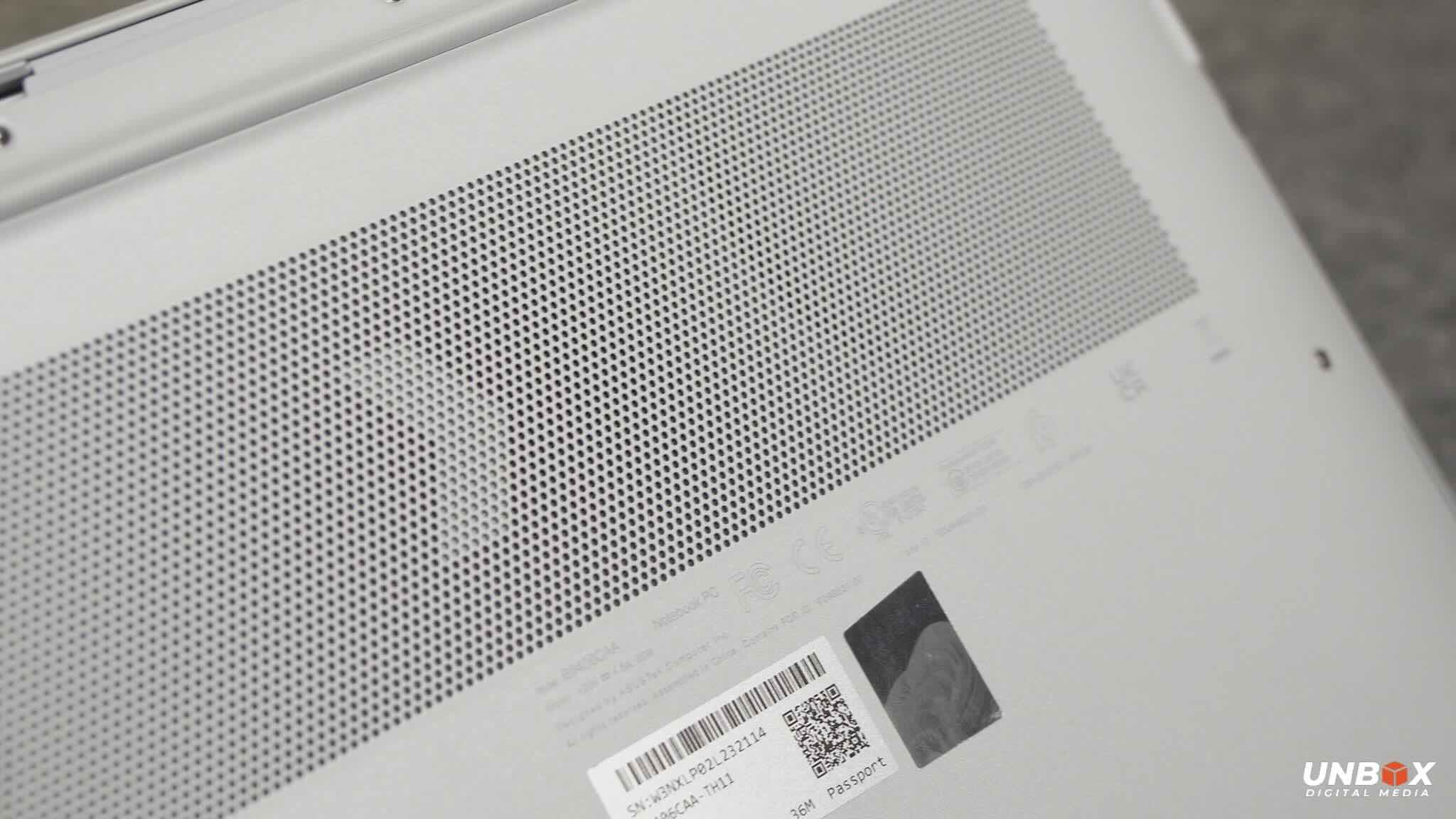
Even at full load, the fans on this laptop barely register 40 dBA even on the performance preset. You can go into whisper mode if you really want it quiet, although the power delivery to the processor drops to 30W instead of the normal 45W in performance mode.
ASUS quotes 26 hours for its 70wHr battery, and our own experience running our battery benchmark test (looping a 4K HDR copy of The Lord of the Rings until the laptop dies) resulted in 8 hours and 18 minutes of continuous run time, which is incredibly impressive. To put things in perspective, other laptops usually give up at around the 4-5-hour mark because it’s such a punishing test.
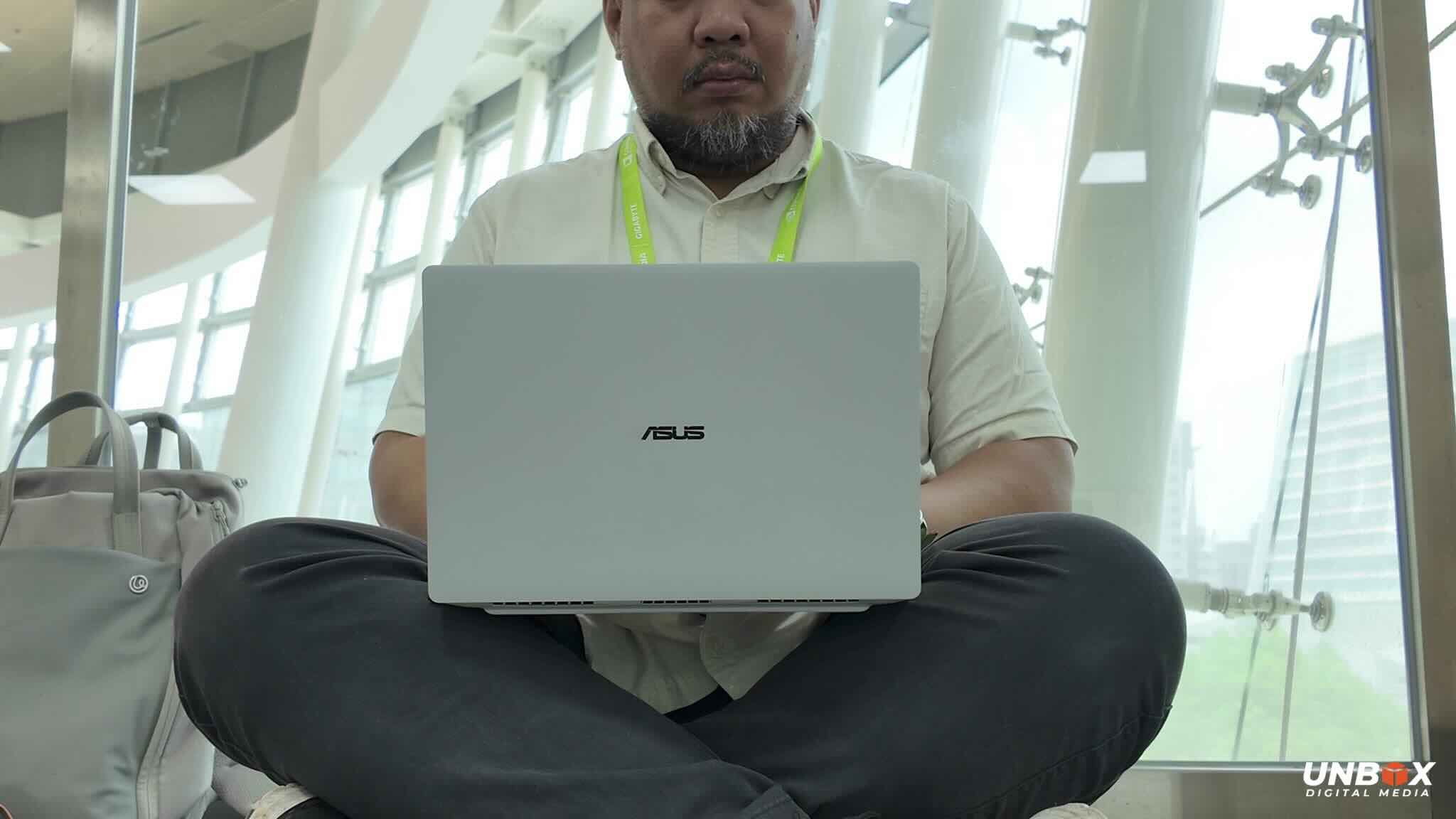
It mirrored my own experience of heading to COMPUTEX on a full battery, rendering around four videos in six hours in the media room, and heading back to the hotel with around 72% of battery left in the tank. By the second day of the four-day event, I didn’t even bother to bring the charger anymore, and I’m going to guess that’s what you’ll be doing as well when you buy this.
On top of being a Copilot+ PC, the ExpertBook Ultra has dedicated AI features with MyExpert, which is a specialized, business-focused AI assistant that takes care of things like task integration for meetings, notes, and summaries, along with ExpertMeet to help you with all your meetings.
It’s also made for business professionals with security features like a webcam privacy shield, fingerprint login, dual BIOS, and TPM 2.0 to keep all of your sensitive data secure and to help you sort your personal files from your work files with ease. Those security features make the ExperBook Ultra compliant with NIST SP 800-193 guidelines.
ASUS ExpertBook Ultra Review: Wrap-up and Conclusions
The ExpertBook Ultra is basically a near-perfect laptop for people looking for an ultra-light device that has serious computing power under the hood. Unlike other thin-and-light laptops I’ve used in the past, I never felt cheated when it came to processing power; the laptop was able to handle everything I threw at it as a content creator.
And the battery—the battery endurance is just chef’s kiss. This is the perfect device for CEOs, high-level execs, or anyone who does creative work with its powerful internals. If your work involves a 9-5 job that involves very little editing work, congratulations–you’re counting your battery life in days, not hours–something very few laptops can do.
ASUS ExpertBook Ultra Review: Price
The ExpertBook Ultra has a starting price of Php 129,995 for the model with a Core Ultra X5 338H, 512GB SSD storage, and 16GB LPDDR5X RAM. The model with a Core Ultra X7 358H, 32GB RAM, and 1TB SSD is priced at Php 193,995 for the one with Windows 11 Pro and Php 185,995 for the one with Windows 11 Home.
The top-end Core Ultra X7 variant with 64GB RAM and 2TB SSD is priced at Php 215,991.
It may be on the expensive side, but considering what you’re getting here, that’s a heck of a deal. On top of having a 3-year warranty and dedicated aftersales support, you have the option to extend that to 5 years for added peace of mind and to ensure that you can use the ExpertBook Ultra confidently for years to come.
The ExpertBook UItra is available at select tech stores nationwide, and in ASUS Expert Stores in Lazada and Shopee.