Review Verdict: While the OPPO Bubble is a niche accessory and a bit expensive, it does solve a common pain point of solo content creators and has plenty of room for potential features.
Pros
- Bright display for everyday use
- No delays when using it as a remote viewfinder
- Can store tons of video clips and photo slideshows
Cons
- Expensive at its official price
- Support is limited to OPPO Reno, OPPO Find, and iPhones
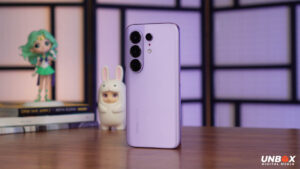
The OPPO Bubble solves a common pain point for mobile vloggers and selfie enthusiasts by working as a remote viewfinder on the back of your phone that lets you use your phone’s rear cameras. Outside of that, the Bubble is a fun accessory–but is it worth grabbing one if you’re a Reno or Find user?

OPPO Bubble Review: Design
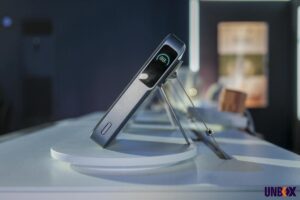
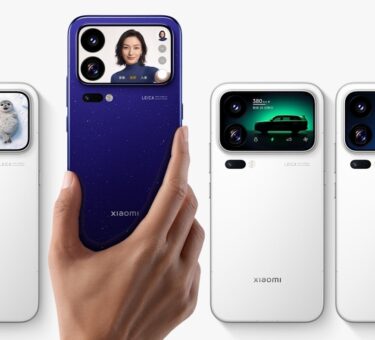
Smartphone accessories can easily feel like gimmicks, but OPPO designed the Bubble to be surprisingly practical. Slightly larger than a standard Apple AirTag or Tile tracker, the Bubble is a flat, circular secondary display module that snaps magnetically onto the rear of compatible smartphones.
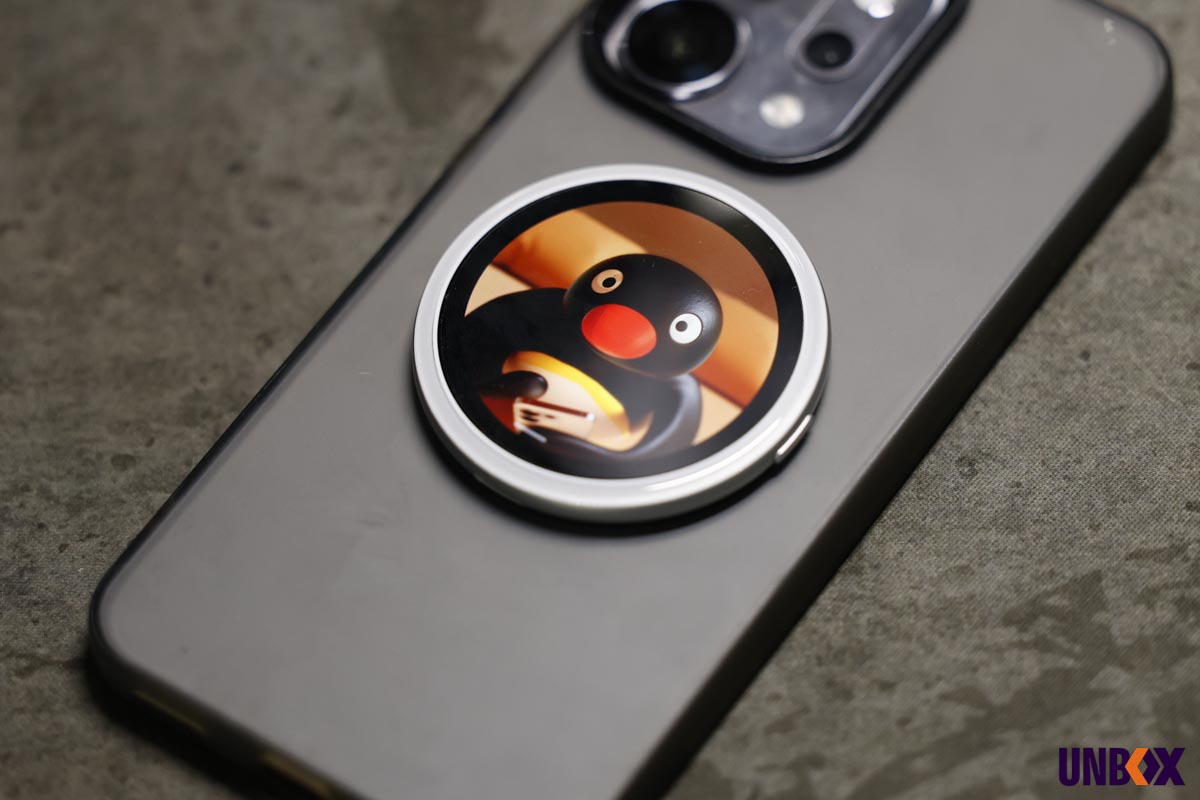
The flat front glass sits flush, and at around 7mm thick, it is thin enough to let you use the side button comfortably. Aside from that, you get a USB-C port at the bottom for charging and a magnetic back. OPPO provides an adhesive magnetic ring in the box for general devices, though I used it on my Reno14 Pro with a magnetic case.
The Bubble has an IP54 rating, so it is safe at least for accidental water splashes. Just don’t attempt dunking it in a pool of water.
OPPO Bubble Review: Display
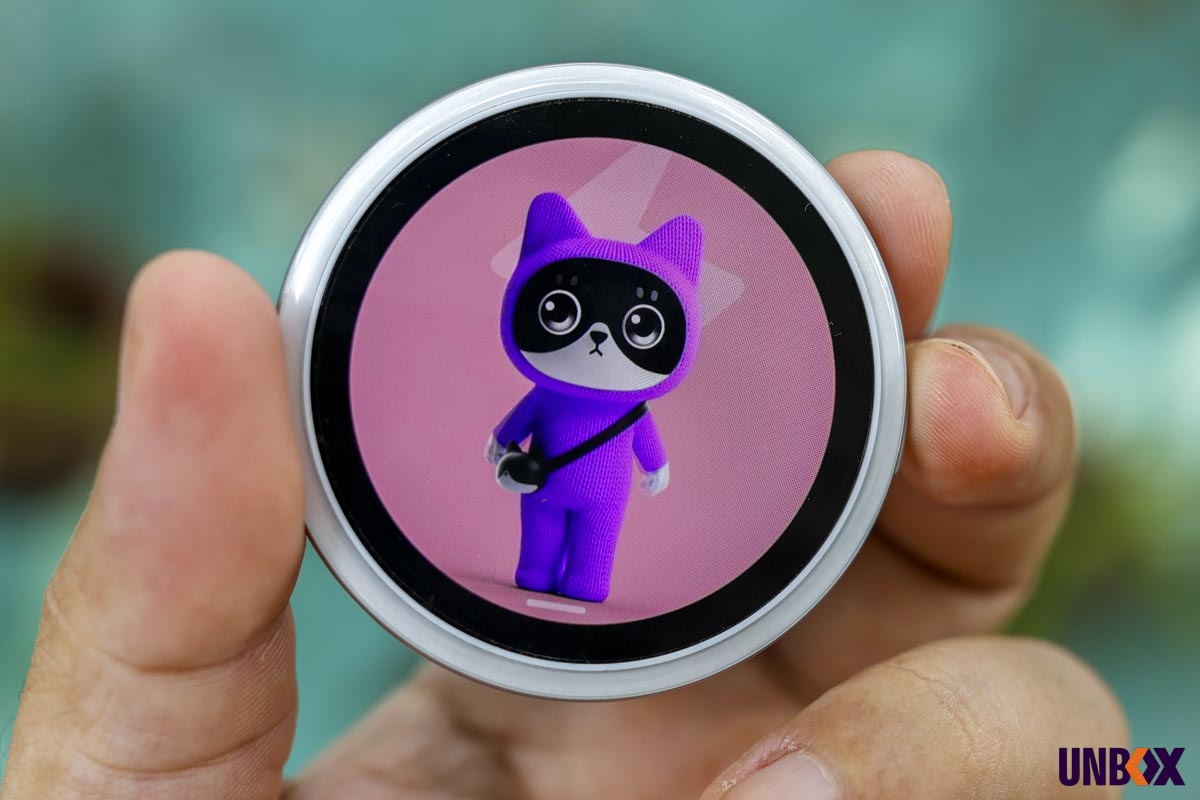
Its 1.73-inch AMOLED display gets the job done reliably–both as a remote viewfinder and a way to show short clips or animated pets. Indoors, keeping the screen at its lowest brightness setting was more than sufficient for clear text reading and camera framing.
When taken outdoors under direct sunlight, the Bubble’s High Brightness Mode is approximately as bright as OPPO’s current Reno phones when set to High Brightness Mode.
OPPO Bubble Review: User Interface
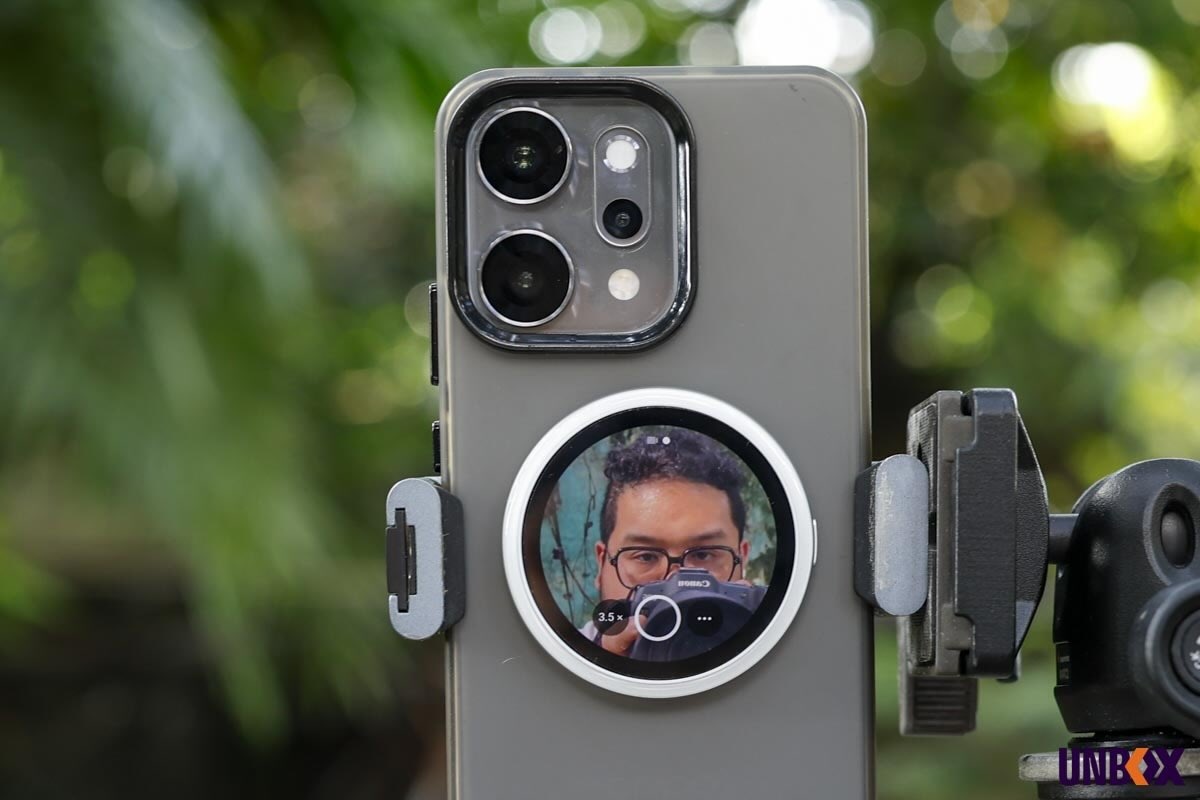
The primary reason to buy the OPPO Bubble is its remote camera viewfinder feature that works with OPPO’s Reno and Find phones. While other Android brands are not supported, iPhone users can rejoice, as OPPO has a dedicated iOS app for the Bubble.
The remote viewfinder works by pairing the Bubble to your phone via WiFi. Once enabled, you have photo and video options, along with zooming and countdown timers. From my experience using the Bubble, I did not notice any delay when pressing the shutter button even if the Bubble is a few meters away from the phone.
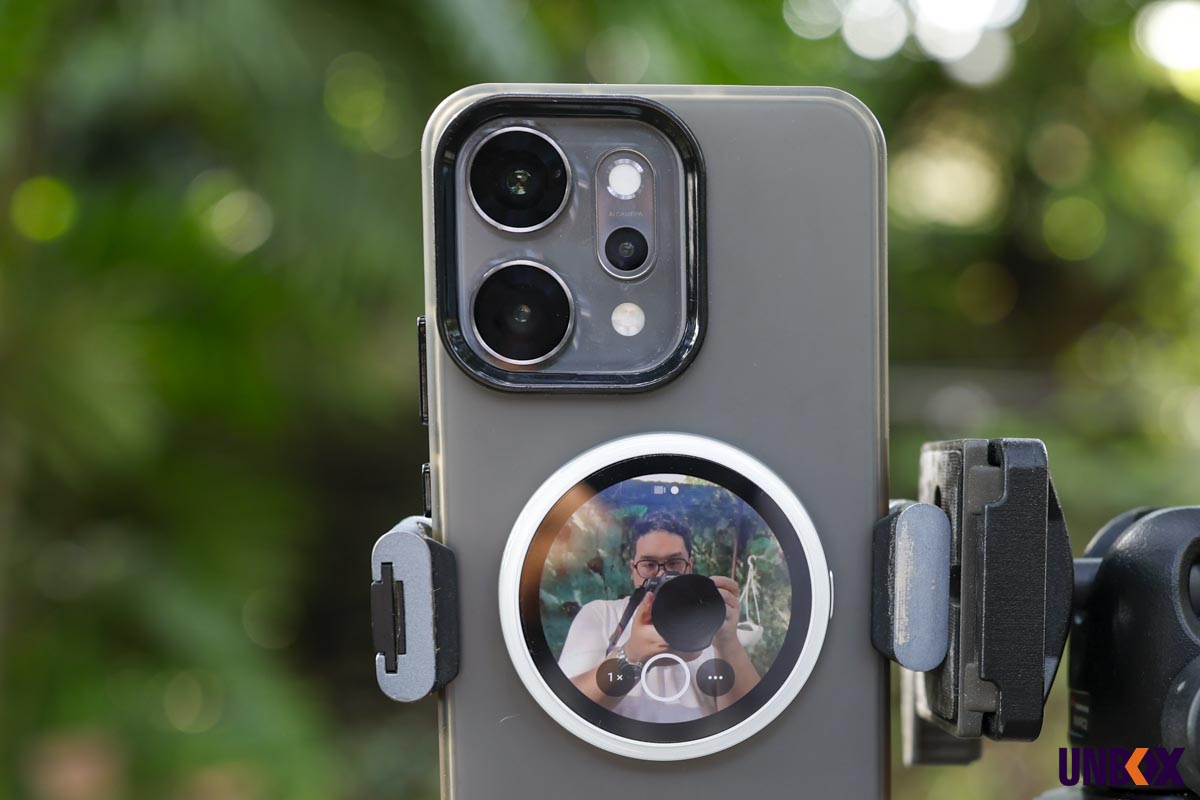
One of the tradeoffs I noticed with the Bubble is that you can’t change aspect ratio or video resolution on the Bubble–you’ll have to do that one the phone. The digital zoom feature may vary too: on the Reno14 Pro, I could not use digital zoom on the telephoto camera–but on the Reno15, I can use 7x digital zoom but only in video mode.
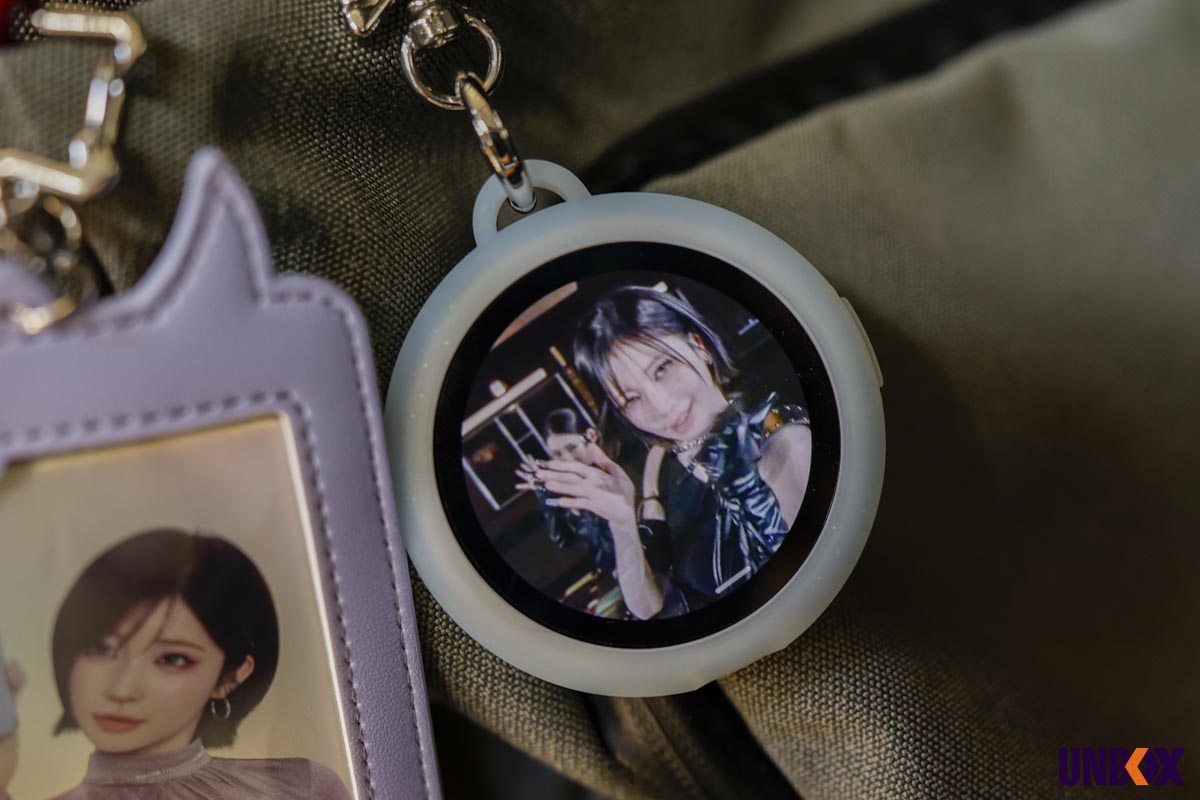
Outside of being a remote viewfinder, the Bubble is an OOTD accessory that lets you display 5-second video clips, photo slideshows, or animated pets that are available via the OPPO Bubble App. You get a rather large 4GB internal storage–I have loaded six 4K KPop fancam clips, three Full HD KPop MV clips, and multiple animated pets on the Bubble, and I have yet received any low storage warning.
OPPO includes a silicone case with the Bubble if you want to rock it as a digital Labubu of sorts for your bag. OPPO’s idea with the Bubble makes it a perfect case where tech can be fun.
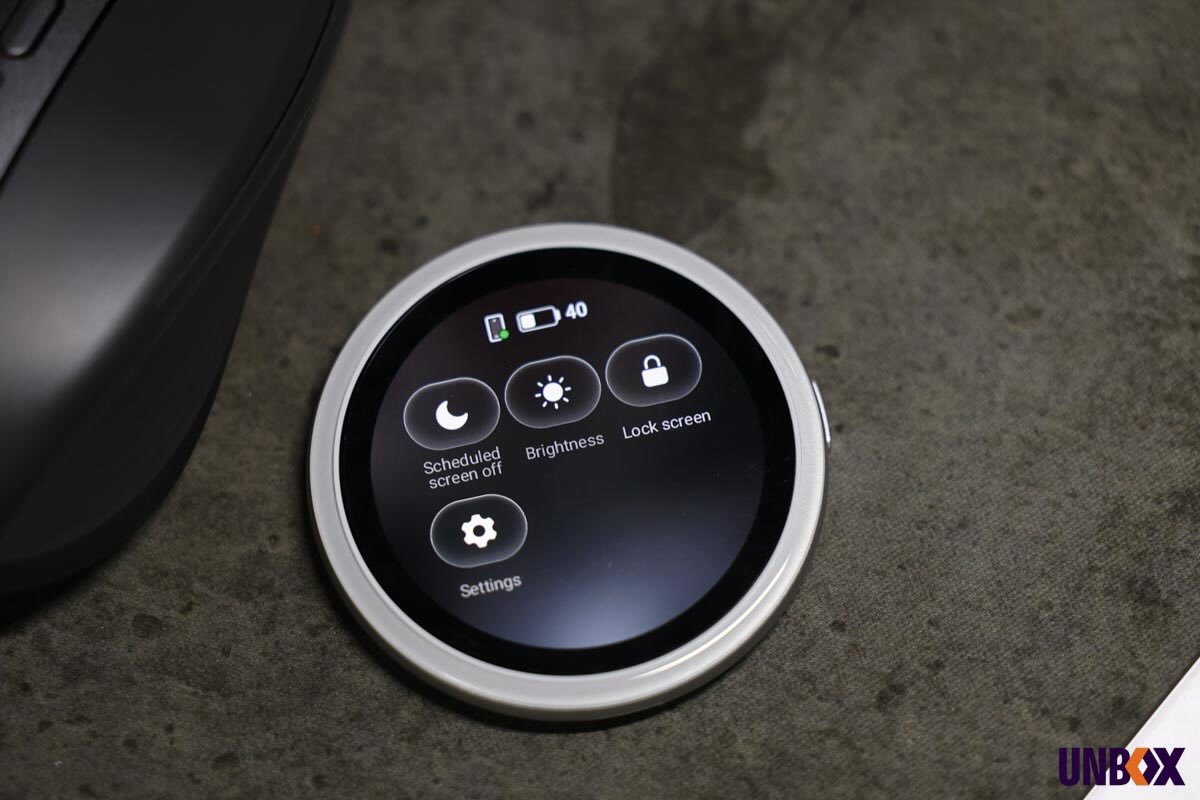
The Bubble’s UI is similar to ColorOS, though features are limited. However, since it has a large internal storage and a processor (specifically a BES 2800 chip) powering it, OPPO has the potential of adding new functions and features to the Bubble via OTA updates.
OPPO Bubble Review: Battery Life
Since it has a display that’s similar to what you see on smartwatches, the Bubble has a 560mAh battery inside it. OPPO claims 25 hours of battery life–based on my use, It was left with 55% battery after using it to show different video clips on loop for a total of 6 hours in a day.
I used the Bubble to show video clips the next day, and I was still left with 35% battery after around 2 hours of screen-on time. For the whole time, the Bubble was paired with my Reno14 Pro and I didn’t notice any impact on my phone’s battery.

OPPO Bubble Review: Wrap-up and Verdict
While it is a niche product–you’ll need to be an OPPO Find, OPPO Reno, or an iPhone user to maximize the Bubble’s functionality, OPPO has devised a practical and fun solution for content creators with the Bubble–even if it is on the expensive side.
OPPO Bubble Review: Price
The OPPO Bubble has an official price of Php 8,999, though you can get it for a lower price at online platforms like Shopee.