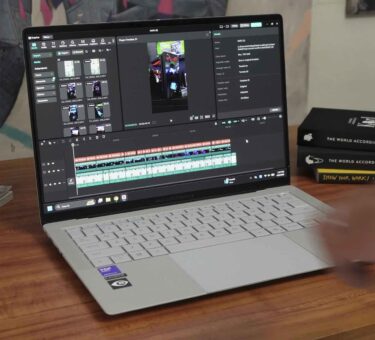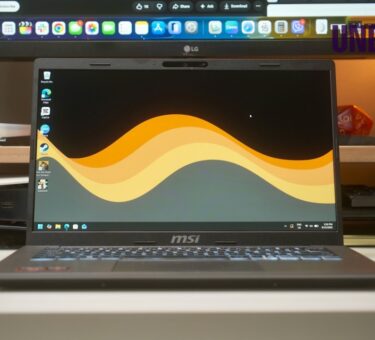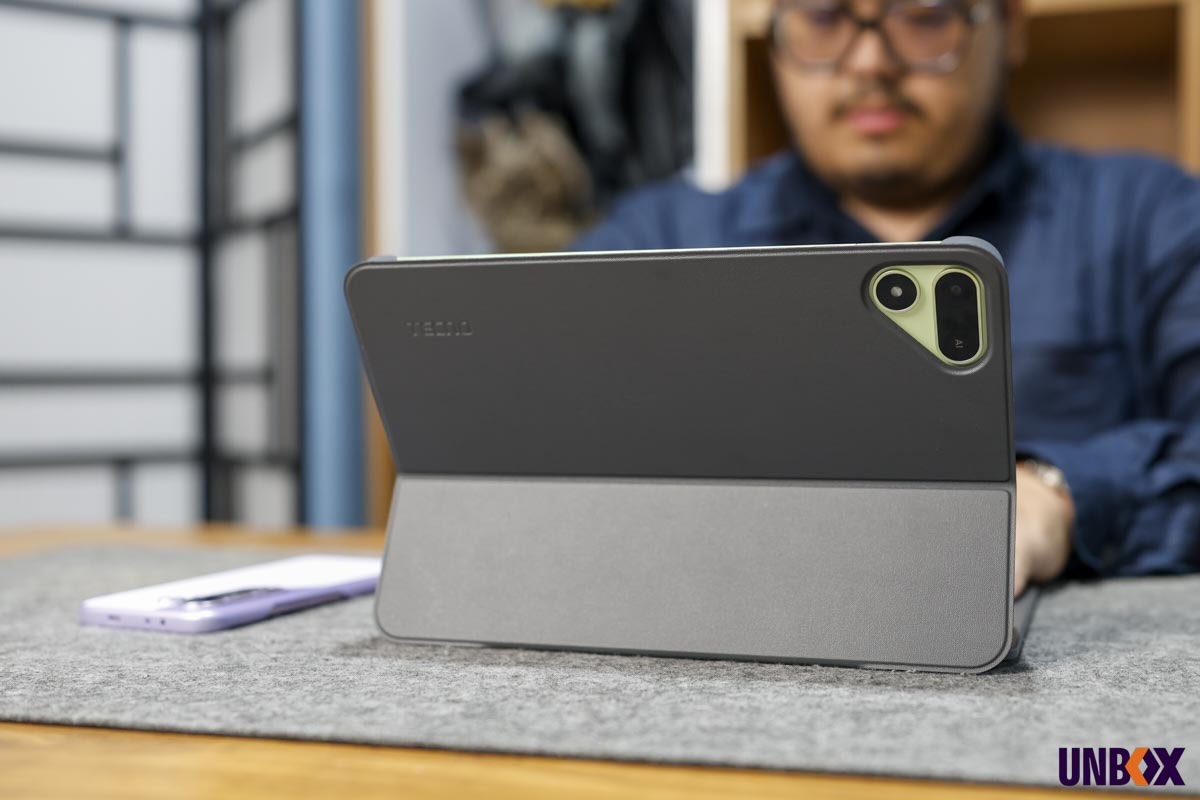
The harsh reality of the current global memory shortage is that it’s practically impossible to get a decent laptop for school unless you’re willing to pay a hefty sum. This leaves students opting for a tablet with a keyboard as a more affordable alternative. TECNO offers the MEGAPAD 2 for students, bundling a keyboard with the tablet for a starting price of under Php 17,000. Do I recommend students get the MEGAPAD 2? It’s a good buy for what it offers—as long as you manage your expectations regarding a few details.

It has a great set of learning tools
While AI helps improve how students learn, TECNO went a step further on the MegaPad 2 with its LearnUp and HiTutor apps, which cover essential resources for schoolwork. HiTutor features English and math lessons categorized by grade level (up to Grade 6) to supplement students’ standard assignments.
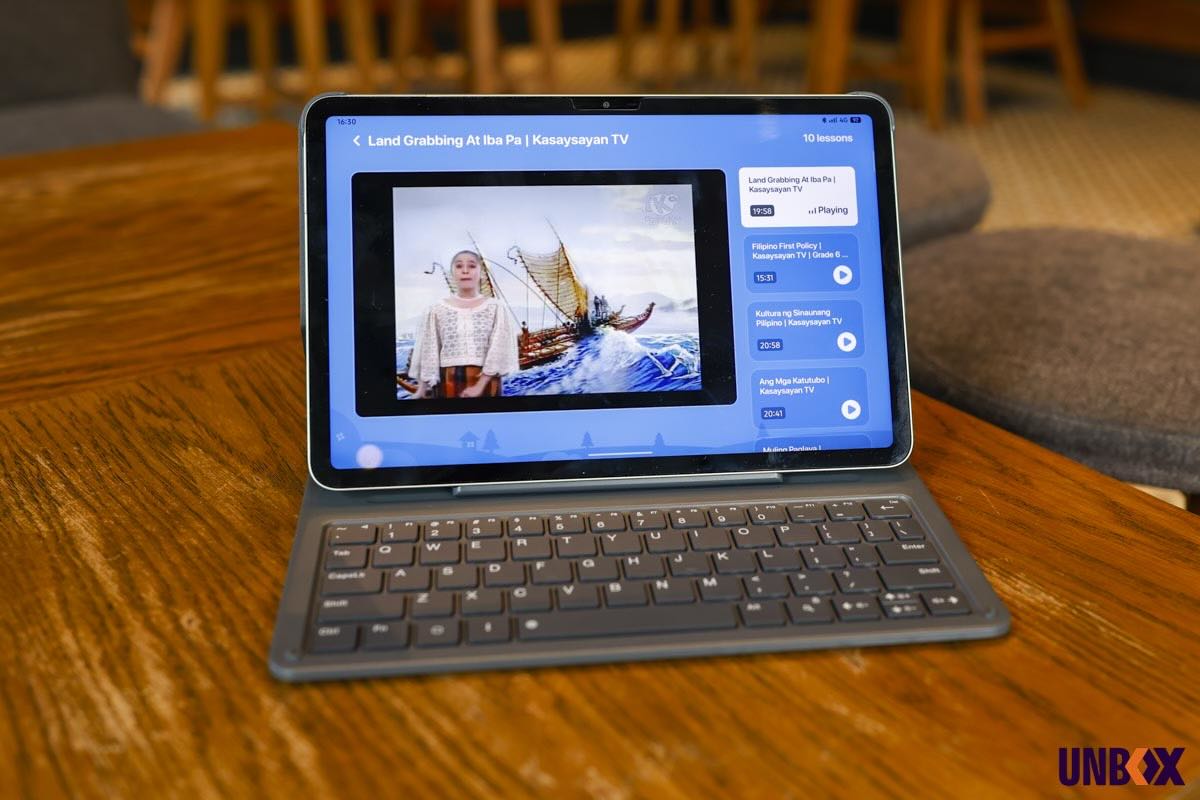
LearnUp, on the other hand, provides a broader set of educational resources, including video materials from Knowledge Channel that cover topics taught through junior high school. Another great aspect of LearnUp is its curated list of recommended learning apps, including Duolingo for language learning, Photomath for visual math problem-solving, and Quizlet for flashcard studying.
Complementing both apps are TECNO’s AI features tailored for learning. One of the most useful is photo-based problem-solving, which utilizes AI to explain the detailed “how” and “why” behind every solution. I find this feature particularly handy for helping students grasp complex math problems.
LTE connectivity is a must for students always on the go
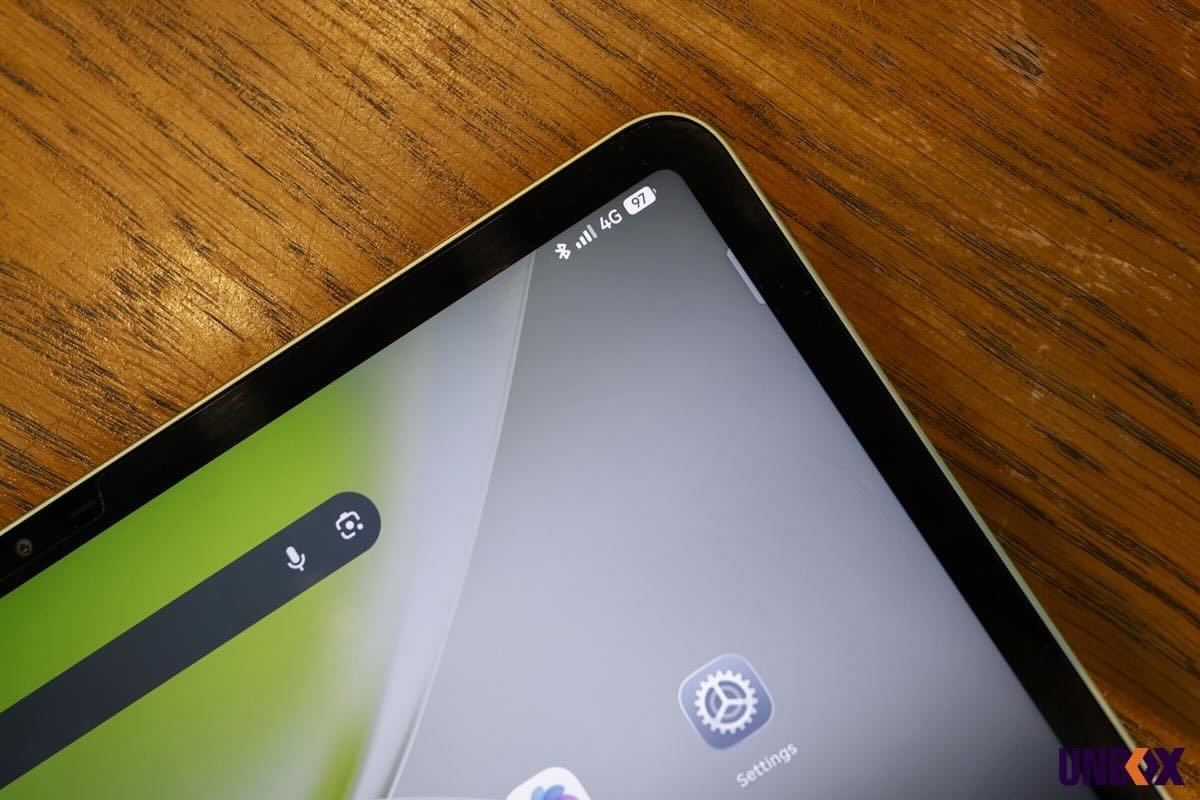
For students who want to study in places like coffee shops without public WiFi, the MEGAPAD 2 includes a SIM slot for LTE connectivity. This lets them stay productive practically anywhere with a decent signal.
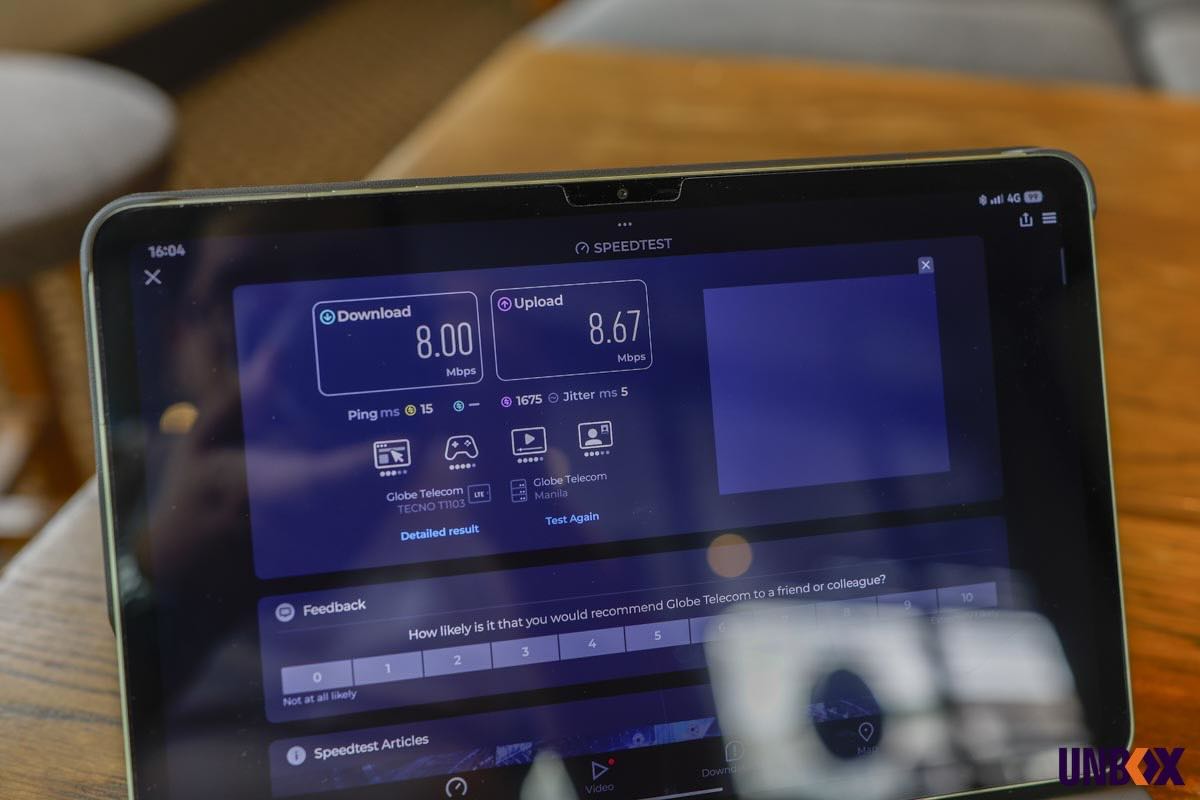
To test the strength of the MEGAPAD 2’s cellular connection, I used it in a crowded coffee shop without WiFi. Busy environments often hamper download and upload speeds due to network congestion, but the MEGAPAD 2 maintained average download and upload speeds of 8 Mbps—more than sufficient for basic schoolwork.
Critics may complain about the lack of 5G connectivity, but tablets with native 5G are often significantly more expensive, and coverage is not as widespread as 4G/LTE networks. Realistically, students will do just fine with LTE; the speeds I experienced handled Full HD YouTube streaming without stuttering.
It’s sleek and NOT boring
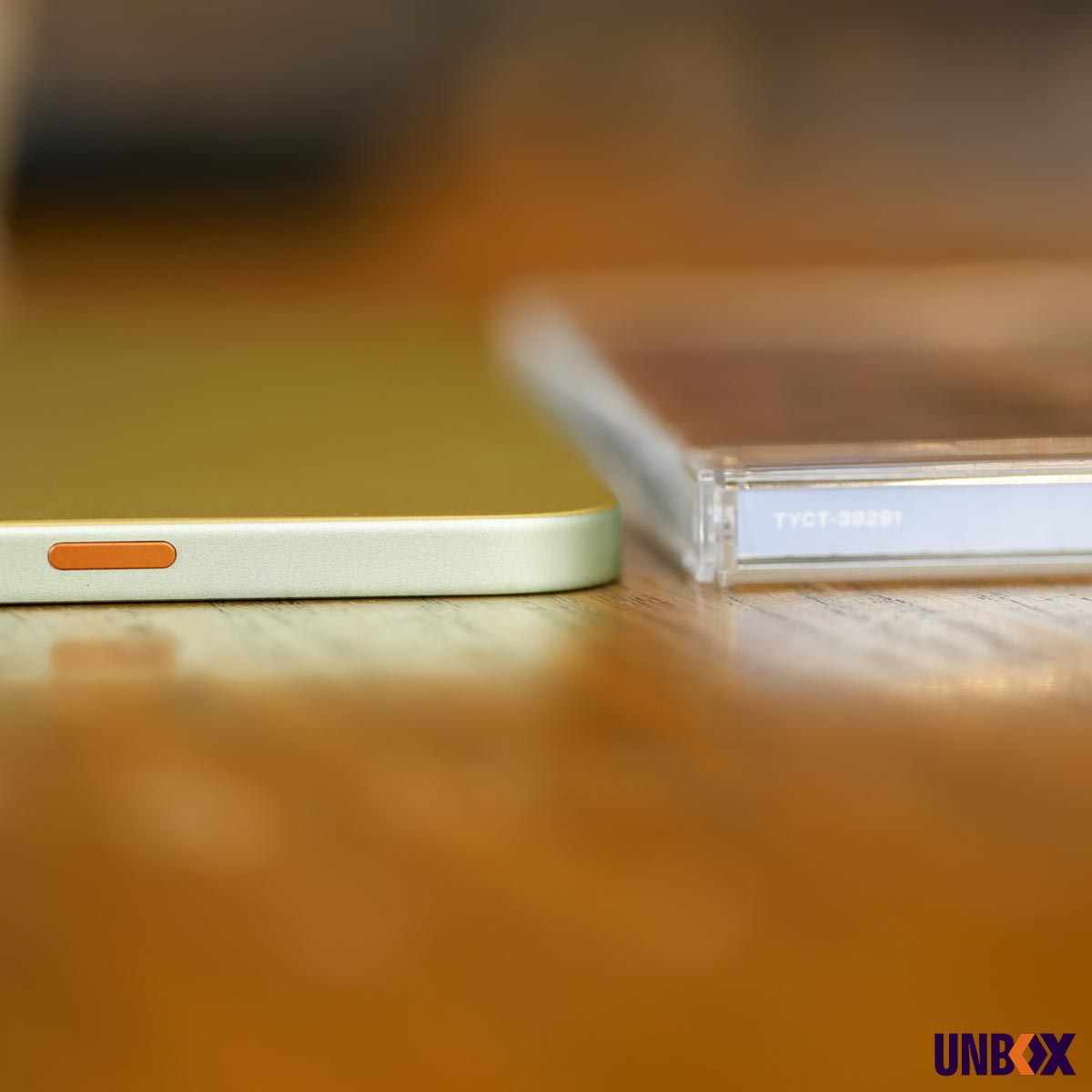
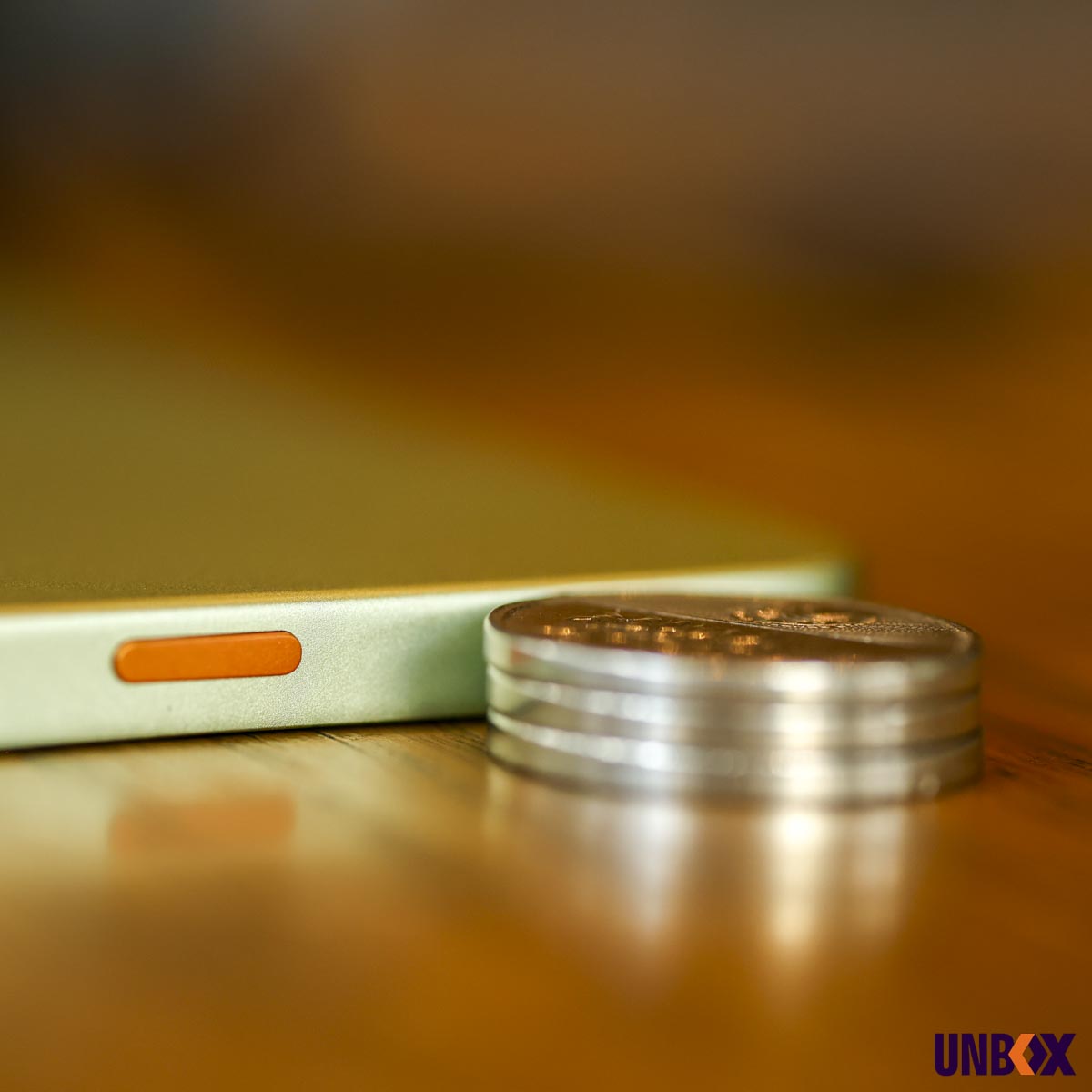
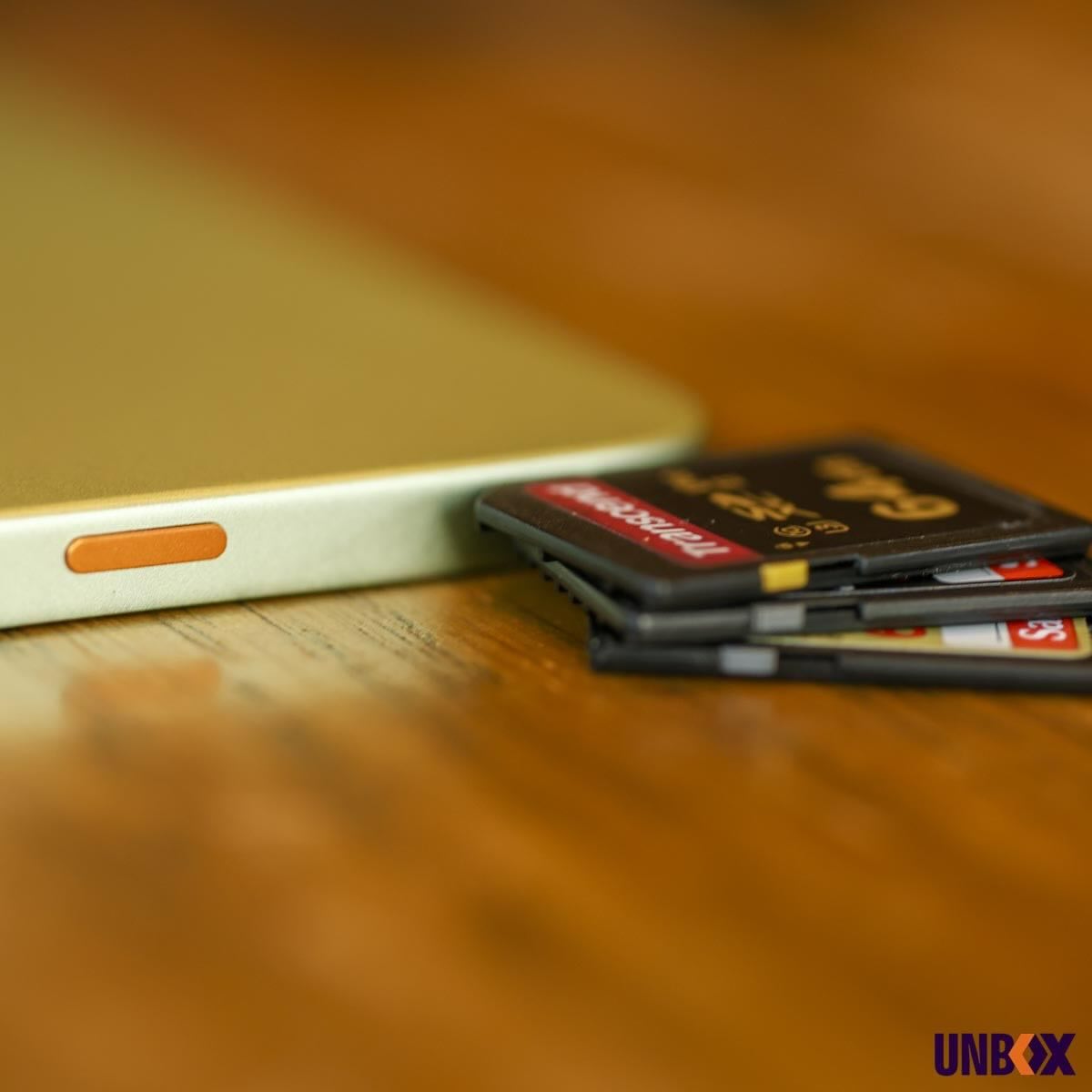
Aside from being more affordable, many students prefer tablets over laptops because they are thinner and lighter—especially for tasks that don’t require a keyboard. The MEGAPAD 2 is impressively slim at 6.6mm, making it thinner than a typical CD jewel case and roughly equivalent to stacking three 5-Peso coins and three SD cards.
Tablets priced under Php 20,000 are usually around 7mm thick—with some lacking a unibody design. The MEGAPAD 2 manages to be thinner than the competition while still offering a unibody aluminum build and a hefty 8,200mAh battery that can easily last over a day for casual users.
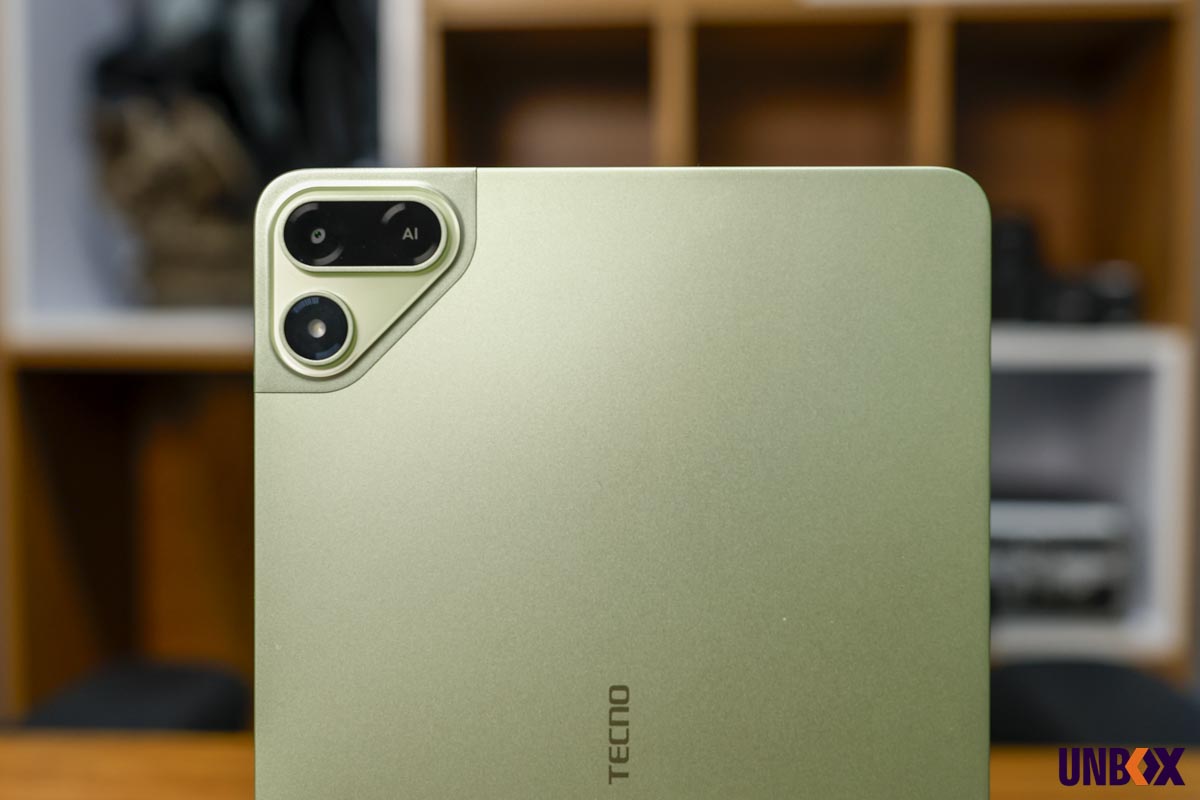
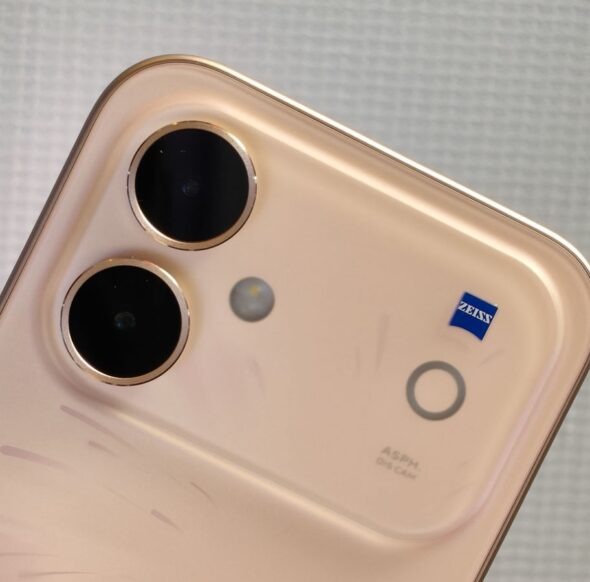
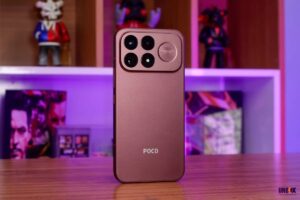
At just 547 grams, the MEGAPAD 2 is lightweight without feeling generic. Borrowing design elements from TECNO’s POVA series for its camera module gives it a unique visual identity that sets it apart from standard budget tablets.
It has a versatile screen
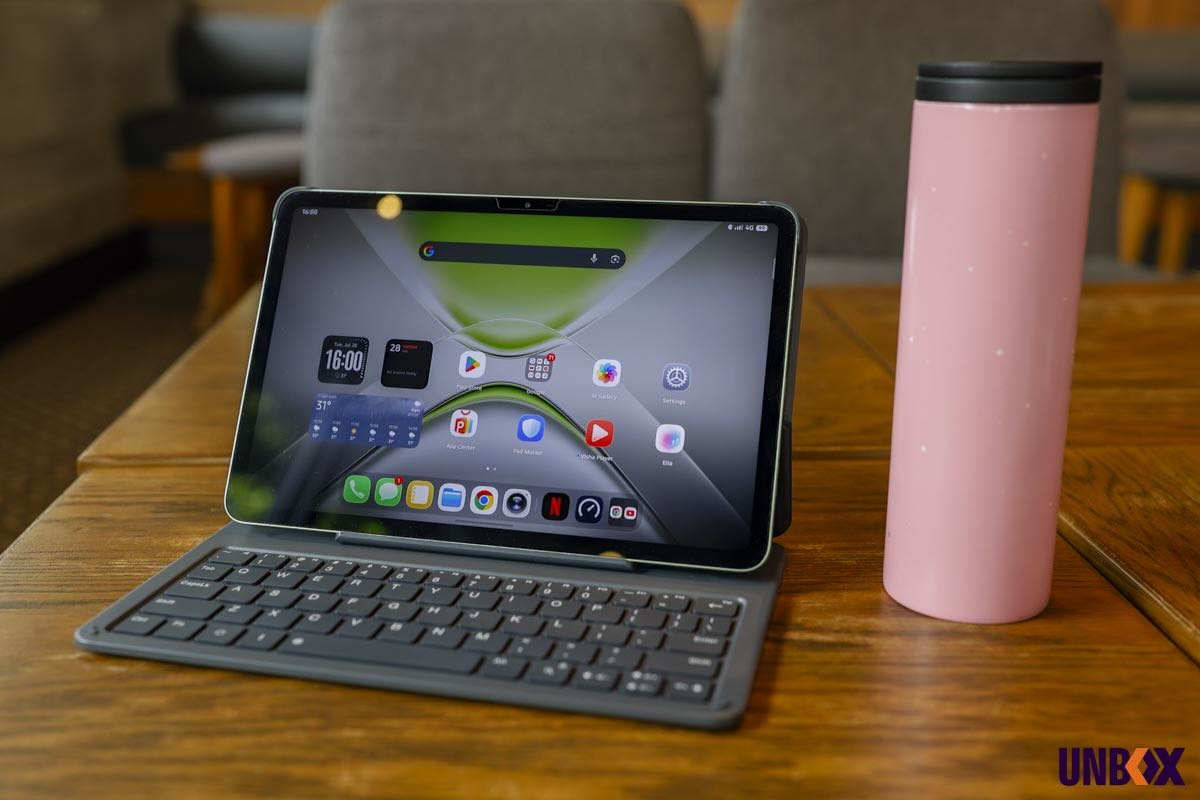
Beyond offering the standard 11-inch display size, the MEGAPAD 2 features a 2.5K (2560×1600) resolution that ensures images and text remain sharp and clear. Its peak brightness of 550 nits is sufficient for outdoor use; while working in a coffee shop, I found the display completely legible and easy to work on.
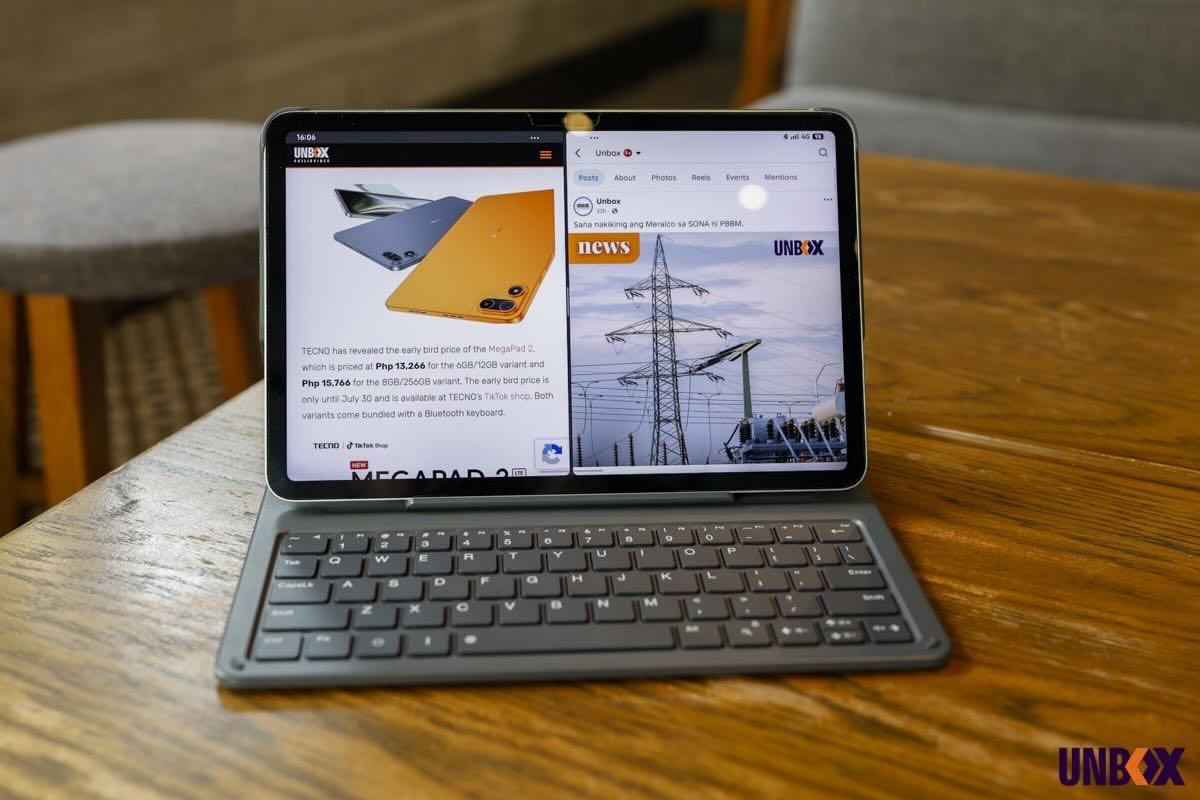
TECNO maximizes the MEGAPAD 2’s screen real estate with support for floating windows and split-screen multitasking. Students can take full advantage of this by keeping research notes open in one window while drafting a paper or working on an assignment in another.
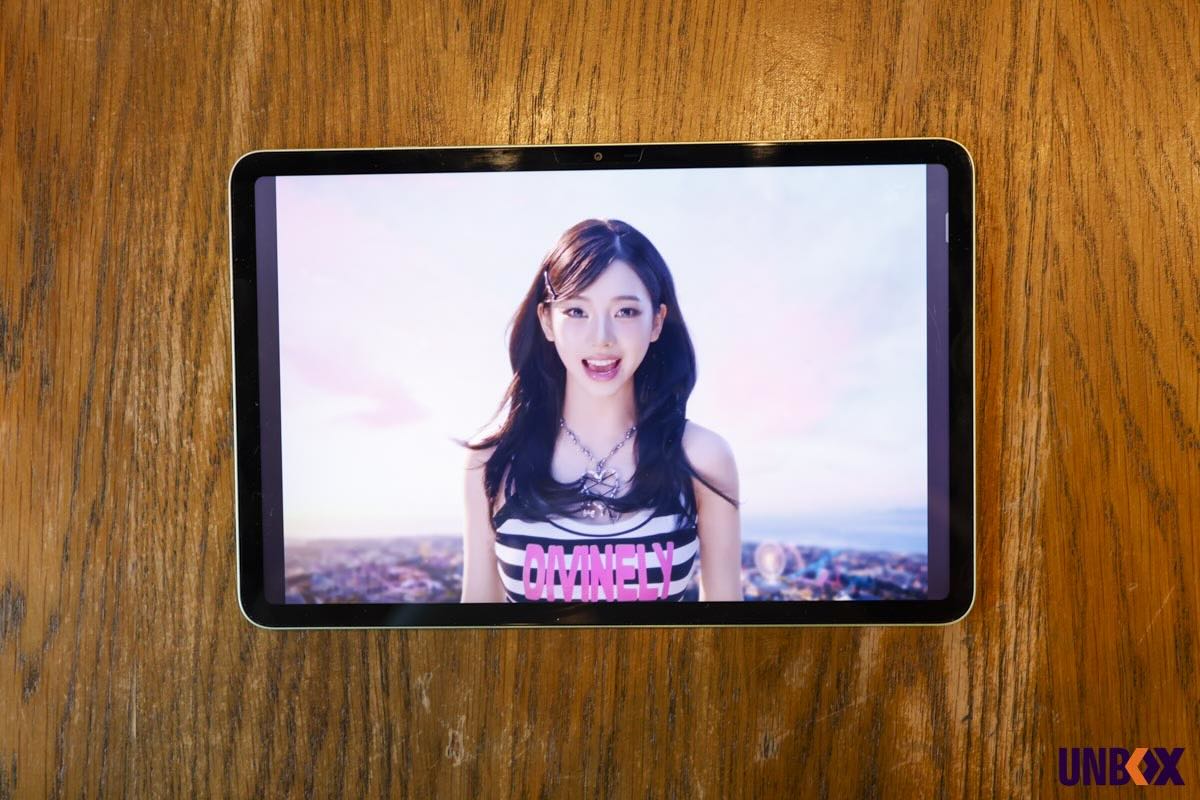
The display is also great for entertainment, holding a Widevine L1 certification for Full HD Netflix streaming and up to 1440p playback on YouTube. This is paired with a quad-speaker system that delivers decent audio quality for a budget tablet.
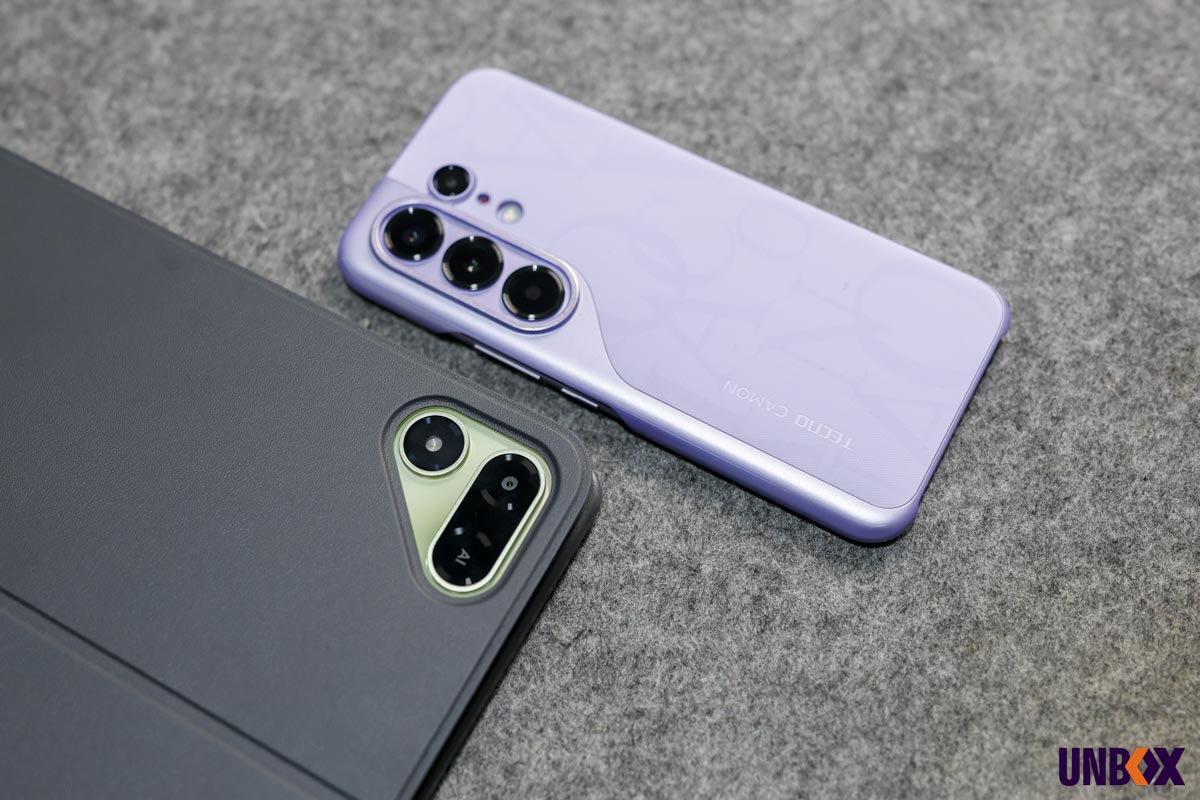
It has a robust ecosystem (with TECNO devices)
In addition to the bundled keyboard folio—which offers impressive key travel and key spacing compared to other covers I’ve tested—TECNO has worked hard on device integration through OneLeap.
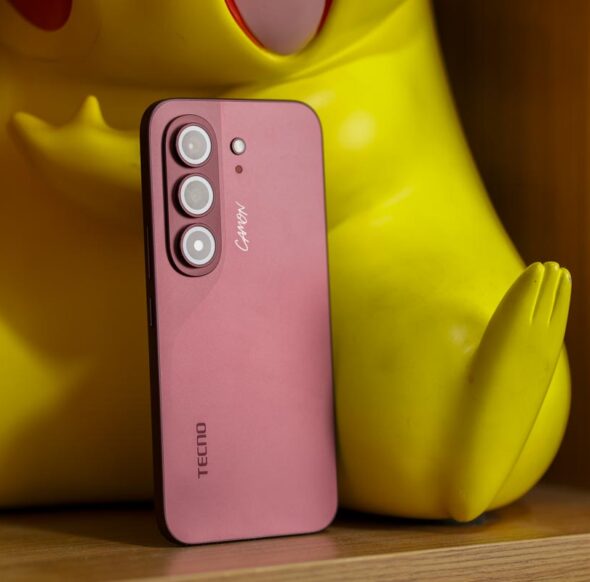
If you own a SPARK, POVA, or CAMON phone, or a TECNO laptop, OneLeap lets you seamlessly drag and drop files between devices. Students can quickly take notes or snap photos on their TECNO phone and transfer them directly to the MEGAPAD 2.
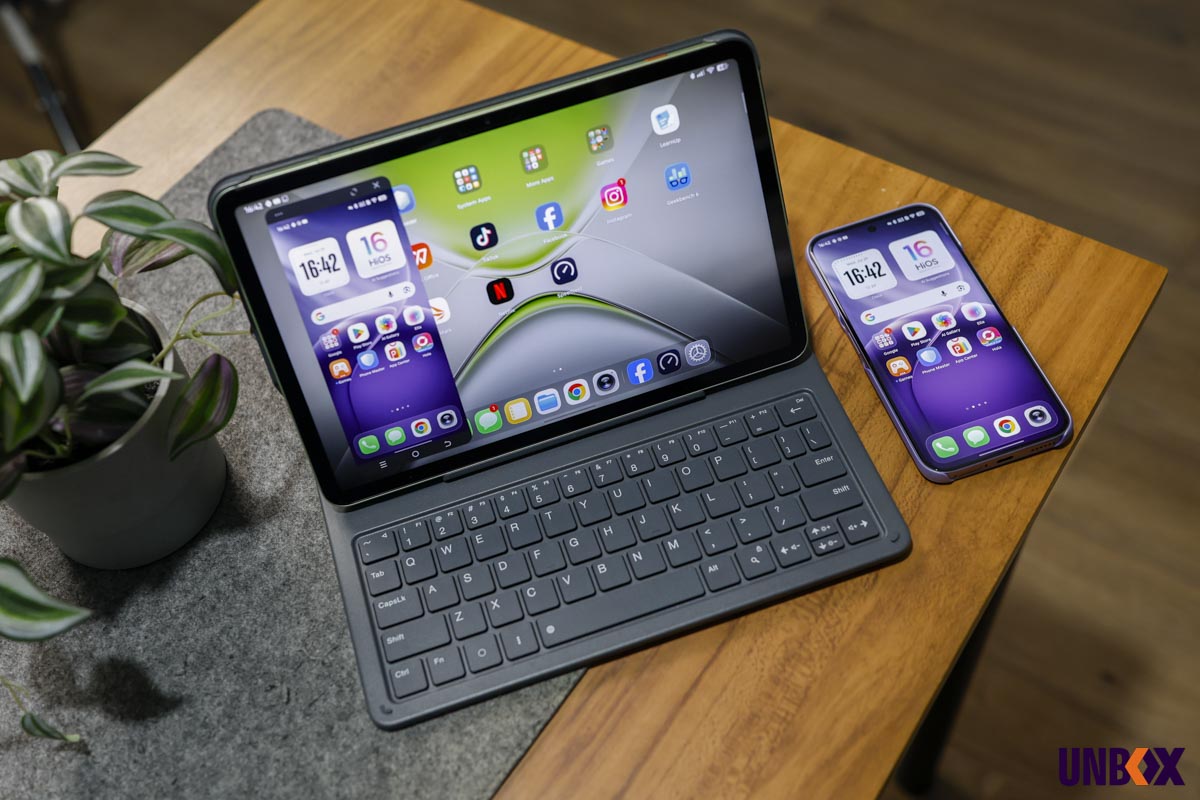
One practical capability of OneLeap is Multi-Screen Collaboration, which mirrors your TECNO phone screen onto the MEGAPAD 2. This effectively adds a second screen to the tablet, enabling students to manage schoolwork and transfer files from either device while monitoring incoming calls and messages without picking up their phone.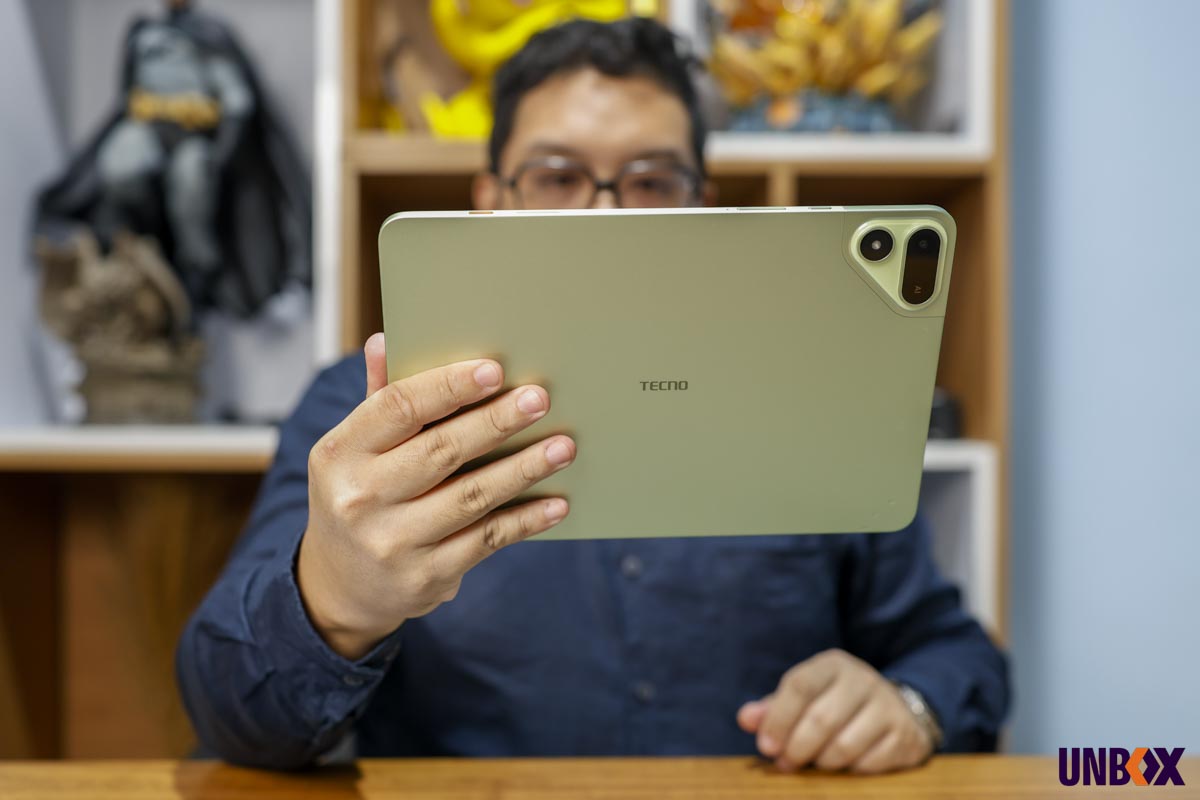
What you should know
The TECNO MEGAPAD 2 is priced at Php 16,999 for the 6GB/128GB (+6GB extended RAM) variant and Php 19,999 for the 8GB/256GB (+8GB extended RAM) variant. Both models include the keyboard cover. Even if you missed the early bird promo, the MEGAPAD 2 remains competitively priced despite global memory shortages driving up gadget prices.
I recommend that students choose the 8GB/256GB version to avoid storage constraints down the road. However, if your budget limits you to the 6GB/128GB model, you still get a MicroSD card slot for future storage expansion up to 2TB.
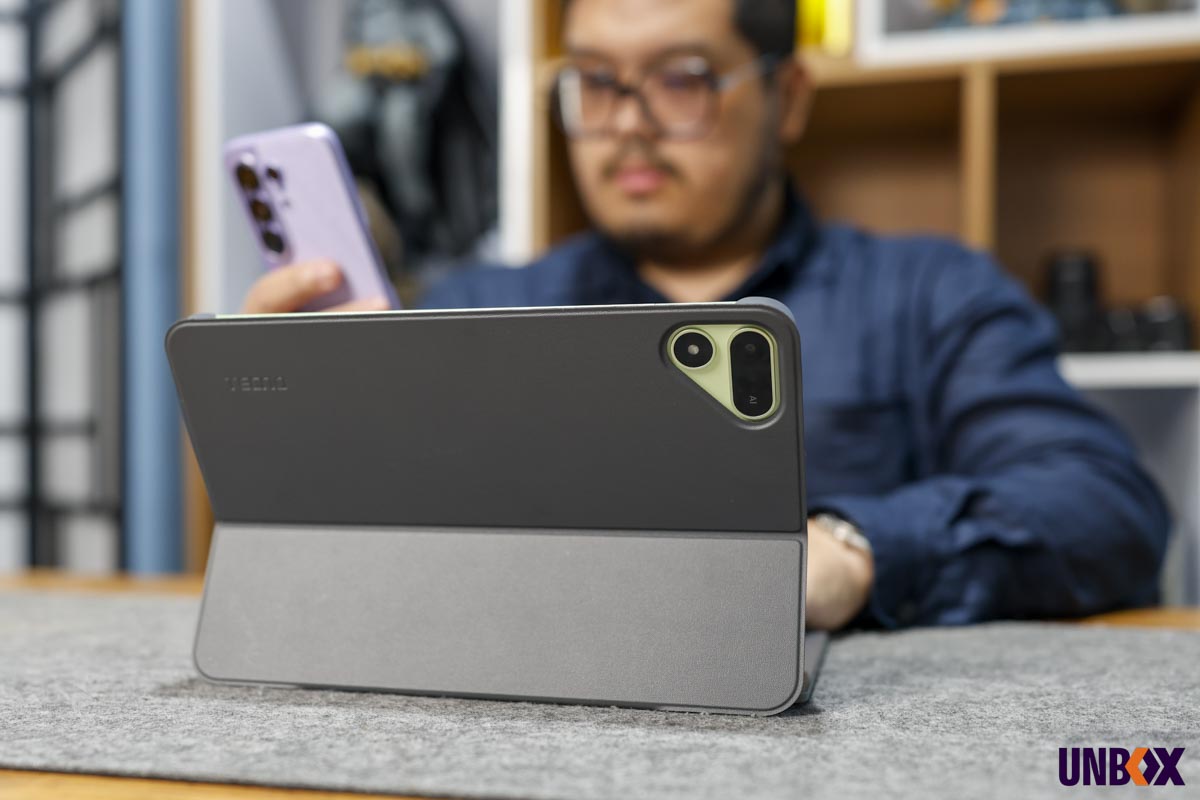
Note that its 18W wired charging is on the slower side—it takes over 2 hours to fully replenish the 8,200mAh battery. I strongly suggest topping it up before leaving home. That said, battery life is exceptional: I recorded nearly 21 hours in PCMark testing, which easily translates to over a full day of real-world use.
Finally, while the MEGAPAD 2 is tailored primarily for students, light working professionals can opt for it as well—provided they manage expectations. The Helio G99 processor easily handles everyday tasks like editing documents and spreadsheets, but it will hit its limits with heavier workloads like video editing.