WWDC 2026 is just about to wrap up, and one of the most talked-about features from the Keynote is still Spatial Reframing.
A ton of creators have made content and given their take on it, but I’ve also seen multiple comments across platforms bashing it. Comments saying that it’s unnecessary, that it’ll take away from actually learning good composition, or that people should just take safety shots from different angles.
To some degree, I agree with those comments, but that doesn’t mean that I don’t think Spatial Reframing is still going to be a fantastic tool.

I 100% agree that, especially if you’re trying to learn how to be a good photographer, that you should invest in the time it takes to learn how to compose your shots better. But sometimes time is a luxury that we don’t have, and unfortunately, moments are fleeting. You can’t always get the proper photo that you want.
That’s where Spatial Reframing comes in. You can take that quick photo and adjust your composition without really altering the memory of the moment you capture.
And hey, if you think that the quick snapshot means more to you than a shot that looks more aesthetically pleasing, the good news is that you don’t have to use it. You can leave the photo as is.
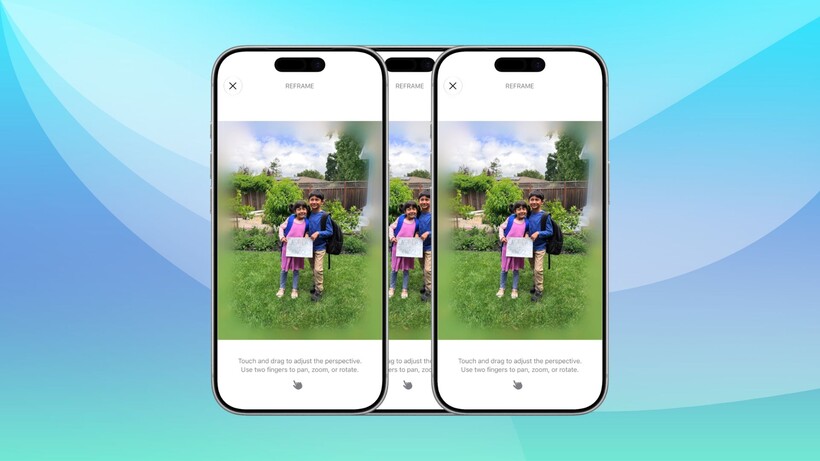
Spatial Reframing reminds me of that line from Aliens versus Predator: “It’s like a parachute. It’s better to have one and not need it than need it and not have one.”
All of these new features that they introduced in the photo app in the next version of iOS are all options that you may or may not use. But I, for one, am happy that we get these options now.