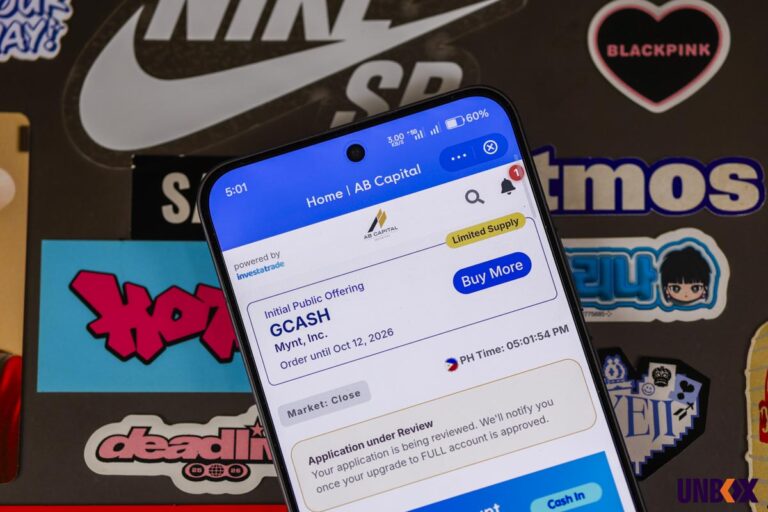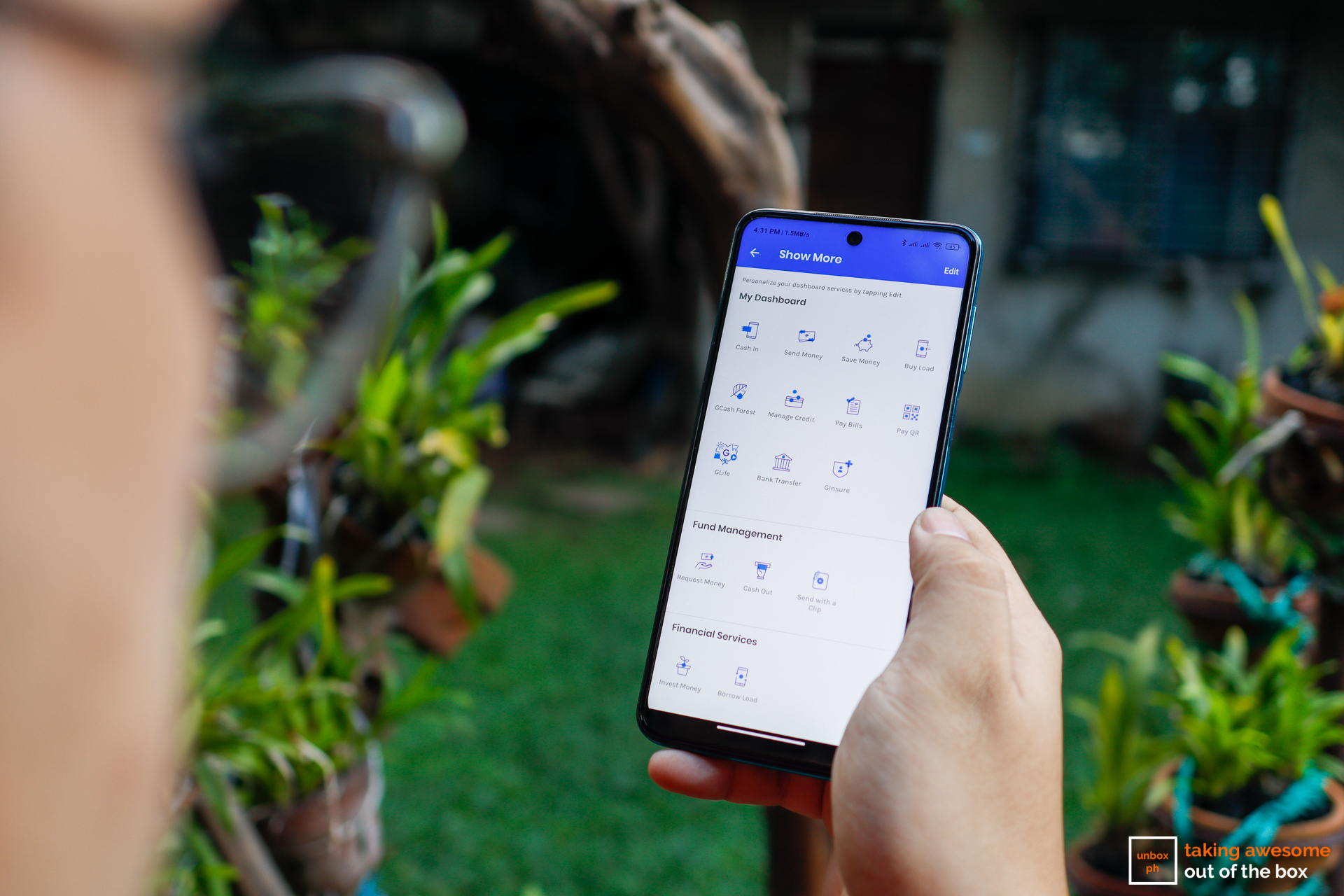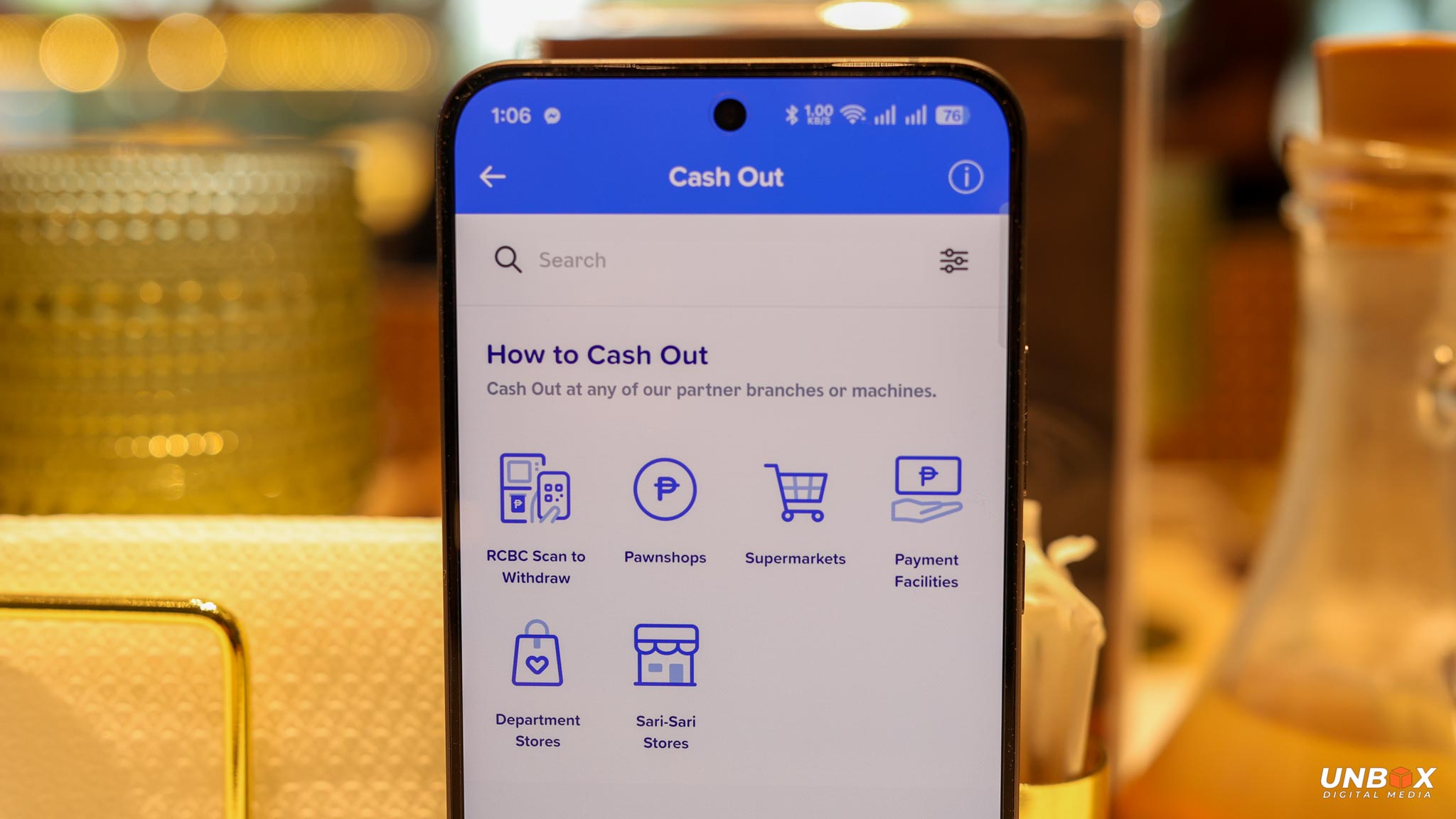
GCash is making cash out easier for its users with its partnership with RCBC. Under the partnership, GCash users can cash out through RCBC ATMs in Metro Manila and Metro Cebu (and nationwide later on) using a QR code generated through the app. This also makes RCBC the first bank to offer a cash out option, giving GCash users more options for withdrawing funds.
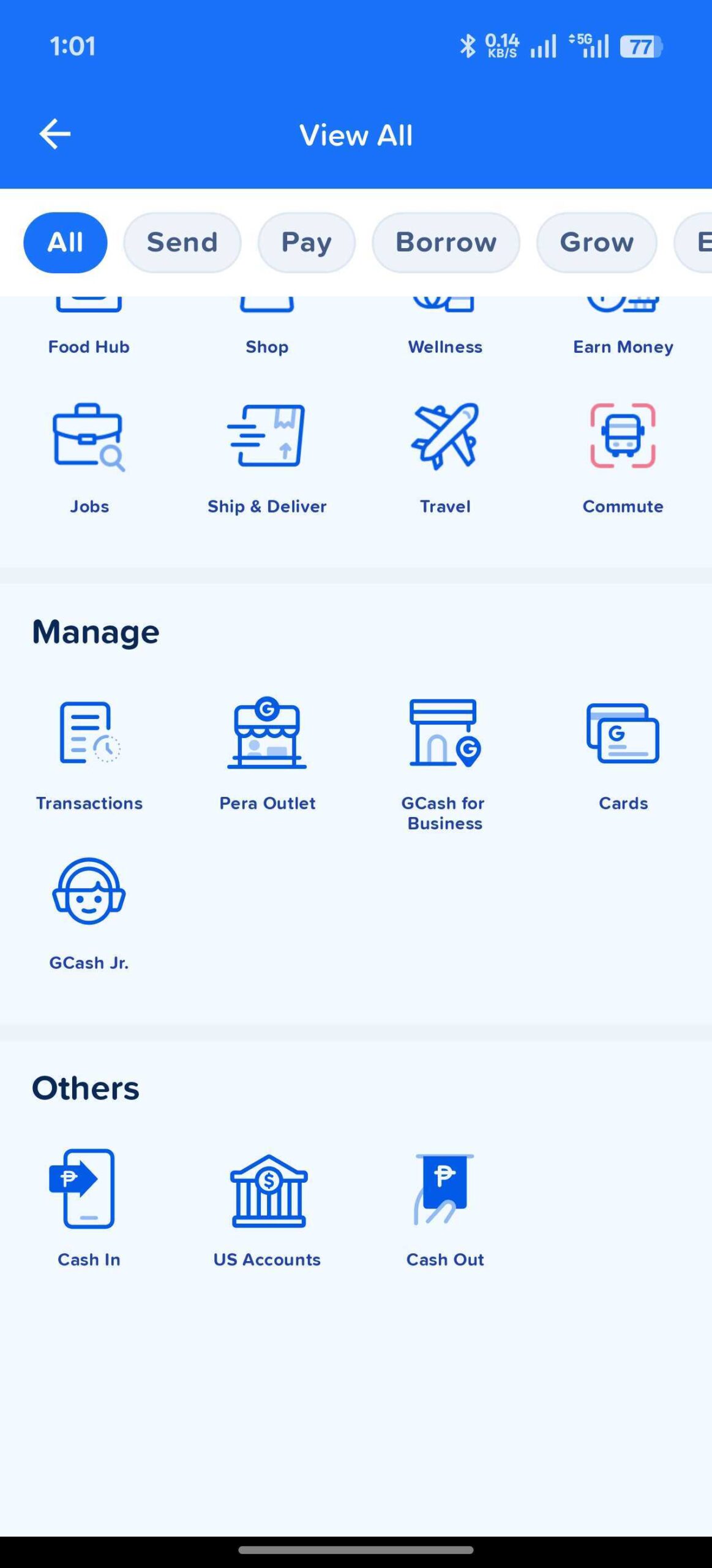
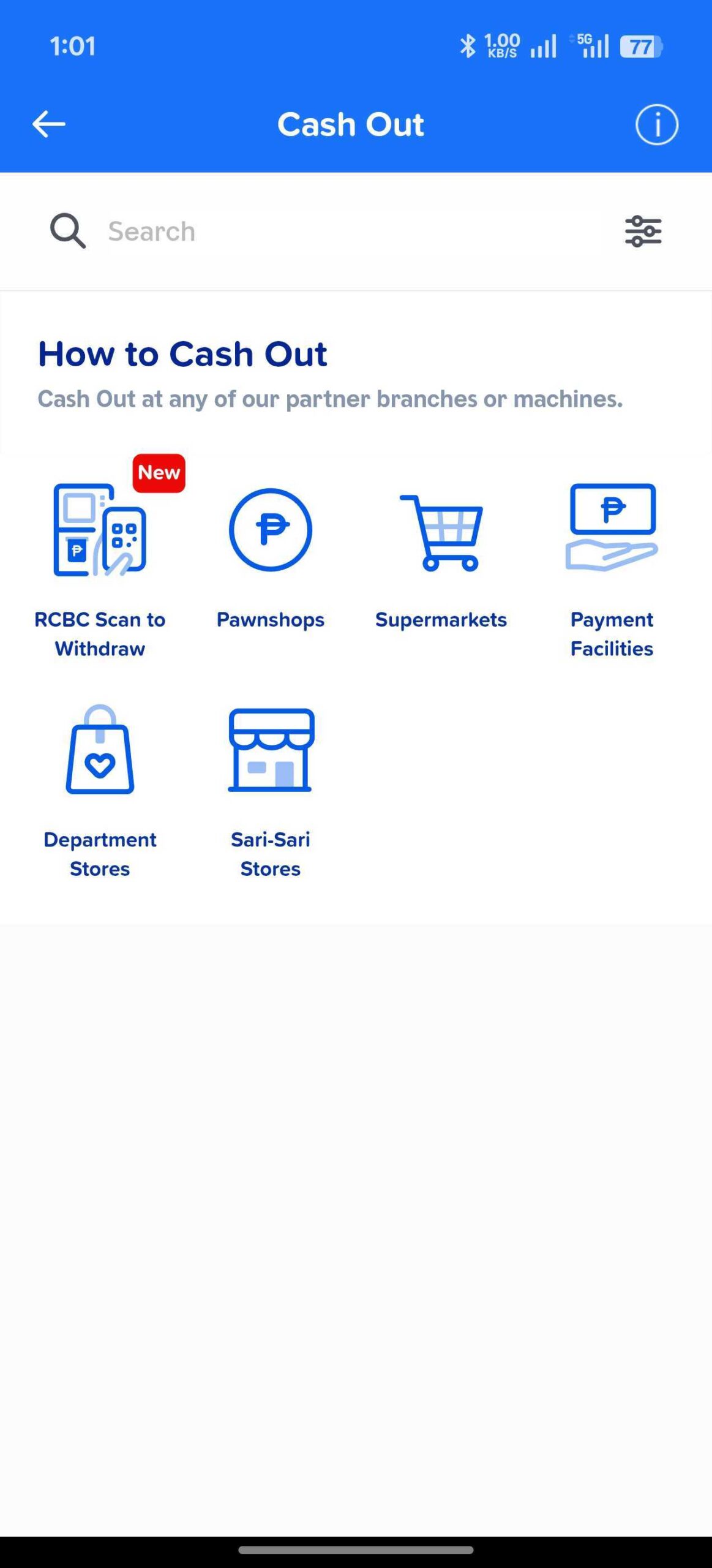
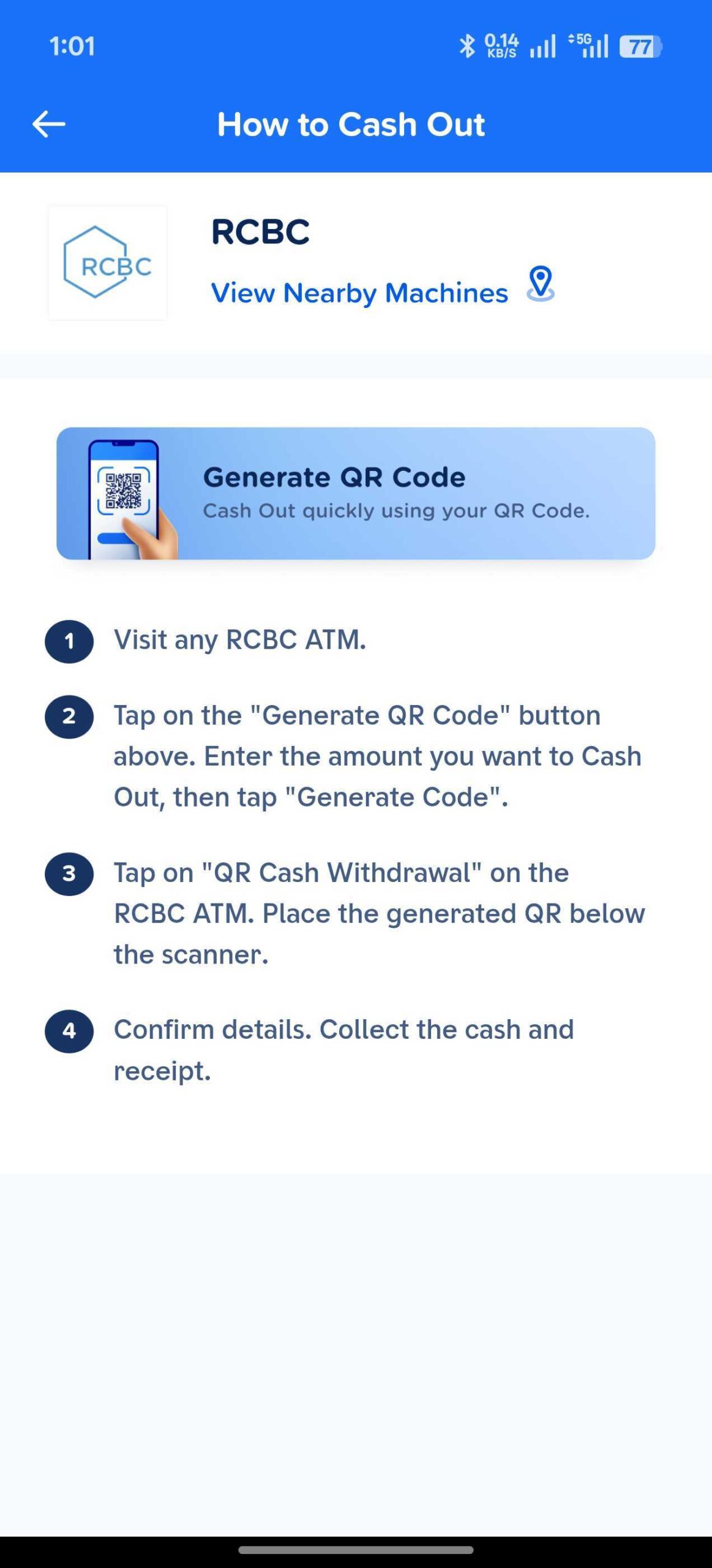
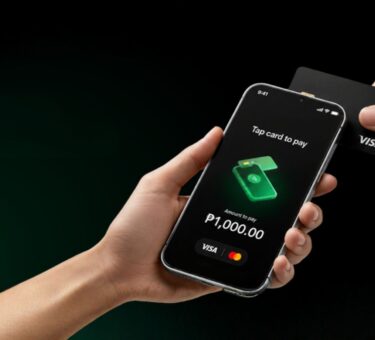
To access this feature, GCash users simple look for the cash out option in the app and tap on the RCBC Scan to Withdraw option, where they will be promted to generate a QR Code for withdrawals.
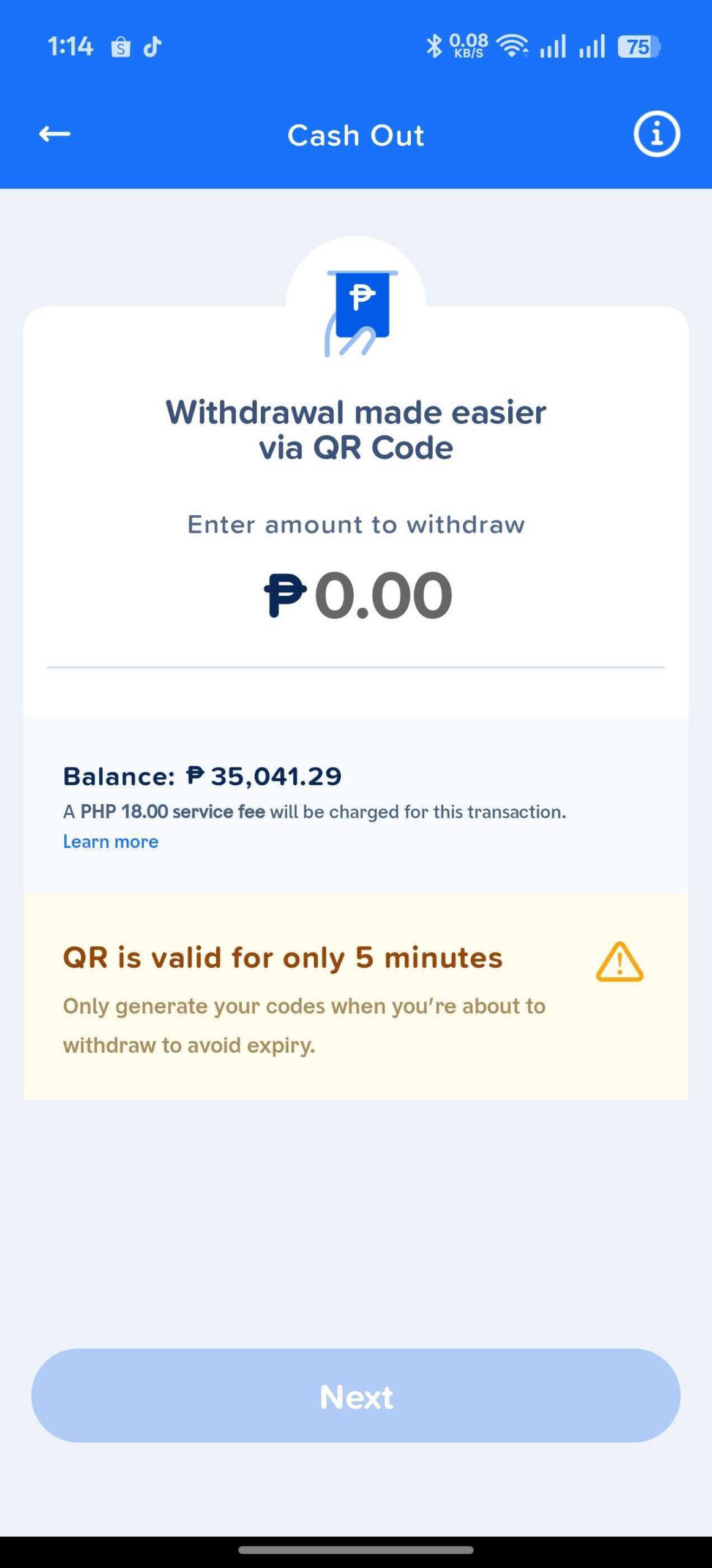
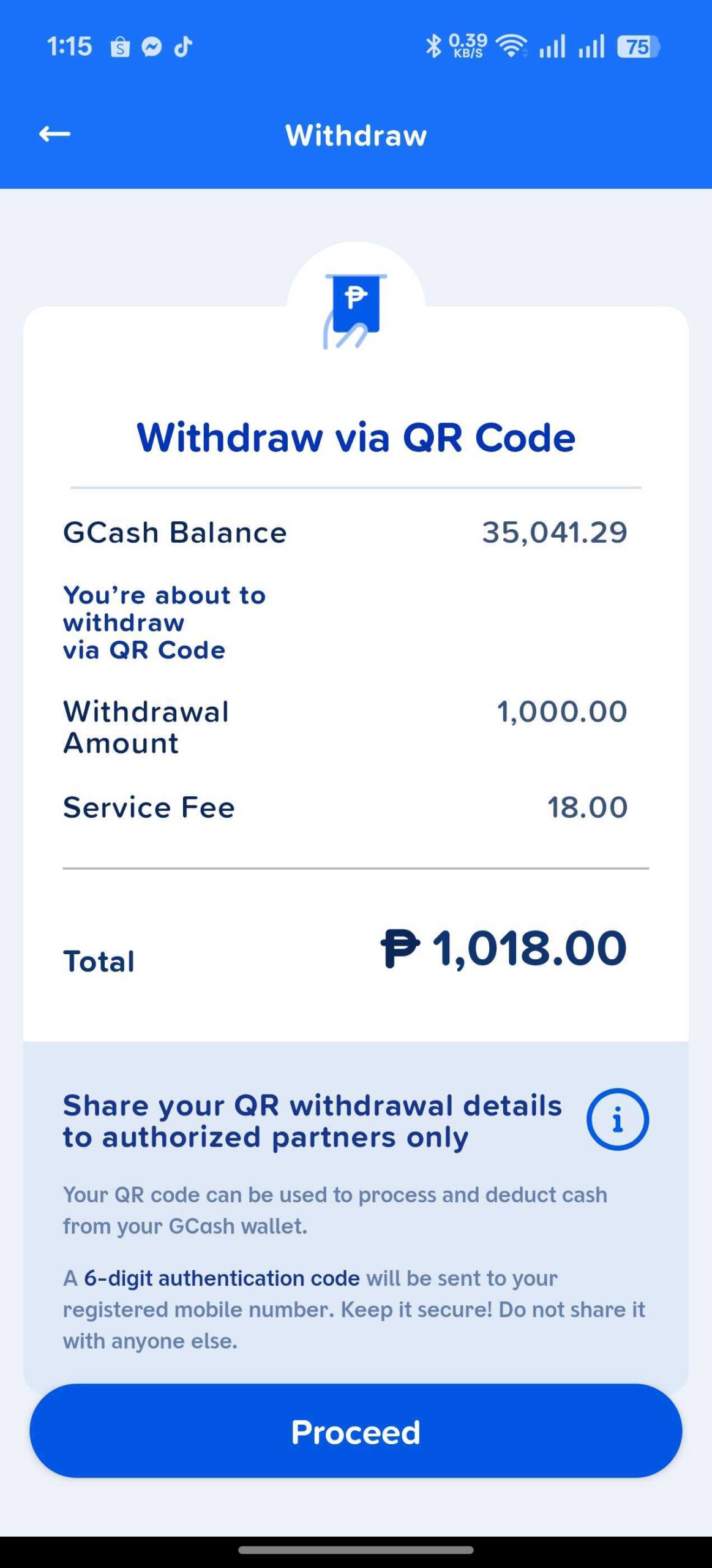
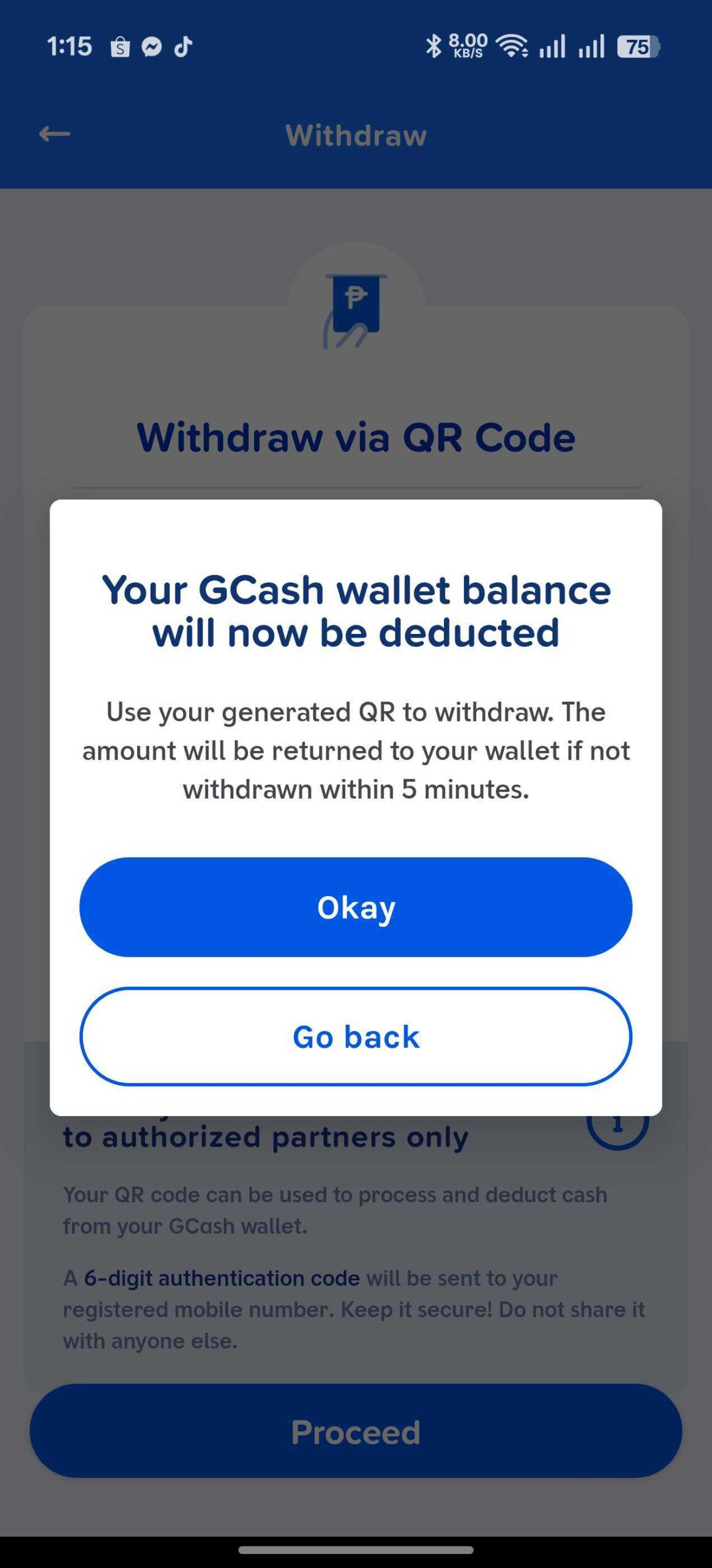
From there, GCash users simply input the amount they would like to withdraw. Once confirmed, they will receive a 6-digit authentication code froim their registered mobile number before receiving the QR code that they will scan at their nearby RCBC ATM. Do note that there’s a Php 18 service charge, and that the QR code is only valid for 5 minutes—if not used within the said period, the QR code will be invalidated and the withdrawal amount requested will go back to your GCash account.