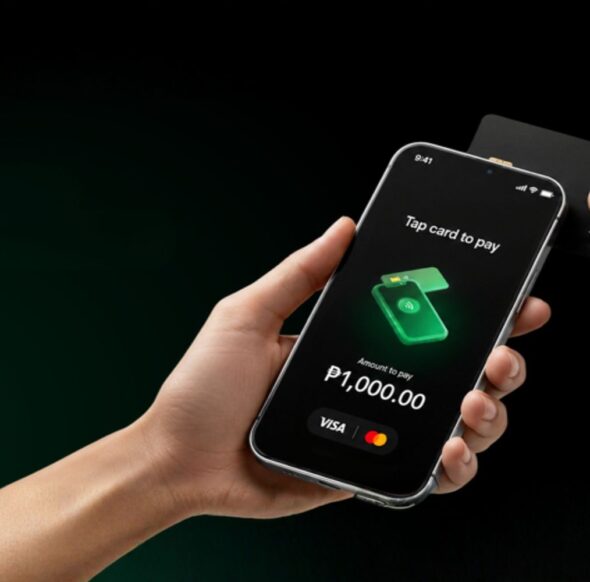
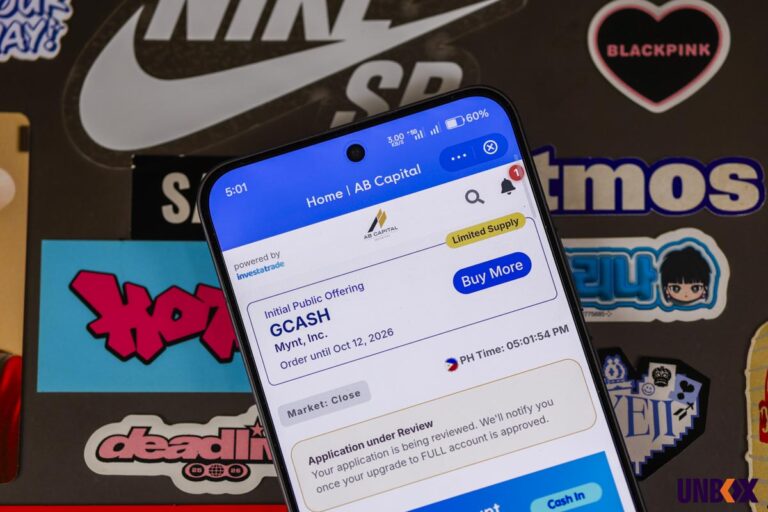
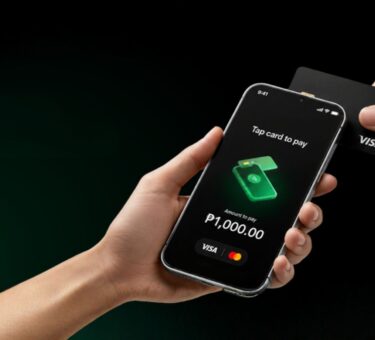
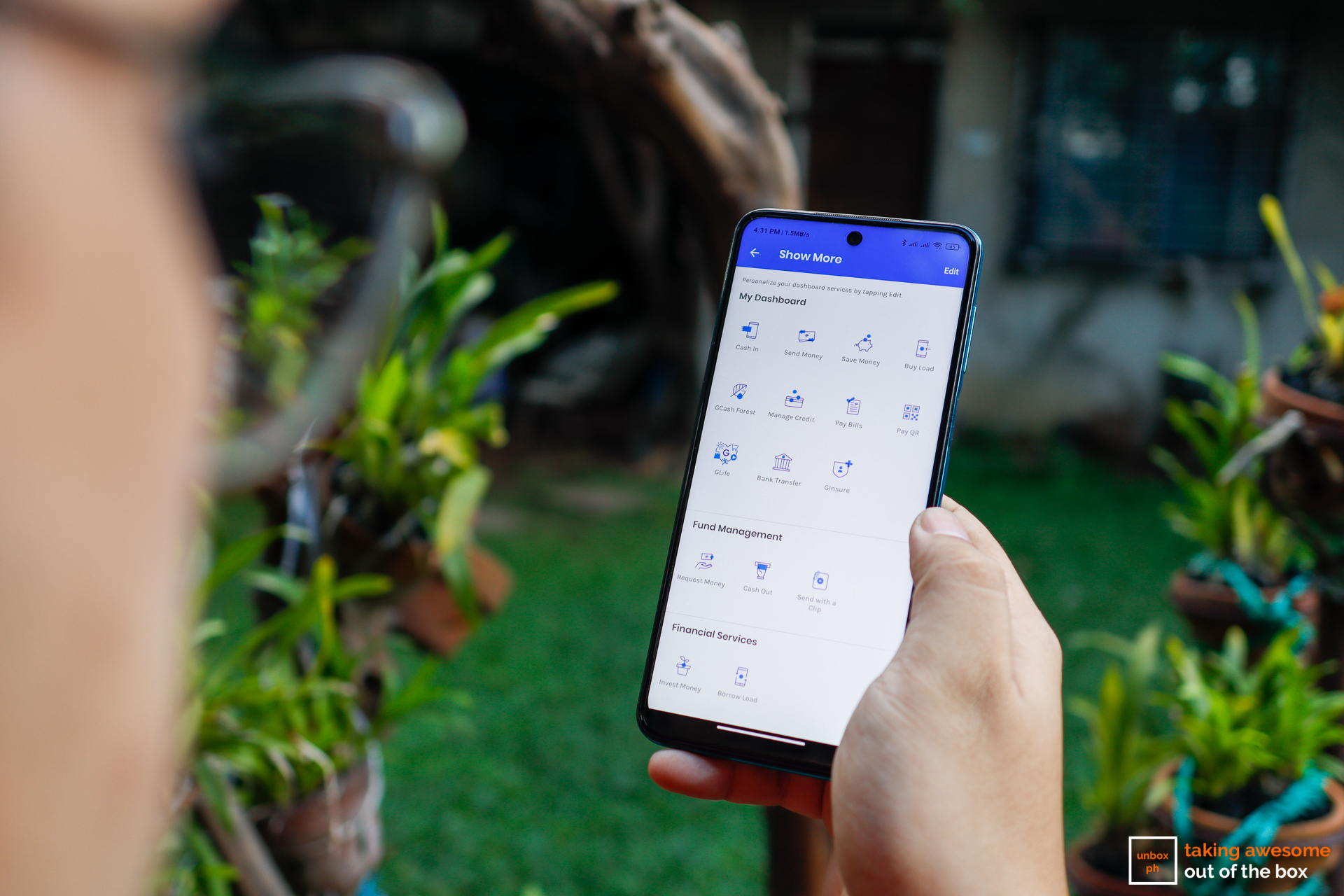
Good news to GCash users, as the fintech platform is rolling out a feature that allows users to link their accounts to Google Wallet and enjoy cashless payments using Google Pay.
Before you link your GCash account, you need to make sure of the following:
- Your GCash is Fully Verified
- Your GCash app is updated to the latest version
- You are 18 years old and above

To start, you go to your GCash profile page and click My Linked Accounts.

If your GCash app is updated to the latest version, you should have the Google Pay option below the Banks option.
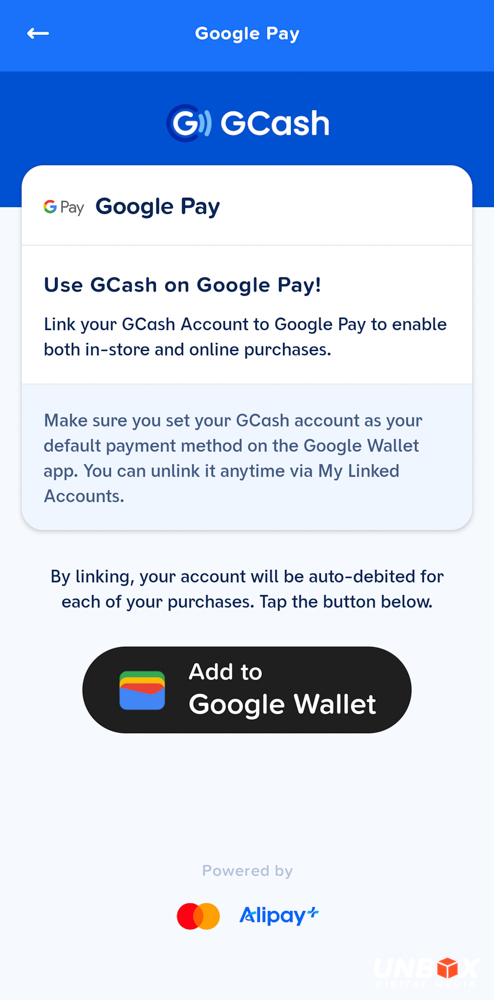
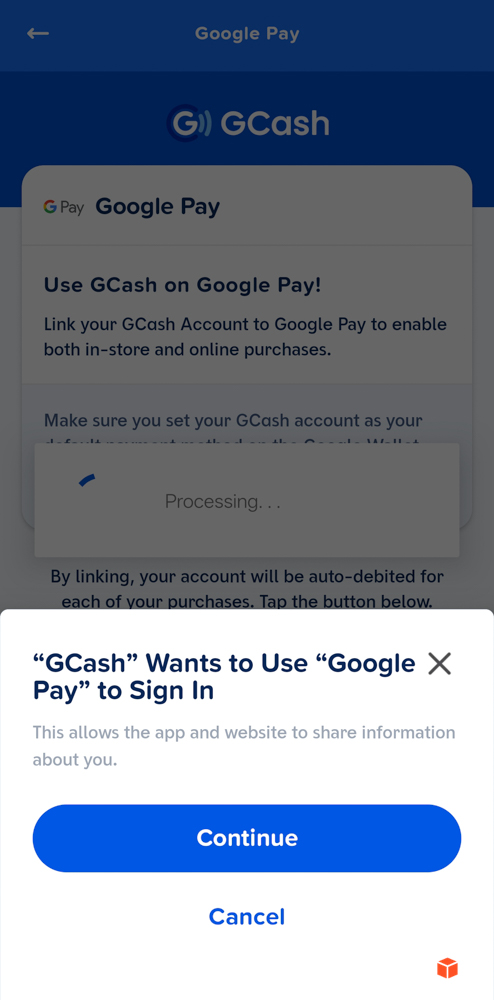
From there, you will be given a prompt to add your GCash to Google Wallet. Accept the permissions, and you will be directed to the Google Wallet app for the rest of the process.

There’s a disclaimer with adding GCash to Google Wallet: as of writing, it only supports the older GCash Mastercard debit card and not the newer Visa debit card. GCash is gradually rolling out the feature, so it’s a matter of time before you can add your account.
READ MORE:
- How to add a credit or debit card to Google Wallet in PH
- Here are the merchants that support Google Wallet in PH