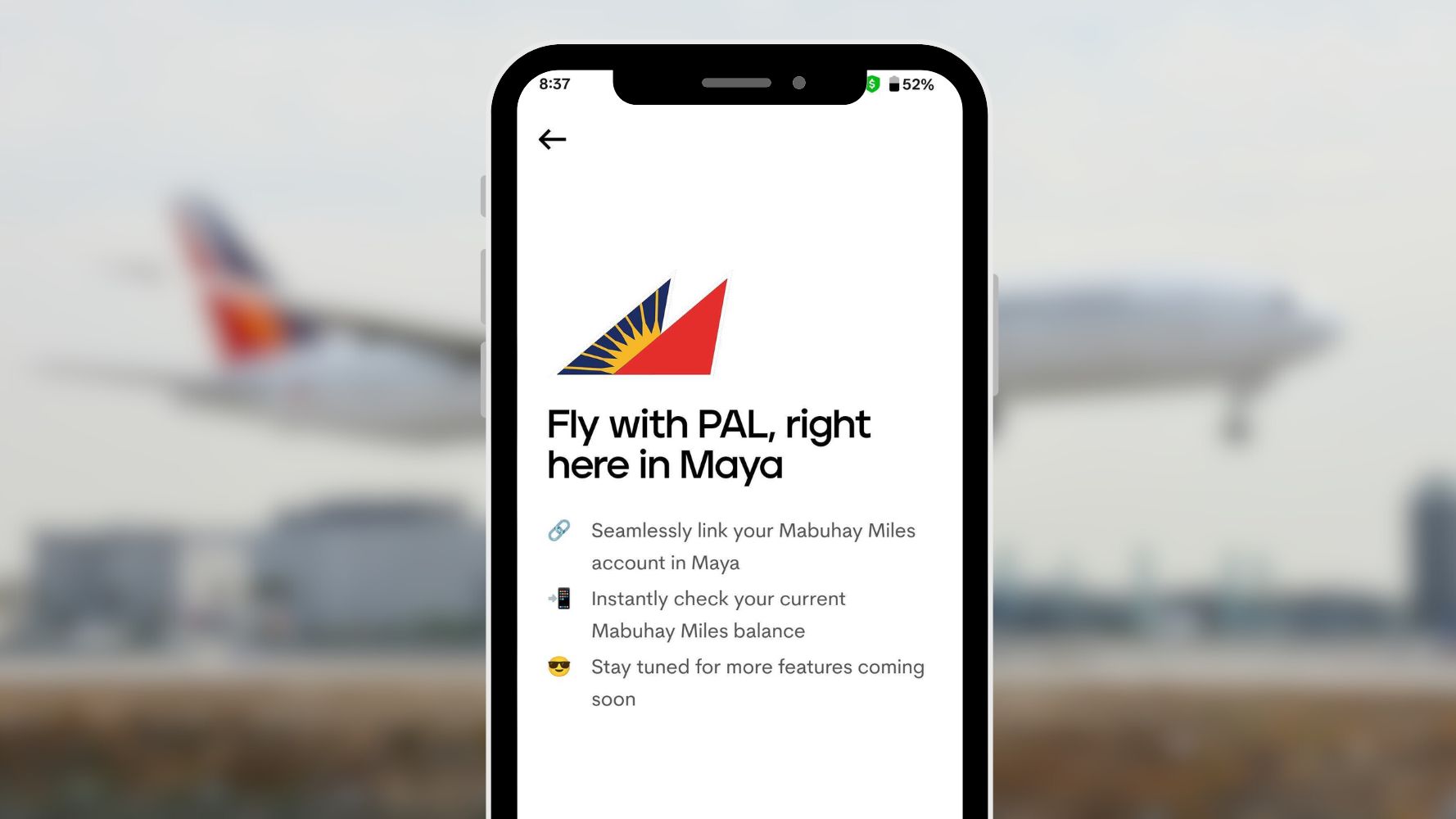
With Maya miles being one of the perks of Maya Black, the fintech giant is expanding its partnership with Philippine Airlines by allowing its users to link their Mabuhay Miles to their Maya account. This is a much-awaited feature, as Maya miles can be converted to Mabuhay Miles later on so users can redeem it for flights with Philippine Airlines.
READ MORE:
 Here’s how you can link your Mabuhay Miles account to your Maya account:
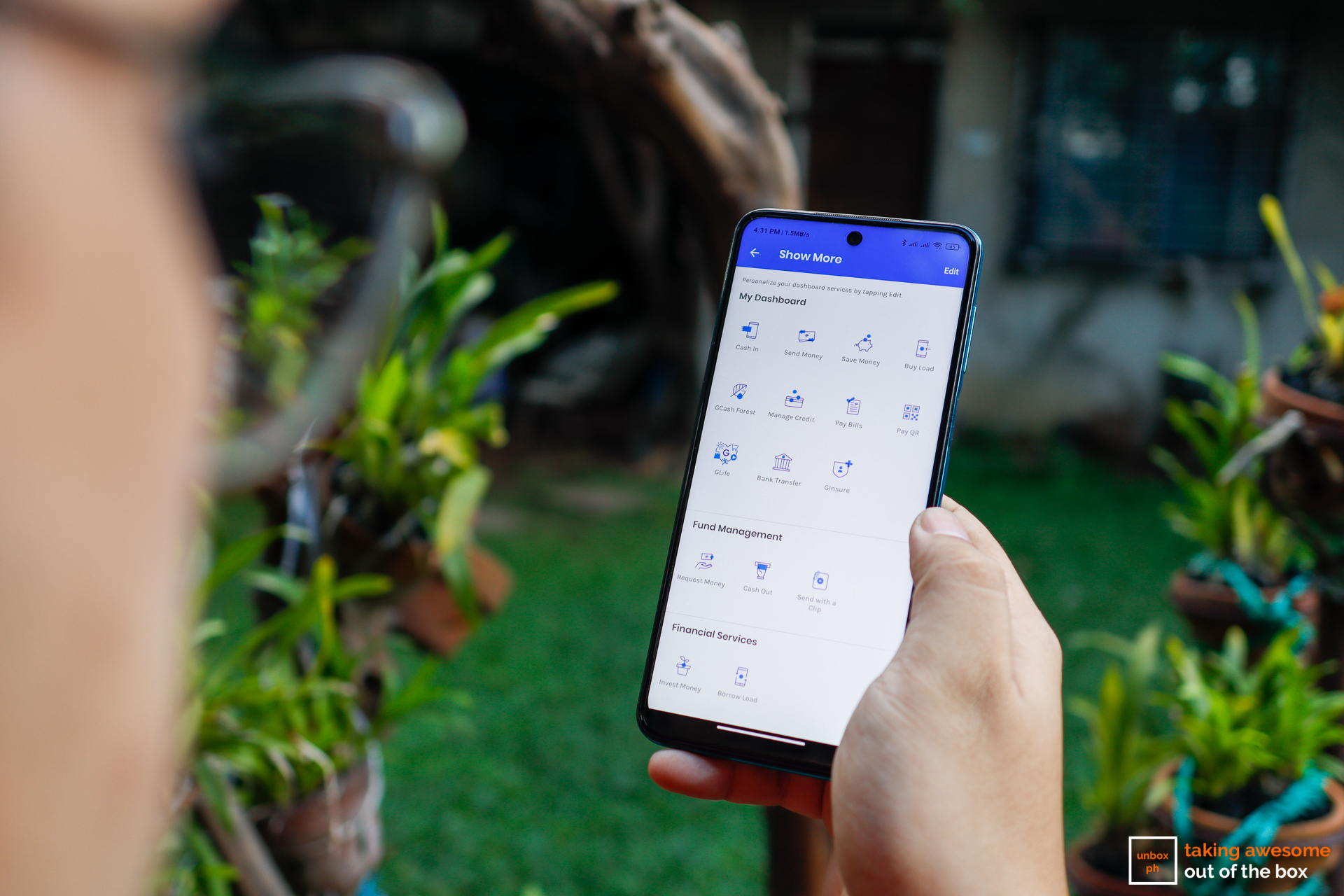
- Tap the PAL tile on the Maya App. You can find it under More>Do More section.
- Log in your Mabuhay Miles account.
- Fill in the required details as asked.
- Tap yes when you receive a prompt.
- You’re done! Once you have linked your Mabuhay Miles account, you can view your profile on the Maya app, access miles, and exchange your Maya miles into Mabuhay miles.
Maya has an ongoing promo, where you earn a raffle entry when you link your Mabuhay Miles account on Maya until August 30. Three lucky winners will get a roundtrip, business class PAL flights to select Asian destinations that include Tokyo, Seoul, Bangkok, Bali, Hong Kong, Saigon, Da Nang, Singapore, Bangkok, and Taipei.